


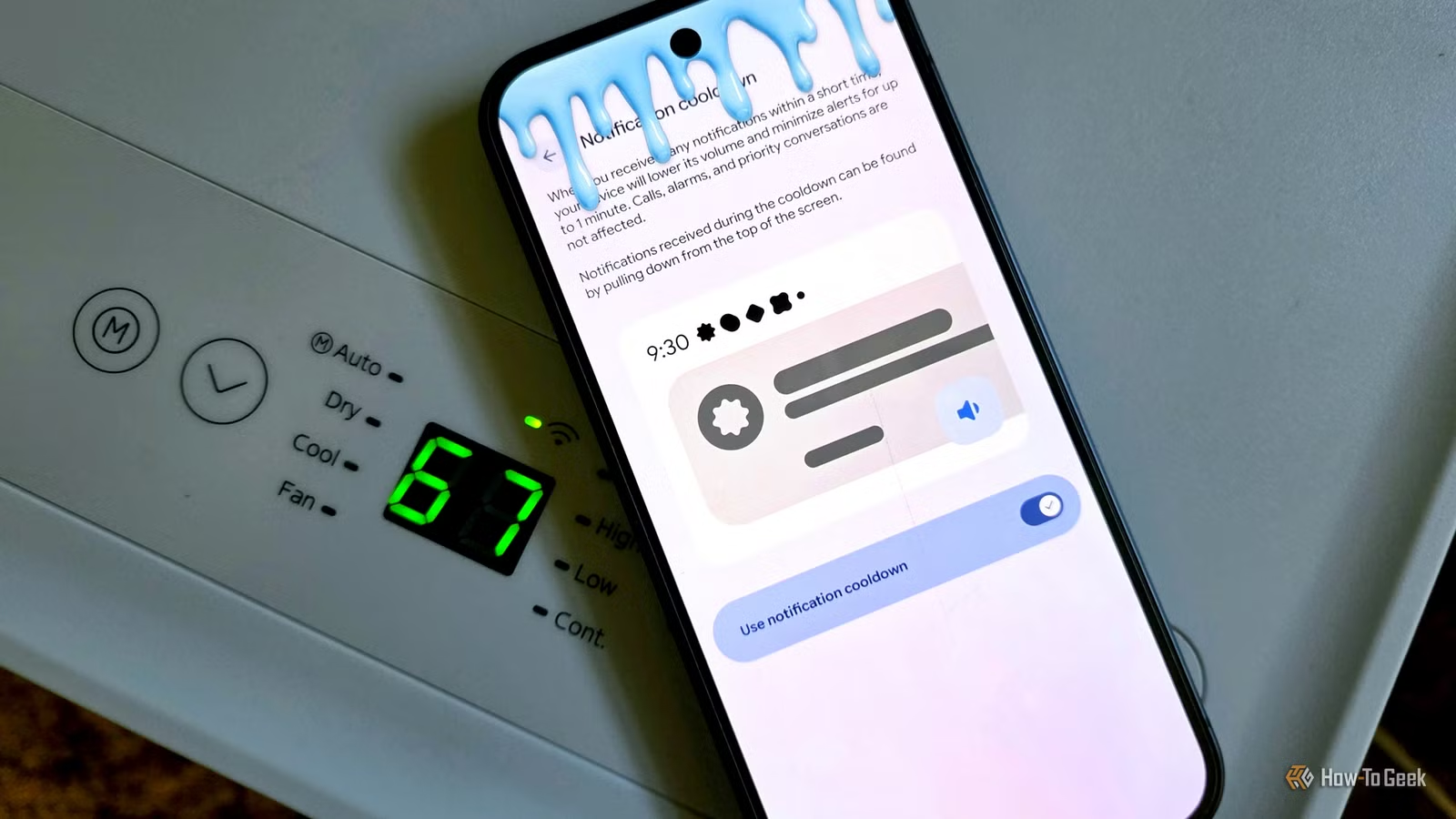
Whether we like to admit it or not, notifications are the primary reason why so many of us are attached at the hip to our phones. No one wants to miss an important one. Android handles notifications the best, but if you have a Pixel phone, it gets even better.
“Notification Cooldown” is a feature that was first slated for release along with Android 15 back in 2024. It eventually arrived with a Pixel Drop update last year, and it has since been refined even more with Android 17 this year. If you have a Pixel phone, you have it — here’s why it’s worth using.
What is Notification Cooldown on a Pixel phone?
You need to calm down
Credit: Joe Fedewa / How-To Geek
Notification control is undoubtedly one of Android’s biggest strengths. It offers plenty of methods to fine-tune which apps can bother you, what type of notifications can appear, and when they’re allowed to come through.
As great as these options are, they’re also pretty rigid. You’re either permanently toggling something on or off, or setting up a strict schedule. There are times when notifications become too much, and you just need a short break, but unlocking your phone and enabling a mode is just one more thing on your plate.
That’s where Notification Cooldown comes in. Here’s how Google describes it in the Settings:
When you receive many notifications within a short time, your device will lower its volume and minimize alerts for up to 1 minute. Calls, alarms, and priority conversations are not affected.
Notifications received during the cooldown can be found by pulling down from the top of the screen.
The idea is that your Pixel phone will automatically detect when a notification overload is occurring and take action. The notifications won’t be completely blocked, but they’re tucked away in the notification shade, and alerts are temporarily silenced. When peace arrives again, everything goes back to your regular settings.
Related
My Android notification tray was a mess until I discovered this sorting feature
Android’s notification system is one of its strongest features. However, as much as I try to keep things tidy, there are a lot of settings to check. Thankfully, a recent “Notification Organizer” feature does all the hard work for me. Notification Organizer rolled out to the Google Pixel 10 and Pixel 9 series last December. It does exactly what the name implies, but the name also undersells how easy and effective it is. My notification tray has been noticeably cleaner ever since I set it up.
Does it actually work?
It’s quick, effective, and unnoticeable
Google’s description mentions that alerts are minimized for “up to 1 minute.” That may not sound like very long, but it doesn’t need to be. Don’t think of it as a “mode” that runs for an extended period of time. It kicks in instantly and turns off just as quickly — maybe multiple times in the span of a few minutes.
For example, when I receive two notifications just a few seconds apart, Notification Cooldown automatically lowers the alert volume for the second notification. The volume continues to decrease if more arrive in quick succession. So, while I received a handful of notifications, I was essentially only bothered once.
That’s why I like it. We’ve all had those moments where a bucket of notifications gets dumped all at once. If I’ve already been alerted to the first one, another sound or vibration is just going to be a nuisance. This is especially true as someone who always wears a smartwatch.
Notification Cooldown is not enabled by default on Pixel phones. To find it, open the “Settings” and head to the “Notifications” section. You won’t have to scroll far to find “Notification cooldown.” Unsurprisingly for a Pixel feature, there’s not much granular control here — just a toggle switch.
In this case, the simplicity is welcomed. You can simply turn on Notification Cooldown and enjoy a bit more peace in times of chaos. No further action required.
Related
This Android feature has saved me from countless headaches, but it’s not enabled by default
User Display Picture We all know that familiar feeling of panic and distrust when we unlock our phone and accidentally swipe away a notification we didn’t read. It’s easy to mistake it as the sixth Instagram Reel in a row from the friends group chat. But what if it isn’t? What if you missed an important work update, an email from your boss, or someone reaching out to you on LinkedIn?