


That phone in your hand can do some pretty wonderful things. In an instant, you can browse videos from around the world, capture pictures with millions of pixels, or create routines for a smart home.
But with all the best Android tips and tricks giving you amazing ways to use your cell, it’s easy to forget the basics, which are less flashy, but still help you out in a pinch.
I remembered that earlier this week, when one of the most basic Android features saved me from buying a $50 extra I barely needed.
Related
How I made a spare Android phone work as my Fire Stick replacement
My spare Android phone turned out to be better than my Fire Stick
The rising cost of tech is a hard (drive) problem
The woes of physical storage
Anyone who’s worked with video before knows that files can take up a lot of storage space. They are 24 or 25 pictures per second, full of color and light information, and so it makes sense. But backing up and transporting that data still feels like a chore.
Case in point: last weekend I spent half a day recording a monologue for a project I’m helping with; four recordings of a 10-minute speech, plus a few smaller details and extras, ate up over 40GB of space on a memory card.
But that’s nothing like the roughly 140GB I needed on a recent jaunt to Wales to pick up pick-ups and B-roll for another project, or the 500GB to 1TB I’ve seen used per day on narrative projects. Making videos needs space!
Most videographers will swear by hard drives, which are protective and offer loads of space; portable SSDs commonly go up to 4TB, and some models go higher. But flash drives are another option, as they’re lightweight and comparatively affordable.
The problem? The rising cost of tech has absolutely devastated pricing for SSDs and flash drives. On Amazon, it’s hard to find a 1TB drive for under $100 (and impossible if you stick to big-name brands). I remember buying my first 2TB drive years ago for about $60.
It’s no different for flash drives, which used to be so cheap that tech brands handed them out like candy at conferences (I remember getting a pocketful at MWC years ago, each brand giving me one with their press release and images).
Nowadays, you’re looking at roughly $50 for a high-speed 256GB flash drive (speed is important for video, so you’re not waiting hours to transfer files). That’s a lot of money for some digital space — prices at which I balk.
The solution is already in your hand
It’s what you bought that higher-storage option for
So what does that have to do with smartphones? Well, bear with me.
When I traveled into the wild for my pick-up filming, I realized I hadn’t brought a hard drive. I had my laptop and camera SD card, but any videographer knows it’s important to back up your footage somewhere else in case of disaster.
I was far from civilization; it would have taken me most of a day to travel to a store and pick up a drive. Plus, spending at least $50 on the flash drive I’d need, when I have multiple hard drives at home, didn’t sound appealing.
My only solution? Risk not backing up my footage and cross my fingers that nothing happens to my laptop and camera.
Then I remembered a piece I’d written for Android Police recently, about turning an old phone into a hi-fi system by changing settings and filling its storage with WAV files. Filling its storage up? That gave me an idea.
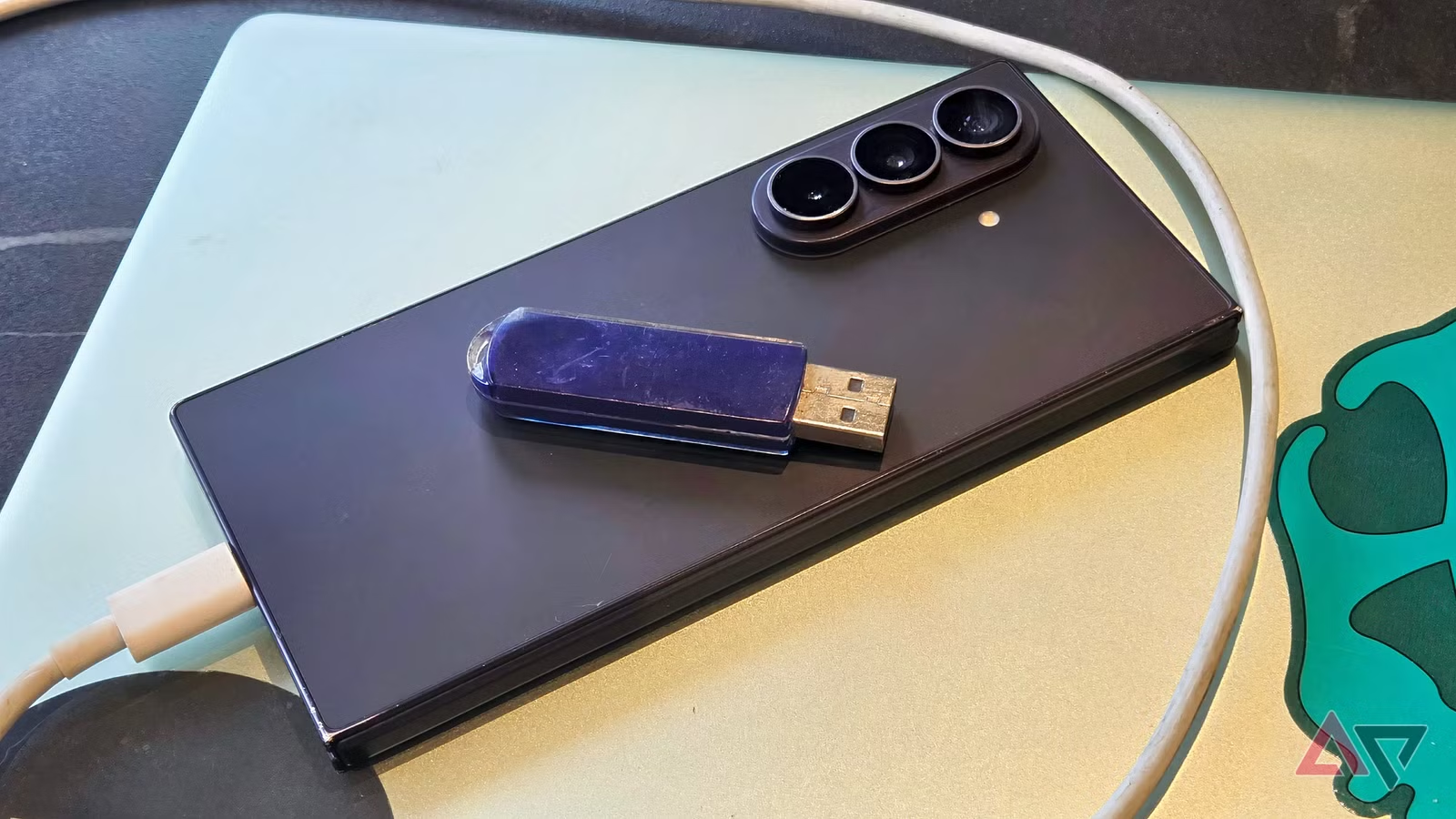
I plugged my Samsung into my laptop, selected those 140GB of files, and dragged and dropped them into my phone’s storage using Windows File Explorer. Not into a specific folder, just generally onto my ‘phone’ setting.
And it worked: my files started transferring, and after a long while, they were safely backed up on my phone. I could even look at the videos in the phone’s My Files browser app.
That saved me the hundreds of dollars a new hard drive would’ve cost. My phone has 256GB of storage, and that much would cost me at least $50 in a flash drive.
Smartphones are basically giant hard drives, with a screen to interact with your data. All your apps, photos, and contacts are ways to parse the data on your device, or upload or download information.
This is clearest when you plug your cell into a computer to look at files. Everything’s laid out in folders, like on a hard drive. You forget it’s a device full of apps and features; it looks like a glorified data transfer device.
Some people might be thinking, “duh, of course you can use a phone to transfer your personal data.” But it’s such a simple use of your device that I’d wager many people forget it’s an option.
With phones offering more features every year, and most of your music listening, video watching, and book reading done over the internet, it’s easy to forget your device has a bank of local memory you can use to store data.
So the next time you’re looking to buy a portable storage device, ask yourself, “Could I just use my phone instead?” And it’s easy to free up extra space by replacing Google’s apps with smaller alternatives.