


If you’re comfortable uploading your photos to Google servers, Google Photos is the only photo editing software you need. But if you’re not all that trusting of Google, or you’re tired of having to buy more storage for your photos, there’s another photo editing tool available for your phone that provides most—if not all—of the tools you need to break free of your Google Photos dependence.
Get ready to uninstall most of your other photo editing apps
Credit: Bertel King / How-To Geek
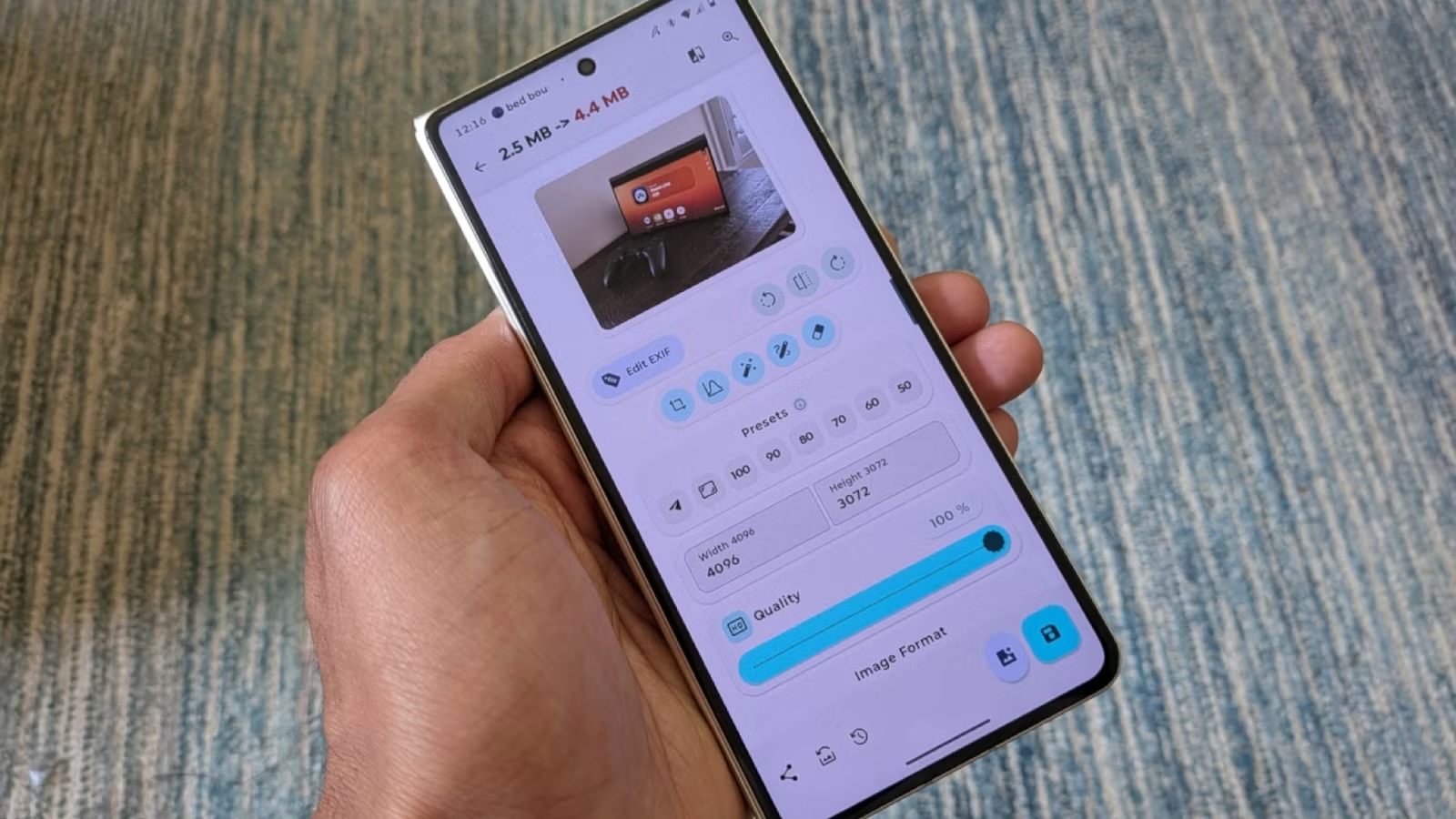
If you find yourself opening the Play Store because you need to do something specific to an image, there is a good chance Image Toolbox is the app you want. You can almost think of Image Toolbox not as a single app but as a bundle of all the things you might want to do to a photo or screenshot.
Image Toolbox comes to us courtesy of developer Malik Mukhametzyanov, who has made the source code available on GitHub. You can download the app directly from the Play Store, but you can also find it on F-Droid.
Image Toolbox is not an image gallery, so it’s not a drop-in replacement for Google Photos in that sense. If you’re looking for an alternative gallery with publicly available source code, Ente is the easiest recommendation, though you can also consider Immich if you’re comfortable self-hosting. Image Toolbox is instead a replacement for the photo editing portion of Google Photos.
It’s great when one tool does it all
Since Image Toolbox is not a gallery app, it does take a second to learn how it functions. Rather than browsing photos, you browse your available tools. Each tool will prompt you to open an image and then allow you to perform related tasks to that image.
The cropping tool will present all the options you need to crop to specific aspect ratios. Unlike most apps, Image Toolbox will allow you to crop to many distinct shapes as well. You can then save them with a transparent background in various image formats.
You can resize images to exact sizes. You can even use the app as a batch image resizing and conversion tool. All of these features combine to make Image Toolbox an invaluable tool for my professional work, and it doesn’t cost me a thing.
You don’t need Google for Object Eraser
Gemini is useful, but there are various other open source AI models out there, and many of them are open source. Image Toolbox is able to download open source models directly to your phone in order to perform the kind of tasks you might use AI to do in Google Photos. I’d say the most important of this may just be Object Eraser.
Image Toolbox is a bit clunkier to use than Google Photos. You can’t isolate a subject from the background just by holding your finger down on an object and waiting for the background to disappear, but you can tap a menu icon and press a button to automatically erase what it assumes is the background. If the end result isn’t quite right, you can instead highlight the subject manually.
I’m surprised to say it’s easier for me to do these tasks on my phone than on a PC
I write for the web, so working with images is part of the territory. One of the niche tasks I sometimes need to do is stitch several images together side by side. This is particularly useful with phone screenshots, which are too tall to upload as a single image. Image Toolbox is one of the most capable tools I’ve seen yet for the job, replacing my need for Screen Master. It allows me to choose the orientation of images, the distance between them, and the background color.
Sometimes I need to annotate a screenshot. As someone working directly from a foldable phone with a stylus, it’s easy for me to tap a few buttons and draw on the screen right away, but the end result typically looks like a doodle better suited for images between friends than publication. Image Toolbox gives me what I need to draw the ubiquitous red arrow or pointers in different styles and colors.
It’s been a while since I needed to apply a watermark to an image manually, but that too is something this app can handle. That makes it an option for aspiring professional photographers looking to share an image from their phone while protecting their brand.
Your photo editing toolbox is here
It’s great when one app is able to do it all, but it’s even better when that app is free and open source. That increases the likelihood that it sticks around for the long haul. This is the kind of app I’m happy to build a workflow around, and I now pair it with ReFra for all of my photo management needs.