


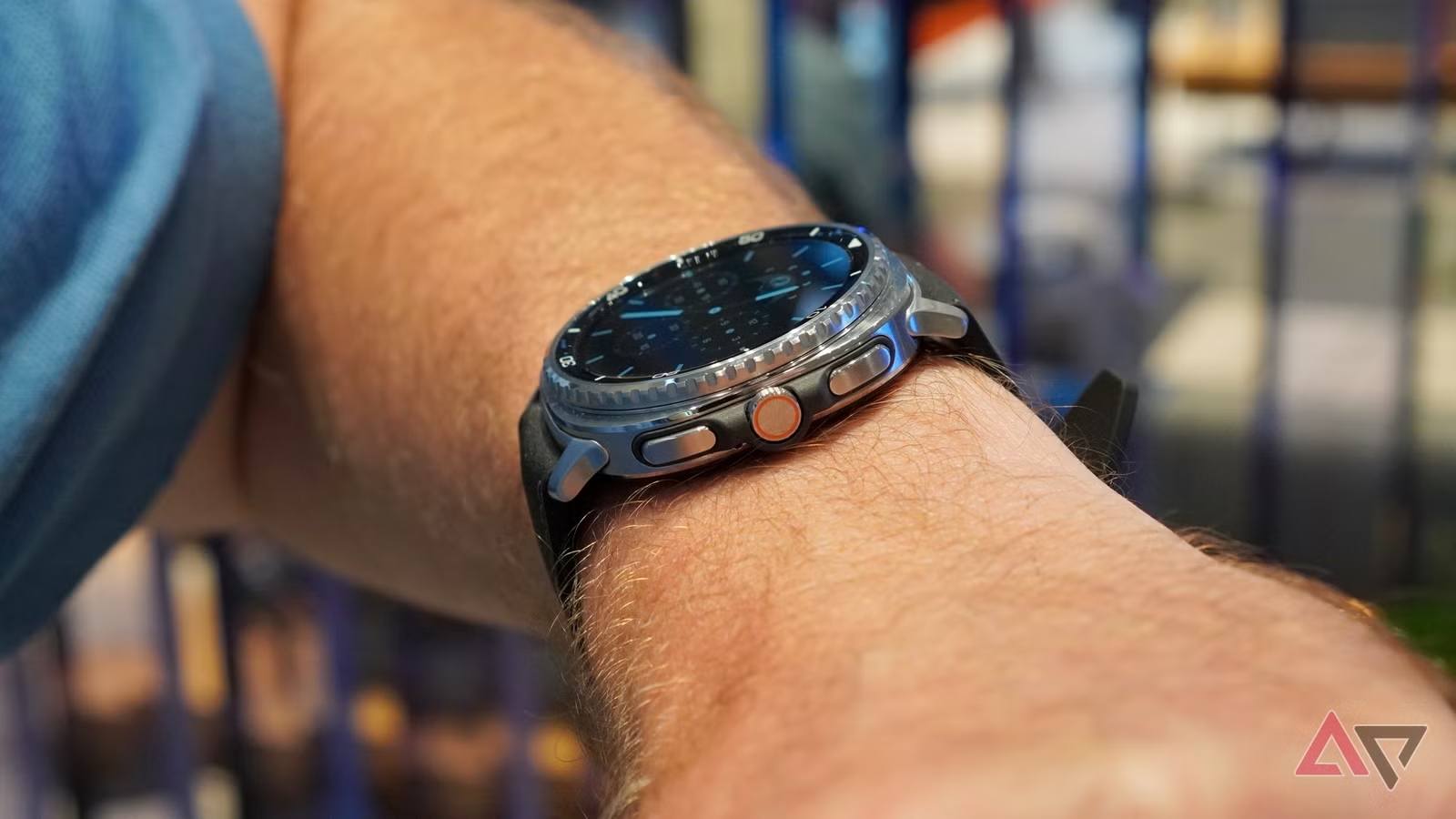
I’m sitting in a movie theater, deep in the quiet part. I shift in my seat, only an inch, and my Samsung Galaxy Watch lights up like a mini torch. I feel the judgment of a dozen eyes on me while covering my wrist.
Or worse, I’m mid-conversation, trying to seem attentive. I start talking with my hands, each gesture lighting up the watch like it’s begging for attention.
I can see my friend notice the light, and the conversation stalls. At times like this, my Samsung Galaxy Watch feels needy. I was this close to giving up and burying it in a drawer.
Then I changed a single setting — or rather, a combination of two — and fixed my Galaxy Watch by ignoring the one thing everyone tells you not to do.
Read our review
Samsung Galaxy Watch Ultra 2 review: A no-nonsense smartwatch for the very adventurous
One for the confident adventurer
Samsung’s default watch settings are broken
I never know when my watch will wake up
Pretty much every smartwatch ships with this setup. Raise wrist to wake is on, and Always On Display (AOD) is turned off. This is a broken combo.
As users have documented, the feature is a hit or a miss. To reliably check the time, you have to perform a 180-degree rainbow motion.
But the worst part is that it often wakes up when you don’t want it to. That’s when it becomes a problem. The watch lights up randomly as you go about your day.
It wakes when you’re tying your shoes. It wakes when you’re driving. As I discovered the hard way, it wakes whenever you gesticulate. The watch has no idea of social context and becomes a distraction.
A study from Florida State University found that even a short notification — even one you don’t interact with — is enough to derail your attention. Now, multiply that by the hundreds of false wakes every day.
The forbidden fix that actually worked
Sometimes you have to break the rules
The number one rule in the battery-saving handbook is never to use the AOD. Look at the official support pages. Google and Samsung are explicit.
To extend the watch’s battery life, the first thing they suggest is turning off the AOD. I played by that rule for a while.
However, my breaking point came after it ruined a business meeting. I was done with my watch’s terrible defaults. I turned on AOD and turned off Raise wrist to wake.
I looked at my wrist, and the screen dimmed, but it didn’t go dark. The effect was immediate.
My watch stopped being a blank, black mirror. It started looking and feeling like an actual timepiece. But the real difference came in how it worked.
Related
After destroying two smartwatches, I finally figured out what matters in a wearable
And it’s nothing to do with the body
The truth about AOD and battery life
AOD has a simple job thanks to the low-power display core
I know what you’re thinking. My watch will be dead by 2 PM. I’ve ignored the battery-saving gospel. I thought so too.
I was fully prepared to trade a massive chunk of battery life and charge it twice a day if I had to. But the hit wasn’t nearly as bad as I expected.
On new Galaxy watches (Galaxy Watch 4 and newer), AOD does not use the main processor. It uses a dedicated low-power processor. Its only job is to update the simple watch face (sometimes only once a minute) on a low-power screen.
Thanks to a dedicated low-power display core inside the Context Hub, the Always On Display stays bright and visible without draining much battery.
However, Raise to Wake starts up the main CPU. It wakes the main processor, the graphics chip, and the full-brightness screen because the watch expects interaction.
For active people or anyone who talks with their hands, those false triggers add up fast.
Switching to AOD doesn’t guarantee better battery life, but you’ll likely see similar endurance, or the hit will be small enough to ignore.
It depends on your Galaxy Watch model and how well it’s tuned. Either way, it’s worth trying.
Related
7 smart ways to put an old smartwatch back to work
Give your old watch new tricks
The one change every smartwatch user should try
The industry’s narrow obsession with battery life and efficiency has come at the cost of the very things that make smartwatches worth wearing. They build for test results, not for real people.
So here’s my plea. If your smartwatch feels more distracting than helpful, if it constantly begs for attention, if you’re thinking about tossing it in a drawer, don’t give up yet.
Try this for 48 hours: In Display settings, switch Always On Display to on and Raise wrist to wake to off. It sounds small, but it changes everything.
You’ll go from being at the mercy of your screen to feeling in control again. After you try it, you won’t want to undo it.