


We’re finally at a stage where you can reliably use AI transcription tools and get a usable transcript, but the result is that we now have far too many of them. With so many of them around, you’re also more likely to hand your data over to a company without knowing how it will use it. I personally do not trust emerging AI startups like Otter and Fireflies to keep my data safe, especially when these meetings include not just my data, but my clients’ as well.
I stopped using these tools and started transcribing my meetings locally with OpenAI’s Whisper. It’s an open-source tool that handles transcription on your device, and it’s light enough to run smoothly on something like a MacBook. I recently gave it a two-hour recording, and it produced a clean transcript in under four minutes. The point is that I’m sacrificing neither convenience nor privacy by using a self-hosted tool.
Because it’s free and on-device
Whisper is OpenAI’s open-source speech-recognition model, and you can install it directly on your computer to turn audio recordings into text. It supports multilingual transcription, detects the spoken language, and can translate speech from several languages into English. OpenAI released both its code and model weights under the MIT license, which is why Whisper can run entirely on your device without sending the recording to OpenAI.
Whisper comes in several sizes, ranging from the lightweight Tiny model to the larger and more capable Large and Turbo models. The smaller versions require less memory and process recordings faster, while the larger ones generally produce more accurate transcripts. Something like a MacBook can run it easily, and once the model has been downloaded, it works without an internet connection. You also don’t need an account or an API key.
I call Whisper the best transcription tool not because it produces the most accurate transcript possible. In my experience, cloud transcription models and even the dictation inside ChatGPT are better at adding punctuation, understanding names, and cleaning up messy speech. Whisper still gives me a clean and perfectly usable transcript without uploading the recording anywhere.
You need absolutely nothing once the model has been downloaded to your system. When you compare that with other services on the market, you start to appreciate it. Services like Otter.ai and Fireflies.ai limit how many minutes you can transcribe, and once you cross that limit, you have to pay.
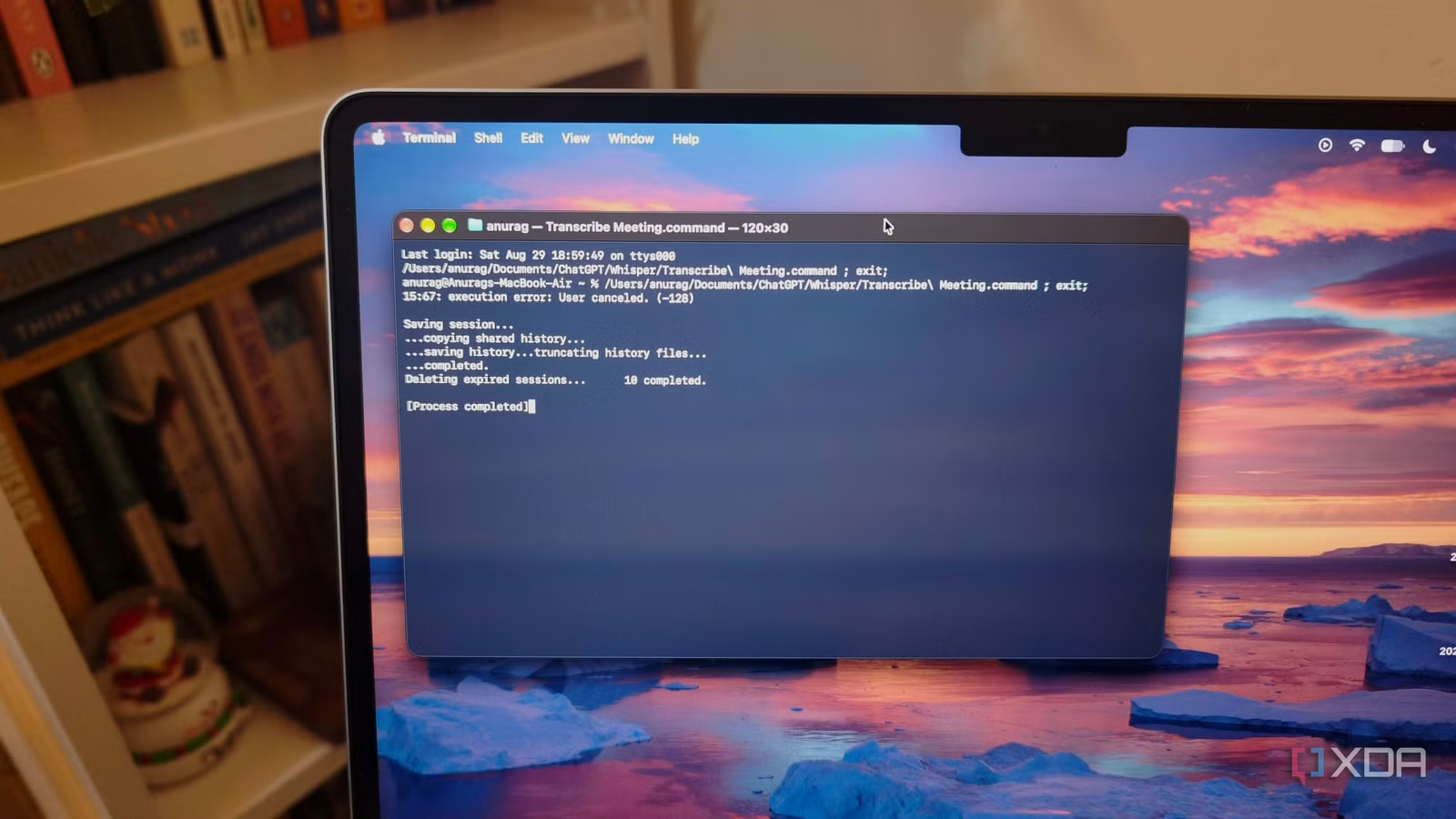
You could use a dedicated voice recorder like Plaud, but even that comes with a subscription. You can continue recording without one, but you have to pay to transcribe beyond a certain limit. Whisper, on the other hand, needs absolutely nothing once it is set up. It does not even have a GUI. It just runs in your terminal and gives you a .txt file containing the transcription.
Related
Local Whisper transcribes hour-long meetings in minutes without sending a single word to any server
Modern hardware makes local AI surprisingly practical.
My Whisper setup is basically drag-and-drop
It’s also GUI-free
I run OpenAI Whisper through whisper.cpp, which is a lightweight runtime optimized for Apple Silicon. My setup lives inside a folder containing the Whisper model, a transcribe script, a setup script, and a macOS command file. Once the model has been downloaded, the entire transcription process works offline.
For regular use, I double-click Transcribe Meeting.command file and select the recording I want to process. I can also drag one or more recordings onto the command file from Finder. The script uses FFmpeg for handling the input, so it works with common audio and video formats, including M4A, MP3, MP4, MOV, WAV, FLAC, OGG, and WebM.
Once the recording has been processed, Whisper creates a Transcripts folder next to the original file. It saves the readable transcript as a .txt file, along with .srt and .vtt subtitle files containing timestamps. It also produces a .json file with the structured transcription data.
You can run the same workflow through Terminal if you need more control:
./transcribe ~/Downloads/team-meeting.mp4
./transcribe –language en ~/Downloads/team-meeting.m4a
./transcribe –translate ~/Downloads/spanish-meeting.mp3
Whisper detects the spoken language automatically, though specifying it with –language can improve accuracy when I already know what language the meeting is in. The –translate option converts non-English speech into English, while –output-dir lets me save the transcript somewhere other than the folder containing the recording. I can also point the script toward another GGML model through the WHISPER_MODEL environment variable if I want to change the balance between speed, memory use, and accuracy.
A two-hour meeting took less than four minutes
And the transcription was usable
I recently gave Whisper a recording of a two-hour meeting with one of my clients. We spent the call discussing the brand’s content strategy and the different marketing activities we could work on, so this was a proper back-and-forth conversation rather than a short voice recording made specifically for transcription. Whisper processed the entire file locally on my MacBook and produced the transcript in less than four minutes.
The transcription was fairly accurate as well. I am not saying that it turned every sentence into perfect written English, but the output was clean and usable. That is an excellent result for a model running entirely on my laptop, especially considering how quickly it handled such a long recording.
I have used several tools that record and transcribe meetings, and I recently tested a dedicated AI recorder built specifically for this job. Even that device did not produce a transcript as good as the one I got from Whisper.
Related
If you are learning to code, you need to know this about AI
Learning by doing only works if you actually do it.