


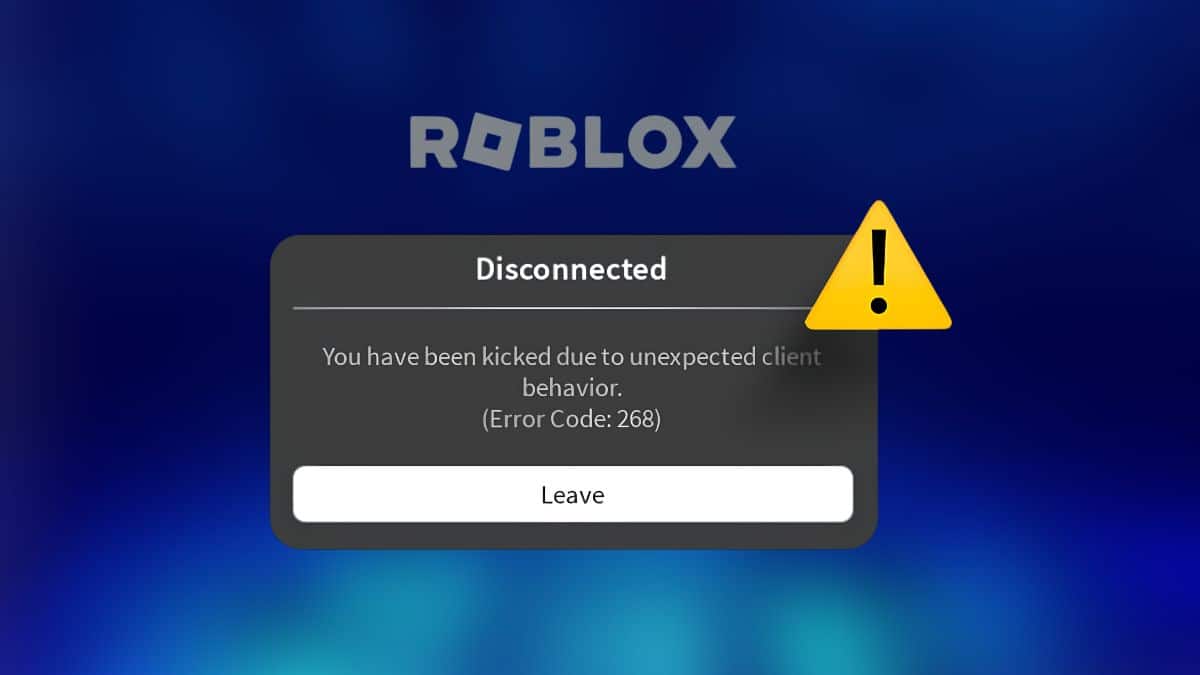
Roblox players are getting hit with Error Code 268, “You have been kicked due to unexpected client behavior,” in the middle of matches with no warning. As of September 2026, this error ties directly to Hyperion, Roblox’s client-side anti-cheat system built after its 2023 acquisition of Byfron Technologies. Hyperion scans your client for tampering signals in real time, and it kicks you the moment something looks off, whether or not you’re actually cheating. If you’ve also run into connection drops, check our Roblox Error Code 279 fix guide for the network-side version of this problem.
The frustrating part is that most players who see 268 aren’t running cheats at all. Overlay software, outdated drivers, and background tools that inject code into other processes can all trip the same detection. Since Roblox doesn’t tell you which signal caused the kick, you’re left guessing unless you know what Hyperion actually watches for.
Below are the fixes that resolve Error 268 for legitimate players, in the order most likely to work first.
What Causes Roblox Error Code 268?
Roblox’s own support page attributes 268 to two things: a network connection problem between your client and Roblox’s servers, or another application, often antivirus software, overriding permissions Roblox needs to run correctly.
That’s accurate but incomplete. Error 268 is issued specifically by Hyperion, which monitors the Roblox client for signs of memory injection, modified game files, unauthorized code running alongside the client, and virtual machine or driver anomalies. Any of these can also come from innocent sources: a GPU overlay that injects a DLL into every running game, a macro tool, an outdated or corrupted driver, or a VPN that makes your network traffic look suspicious.
This distinguishes 268 from an actual ban. Error 267 means Roblox banned you from a specific experience for a rule violation. Error 268 means Hyperion interrupted your session over a detected signal, and in most cases you can rejoin immediately once the trigger is removed.
How to Fix Roblox Error Code 268
- Close overlay and injection-based software. Discord’s in-game overlay, MSI Afterburner, Razer Synapse, RGB lighting apps, and FPS counters inject code into running games to draw on screen. Hyperion can flag this as tampering. Quit these before launching Roblox, then test.
- Reinstall Roblox. Uninstall the app, delete the leftover Roblox folder from %LocalAppData%, and download a fresh copy from roblox.com. This clears corrupted or altered client files that could trigger a false flag.
- Update your GPU and network drivers. Outdated or mismatched drivers can produce the same anomalies Hyperion looks for. Update both through Device Manager or your GPU vendor’s own utility.
- Disable any VPN or proxy. Routing traffic through a VPN changes your network fingerprint mid-session, which lines up with Roblox’s own “network connection” explanation. Turn it off and reconnect directly.
- Add Roblox as an antivirus exception. Some antivirus tools override process permissions Roblox needs, matching Roblox’s official cause. Add RobloxPlayerBeta.exe as an exception in your antivirus and firewall settings.
- Flush DNS and reset Winsock. Open Command Prompt as administrator and run ipconfig /flushdns followed by netsh winsock reset. Restart your PC afterward.
- Check your system date and time. Roblox specifically flags incorrect clock settings on mobile, and the same check helps on desktop. Set your device to sync time automatically.
- Test on a different network. Switch from Wi-Fi to mobile data, or try a different router, to rule out ISP-level interference.
- Appeal to Roblox Support if the kicks continue. If none of the above stops the error, submit a ticket through Roblox’s support form. Include your device, OS version, and roughly when the kicks started, since Hyperion updates roll out unevenly and can misfire after a patch.
Error Code 268 vs. Error Code 267 and 279
These three codes get confused because they all end a session abruptly, but they come from different systems:
CodeMessageCause267Banned from an ExperienceA moderation ban tied to one specific game268Kicked due to unexpected client behaviorHyperion anti-cheat flags a tampering signal279Failed to connect to the GameNetwork or server-side connection failure
If you’re dealing with 267 instead, see our Roblox Error Code 267 guide. If Roblox keeps disconnecting you outside of this specific error, our Roblox keeps crashing guide and Roblox memory dump error fix cover the related crash scenarios.
Final Thoughts
Hyperion’s detection has gotten stricter as Roblox pushes back against exploit tools, and that means more legitimate players will trip a false positive before Roblox refines its messaging. Until then, clearing out overlay software, injectors, and stale drivers resolves 268 for the overwhelming majority of cases without needing a support ticket.
What does Roblox error code 268 mean?
It means Hyperion, Roblox’s anti-cheat system, detected a tampering signal in your client and ended your session as a precaution. It doesn’t always mean you were cheating.
Does error code 268 mean I’m banned?
No. A ban shows as Error Code 267 tied to a specific experience. Error 268 is a session kick, and you can usually rejoin right away once you remove the trigger.
Can I fix error 268 without reinstalling Roblox?
Yes. Closing overlay software, disabling a VPN, or updating drivers resolves it for most players. Reinstalling is a fallback if those steps don’t work.
Does a VPN cause Roblox error code 268?
It can. A VPN changes your network fingerprint mid-session, which matches Roblox’s own explanation of network-related conflicts triggering the error.
What is Hyperion?
Hyperion is Roblox’s anti-cheat software, introduced after Roblox acquired Byfron Technologies in 2023. It runs on the client to detect exploit tools, memory injection, and modified game files.
Disclosure: Tech Nerdiness is reader-supported. When you buy through links on our site, we may earn an affiliate commission at no extra cost to you.
Learn more.