


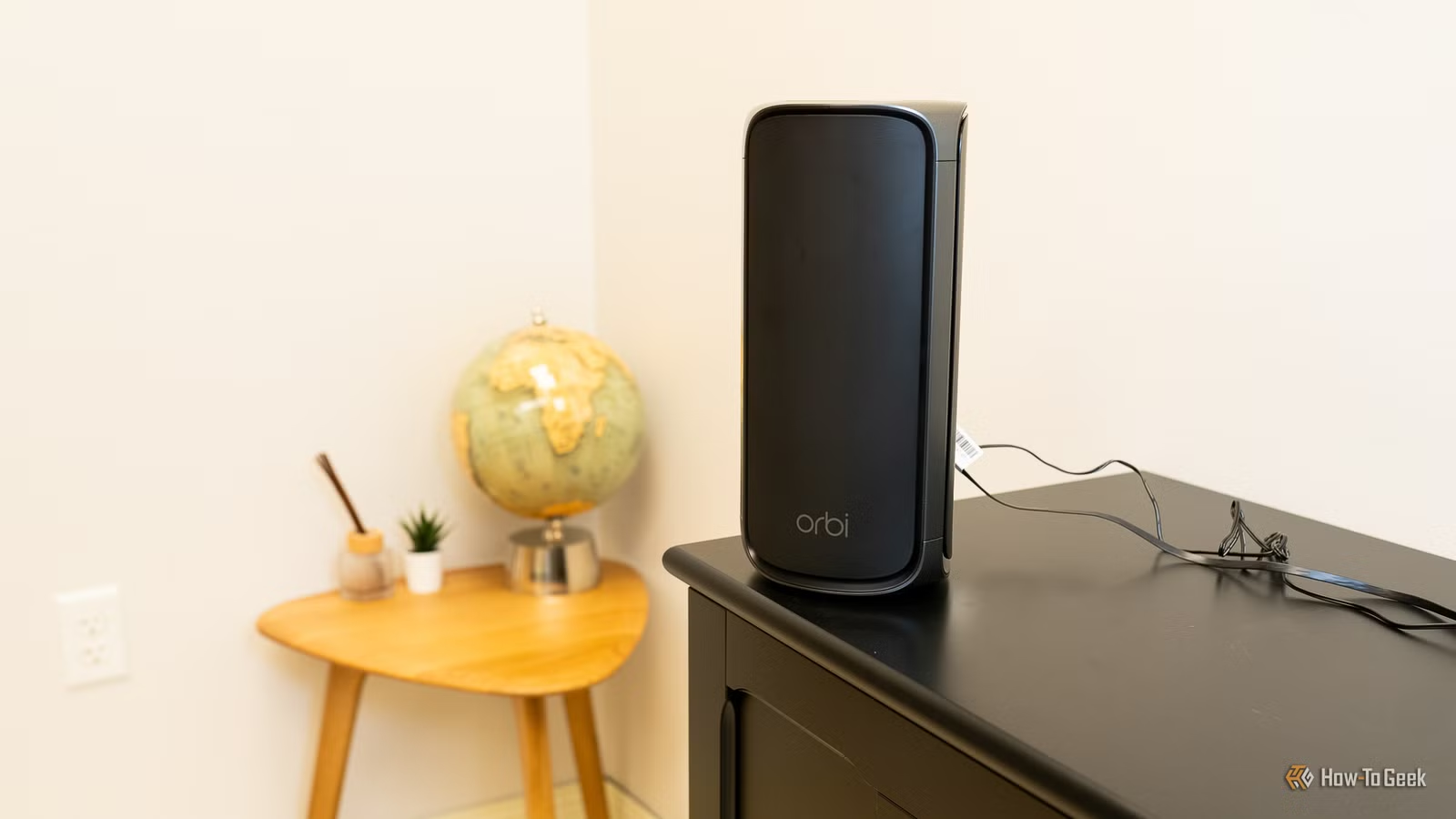
Whether you just got a new Wi-Fi router or you’re busy trying a bunch of tricks to get faster speeds and a more reliable connection, one small setup decision could be sabotaging your home network. A common mistake is to bundle the power adapter and extra cable into a tidy coil right behind the router, but here’s why I keep the power brick as far away as possible.
That power brick introduces interference and additional heat. It’s an easy fix that could help things, and it’ll only take a second to unplug it and reroute that brick somewhere else.
Getting rid of interference
Keep that power brick at a distance
If you’re anything like me, you follow as many tips and tricks as possible to get the best Wi-Fi connection and speeds. Anything to get more performance out of our hardware is a win. I’m talking about optimal router placement, choosing the right band, scanning channels and changing widths, or running dedicated Ethernet cables to important devices.
As many of you probably know, interference is pretty important when it comes to Wi-Fi. Interference can come from channel congestion, too many devices nearby, and a host of other factors. One thing you probably didn’t think about is the power adapter for your router.
Related
Your router’s CPU is throttling your Wi-Fi—here’s which 6 settings to disable first
Check if you really need all of these before complaining about your router being slow
Power bricks create a small electromagnetic field, and that can mess with all types of things. Electrical “noise” from your power brick can interfere with Wi-Fi signals, introduce noise and issues into Ethernet data, and lower your overall Wi-Fi stability.
Just like competing frequencies can disrupt or dilute your connection, the power brick can too. All you need to do is take off that twisty tie that came with your router’s power cable and move your power brick as far away as possible.
Credit: Cory Gunther / How-To Geek
Ideally, put it under your desk, just as long as it’s far away. Now, I’m not saying this will magically solve all your problems, but it’s a good way to limit potential issues and interference as much as possible. And that’s one of the main reasons I do it.
Power bricks can produce a lot of heat
Keep things cool
Credit: Patrick Campanale / How-To Geek
Another reason you’ll want to move the power brick away from your Wi-Fi router is due to heat. And that’s exactly why the power brick isn’t built into the router and still comes as an external standalone unit that you need to plug in.
Routers still use external power bricks because converting alternating current (AC) from a wall outlet into low-voltage direct current (DC) creates heat, not to mention takes up a lot of physical space. Your router would be much larger if the brick were built in. It also wouldn’t perform as well because all that heat can cause thermal throttling, slowdowns, and other issues that reduce performance.
Router placement is pretty important, but many people end up throwing them in a cupboard, under their desk, or inside an entertainment center. It’s understandable, as you’re probably trying to ensure your office or living room looks clean and tidy. However, the wrong placement can instantly cause Wi-Fi dead spots, not to mention trapped heat inside that cupboard.
Related
This decade-old laptop next to my router is the most useful device on my network
From ewaste to critical network infrastructure.
There’s a reason almost every Wi-Fi setup guide mentions placement, and a common fix is to put it somewhere out in the open with optimal airflow. That’s because heat is bad, and all that excess heat can cause a Wi-Fi router to slow down, drop connections, crash, or fail prematurely.
You don’t want any extra heat from those power bricks warming up the plastic housing and ambient temps around your router.
Keep your router cool and clean
At the end of the day, it’s all about keeping your router cool and reducing unwanted interference. It’s common advice to place routers in an open, central, and often elevated place. Avoid carpets or other soft surfaces that’ll disrupt airflow, and stay away from heat. Just like you don’t want to put a Wi-Fi router by a window and direct sunlight, a heater, or right next to a hot PC or game console, you’ll also want to keep it away from that power brick.
I wish more Wi-Fi router manufacturers would use longer power brick cables, as that would make it even easier to keep the two separated. You could always get a DC power extension cable, but matching the barrel dimensions, voltage, and other specs could be a hassle. And before you go, stop ignoring the USB port on your router, you can do more with it than you think.