


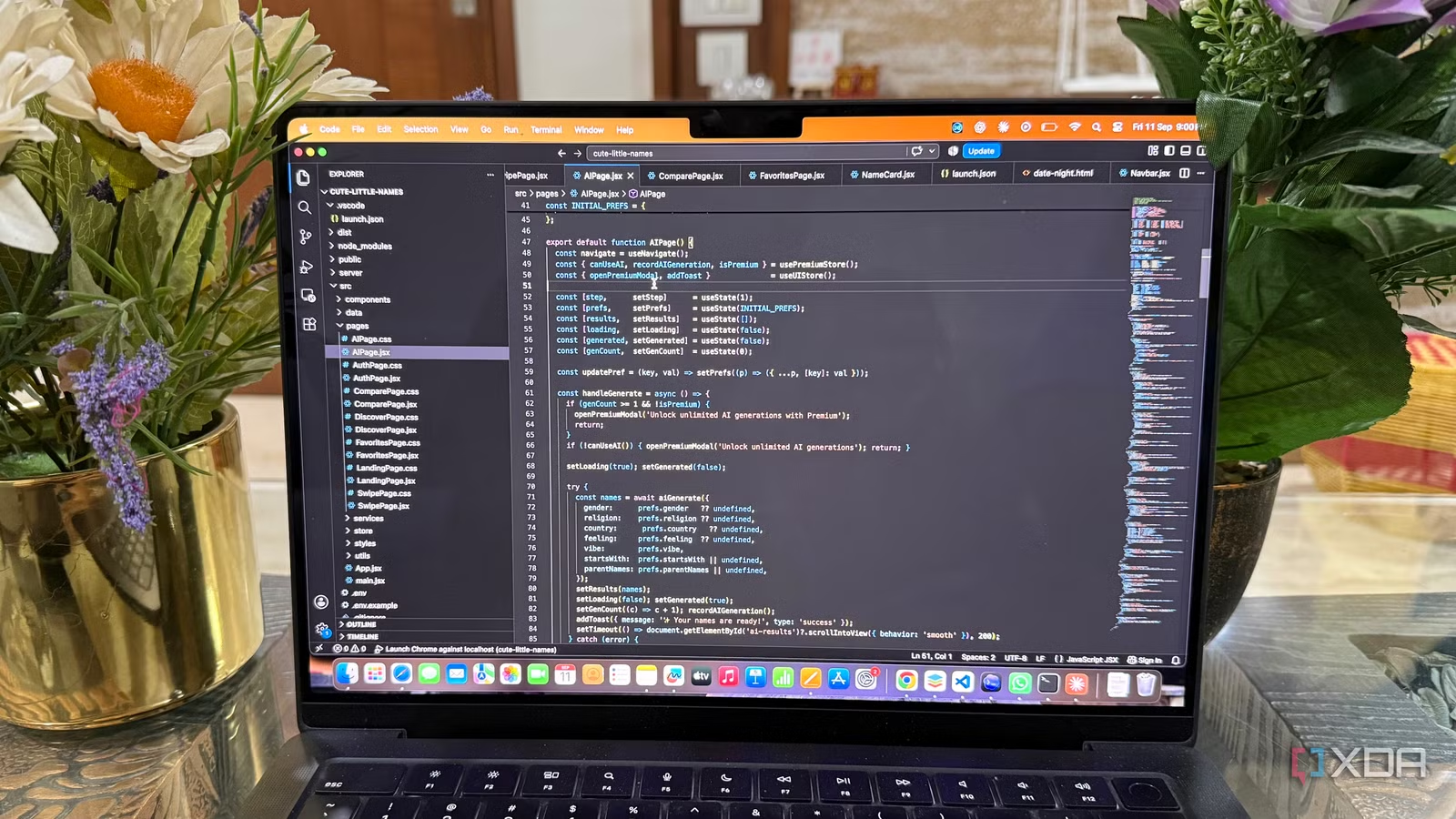
I used to treat the VS Code Marketplace like an endless toolbox. Whenever I wanted a new shortcut, visual tweak, or small improvement, I would search for an extension and install it. Over time, that left me with a setup packed with tools I barely remembered adding. I recently decided to take a different approach and see what happened if I removed most of them. Instead of trying to build the perfect extension collection, I wanted to see how far VS Code could take me on its own. The result was more interesting than I expected, and it made me question how much customization I actually needed.
VS Code already handles more coding basics than I realized
Built-in tools handled my daily coding
Once I started using VS Code with my extensions turned off, I was surprised by how much of my everyday coding workflow still worked normally. I could open a project, jump between files, and get the editor to understand what I was working with without adding another layer of customization.
The first thing I noticed was how capable the editor is at understanding code structure. I could jump to a definition, find references, rename symbols, and move around a project without reaching for an extension. Autocomplete and suggestions were also good enough for the languages I use regularly, especially for the basic tasks I perform throughout the day.
Even small things I had previously associated with extensions were already available through VS Code’s built-in commands. The Command Palette made it easy to find these features instead of remembering where everything lived.
I had simply stopped checking what VS Code could already do. I had gotten used to installing an extension whenever I wanted a small improvement, without first asking whether the editor already had a solution.
Great built-in formatting and code cleanup support
Less code clutter
The next surprise was how much less I needed to keep my code clean and readable. I had a few extensions installed mainly for quick formatting or small cleanup actions, so I disabled them and started testing what VS Code could handle on its own.
The built-in formatting commands covered the basics I actually used. I could format an entire file or just a selected section without adding another extension for the job. I also found that settings such as format on save made this even more convenient. Once configured, I didn’t have to think about formatting every time I made changes.
The same was true for several small cleanup tasks. VS Code could surface quick fixes and code actions when the language support provided them. I could accept a suggested change instead of manually fixing every little issue.
Related
I rebuilt my VS Code setup from scratch this year, and it’s the fastest it’s ever been
My VS Code was drowning in extensions
Git, debugging, and terminals were already sitting inside VS Code
Fewer reasons to switch apps
The biggest realization came when I looked at the tools I used around my code every day. I had extensions installed for parts of my workflow that I assumed needed extra help, but VS Code already had much of it covered.
Git was a good example. I could see changed files, review diffs, stage changes, create commits, switch branches, and deal with basic merge conflicts directly from the Source Control view. I didn’t need another interface just to handle the Git tasks I regularly performed.
Debugging was another area where I had underestimated the editor. I could set breakpoints, step through my code, inspect variables, and use the debug console without installing a separate debugging experience. Once I had the right language support available, the workflow felt surprisingly complete.
Then there was the integrated terminal. I could run scripts, install packages, start development servers, and use Git commands without opening another application. I often kept terminal-related extensions around for convenience, but I found myself using the built-in terminal almost exclusively.
I still did not go completely extension-free
My stripped-down VS Code setup feels better to use
After stripping things back, I didn’t decide that every extension had to go. That would have missed the point of the exercise. Some extensions genuinely add capabilities that aren’t covered by VS Code itself, and those are the ones I was happy to keep.
Language-specific tools were the first group I left alone. Some languages and frameworks need dedicated support for features that go beyond basic editing. I also kept extensions that fit how I work on particular projects, rather than removing them just to make the extension count look impressive.
I also found that some extensions were worth keeping because they solved a problem in a way I preferred. An extension doesn’t have to be essential to be useful. If I use a feature regularly and it saves me time, I don’t see a reason to remove it just for the sake of having a smaller setup.
Related
I’ve only kept these 6 VS Code extensions after deep-cleaning the code editor
I can’t use VS Code without these handy extensions
A leaner VS Code was all I needed
Stripping VS Code back changed how I think about extensions. I no longer see a long list of installed tools as a sign of a better setup. I care more about whether each one earns its place. My editor now feels less crowded and easier to maintain, while still doing everything I need. Sometimes, the best upgrade is simply removing what you stopped needing.