


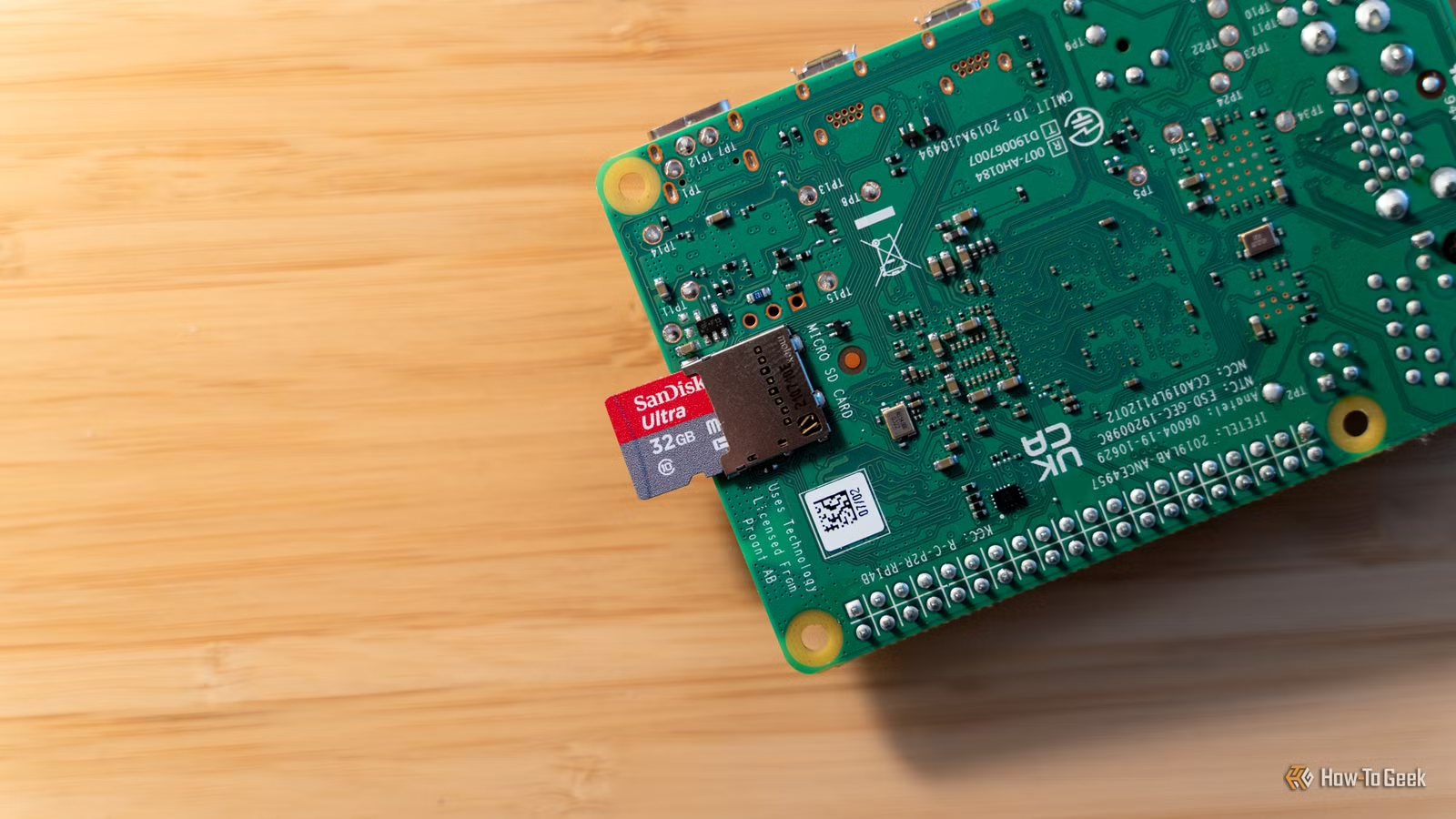
Are you ready for this weekend’s roundup of Raspberry Pi projects? Today, I have some fun things for you to try out, from building your own knowledge base to creating your own custom feed reader, all before Monday rolls around.
Create your own fillable form online with DocuSeal
No need to pay DocuSign when DocuSeal works just as well
Credit: DocuSeal
If you’ve ever run a group or had to get documents signed before, then you likely know the pain of trying to do that. Having worked with churches my whole life, there’s always a document to sign, it seems. Same thing in the creative world, from invoices to project scope and more, PDFs always need something.
Typically, DocuSign is the go-to platform for digitally signing documents. It lets you fill out a document and sign it without printing, which is amazing. The problem is, DocuSign can get pretty expensive.
That’s why I’m glad I found DocuSeal a few years ago. I used this when I was a youth pastor for parents to sign permission waivers, and it worked fantastically.
I simply uploaded a PDF, added text boxes, date boxes, and signature fields, then sent the link to parents. It was more convenient for them, as teens couldn’t lose the paper, and it was more convenient for us, as there was no paper to keep track of.
Launching DocuSeal in your homelab is pretty straightforward. It runs in Docker and can be usable within just a few minutes. You don’t need a scanner or anything for it to work, either. All you need is the Pi, storage, and network access. Everything else is handled remotely.
So, take some time this weekend and deploy DocuSeal in your homelab so you can start streamlining document handling without having to pay a cent.
Build an offline personal knowledge base with Trilium Notes
Organize your thoughts without sending them to the cloud
There are a lot of cloud-based note-taking providers out there. The problem is, who really owns that data? What if that provider shuts down? Can they read your notes? There are a lot of questions, and, far too often, not enough answers.
Instead of trusting your notes to a random third party, you should just host them yourself. That’s where a Docker container called Trilium Notes comes in. It’s designed to help you build a personal knowledge base that houses things like project documentation, reference materials, and troubleshooting notes for your homelab all in one place.
It offers a note tree, internal links, attachments, and search, so you can organize and find anything you need within your database. Plus, everything is kept offline in your homelab, meaning you can still access it even when the internet goes down.
Simply deploy the Trilium Notes server on your Raspberry Pi and begin setting everything up. It’ll be accessible only locally on your network at first, but you can open it up behind a reverse proxy or something like Cloudflare Tunnels should you need remote access to it.
Self-host your own custom feed reader with Miniflux
Tracking software updates and social posts has never been easier
Credit: Miniflux
In the world of algorithmic social feeds, you might just want something that gives you a chronological (or customizable) feed of articles again. That’s what Miniflux is designed for.
Built to let you subscribe to RSS, Atom, or JSON feeds, Miniflux is the perfect self-hosted feed reader to run in your homelab. It features a browser-based reading interface, which means you can access it from any computer inside your network, or even outside the network if you set that up.
Just load it onto an always-on Raspberry Pi running Docker, and it’s ready to go. You can add your own feeds to it, as well as bookmark things you want to read later, search, and build out filters.
Miniflux would be a great way to keep up with software releases and project announcements that you want to see all in one place. Then, you could create a separate feed area where you pull in the latest videos from your favorite YouTuber, or set up RSS-bridge to bring in X.com or Facebook posts.
The best part about Miniflux is you’re in 100% control of the feed. It’s chronological and customized to fit your specific needs, unlike the algorithms present in just about every other social feed out there today.
So, what are you waiting for? Deploy Miniflux today and regain some sanity in a world full of AI-powered feeds.
Your Pi is one of the best pieces of homelab tech you have
Today’s post focused a bit more on homelab projects than normal Raspberry Pi projects, and that’s because the Raspberry Pi is a fantastic homelab companion. It’s relatively cheap, quite capable, and ultra-low-power compared to running a desktop.
So, if you’ve been wanting to dip your toes in the homelab waters and have a spare Pi sitting around, now’s the perfect time to try it out!