

Close Menu
Techy101 –

    Subscribe to Updates

    Get the latest creative news from FooBar about art, design and business.

    What's Hot

    Xiaomi 18 Pro/Pro Max, vivo X500, Pro/Pro Max are all official, Week 39 in review

    September 27, 2026

    Why OLPC’s $100 laptop never stood a chance

    September 27, 2026

    Five Nights at Freddy’s is coming to Fortnite for Fortnitemares

    September 27, 2026
    Facebook X (Twitter) Instagram
    Trending
    • Xiaomi 18 Pro/Pro Max, vivo X500, Pro/Pro Max are all official, Week 39 in review
    • Why OLPC’s $100 laptop never stood a chance
    • Five Nights at Freddy’s is coming to Fortnite for Fortnitemares
    • This Diablo 4 Trick Lets You Become Stronger Than Ever, But It Might Not Be Intended
    • These are the iPhone Duo features you’ll see on Android foldables next year
    • Neue Mobilitätshilfe für Senioren vorgestellt
    • Apple hit with $5.7 billion verdict over Taptic Engine patent infringement
    • Wild Arms Successor Armed Fantasia Discontinued By Publisher
    Facebook X (Twitter) Instagram Pinterest YouTube LinkedIn TikTok
    Techy101 –Techy101 –
    • Home
    • Laptops
    • Mobiles
    • Gaming
    • Gadgets
    • Apps
    • AI
    • How To
    • Reviews
    Techy101 –
    Home»Apps»Gmail for Android now finds your verification codes so you don’t have to
    Apps

    Gmail for Android now finds your verification codes so you don’t have to

    By RepublisherSeptember 21, 2026No Comments3 Mins Read
    Share Facebook Twitter Pinterest LinkedIn Tumblr Reddit Telegram Email
    Gmail for Android now finds your verification codes so you don’t have to
    Share
    Facebook Twitter LinkedIn Pinterest Email


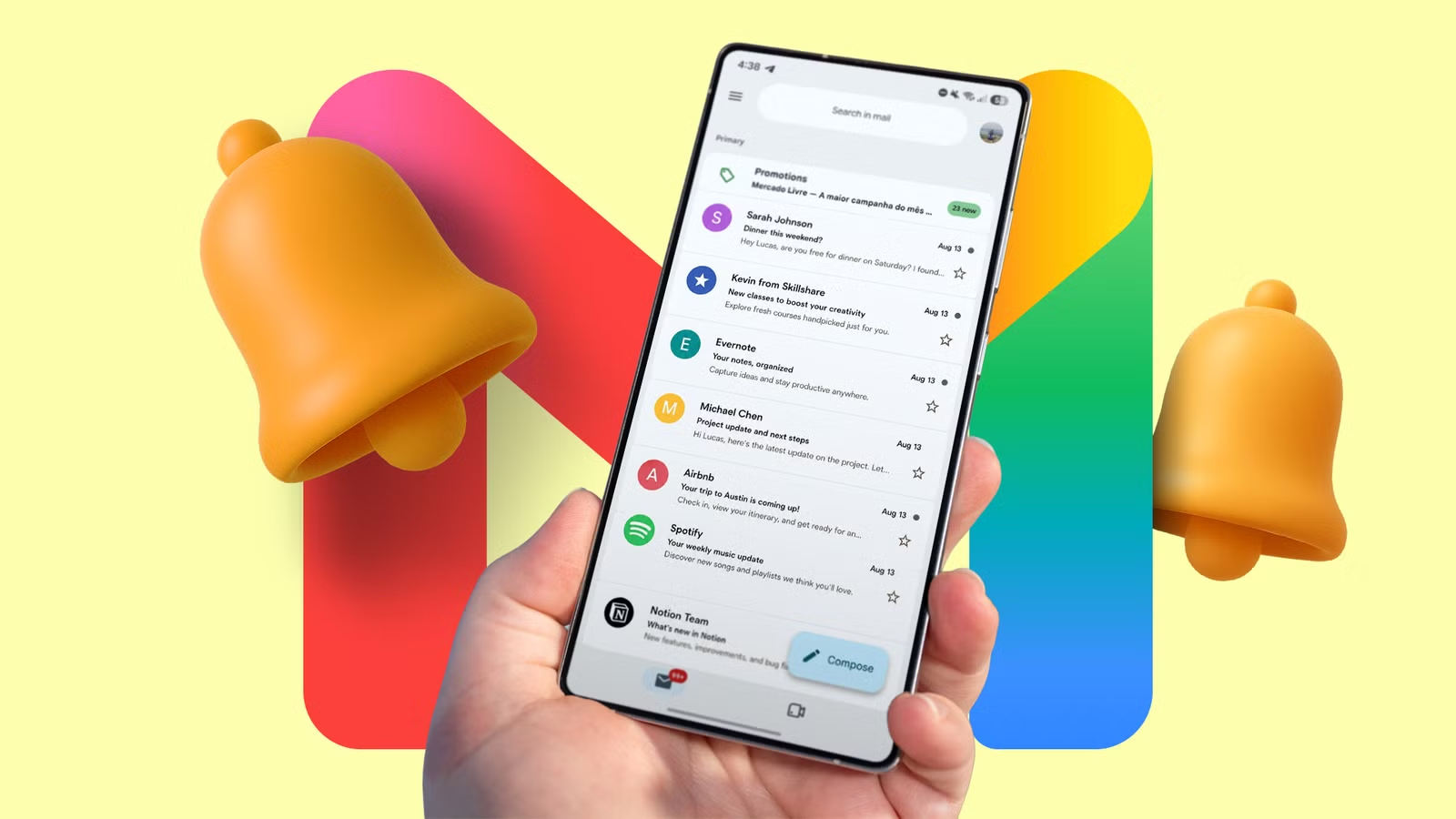
    Android already does a good job of handling verification codes, as long as they arrive by text message. Google Messages recognizes the one-time passwords in SMS and directly shows a button in the notification shade to copy them. Things get a bit more complicated when such one-time codes arrive over email, requiring more work to copy them. Thankfully, the Gmail app for Android and iOS is getting smarter and has begun offering a similar copy code shortcut.

    Right now, if you receive an email with a one-time passcode, you must open the Gmail app, followed by the email. Then, you must manually find the code inside the email’s content and copy it from there.

    The latest Gmail update for Android and iOS addresses this hassle by placing a “Copy code” button directly in the main inbox. The button appears beneath the subject line in the email preview. So you can copy a verification code without opening the message and then enter it in the desired app or website.

    Gmail also surfaces the detected one-time passcode at the top within the email. The same copy code button sits beneath it. This ensures that if you open any one-time password email, you can quickly copy it without hunting for the code amid the brand’s instructions or other text.

    In some cases, I noticed the copy code button appearing inside emails but not on the Gmail app’s home screen.

    Unfortunately, right now the Gmail app does not show a copy code button right in the notification shade. That would make things even more convenient.

    A small shortcut that saves several steps

    In my testing, the “Copy code” button appeared for almost every one-time passcode I received over the last few days. However, it may not work with every email, as Gmail’s ability to detect a code likely depends on how the sender formats the message. Codes buried among other numbers or presented in an unusual format may not trigger the shortcut.

    The feature is already live for me on the latest version of Gmail for Android and iOS. However, it does not appear that Google is rolling out a similar “Copy code” upgrade for one-time passwords for Gmail on the web.

    In case you don’t see the feature yet, wait for a few more days and ensure you are running the latest build of the Gmail app on your phone.

    While this is a minor addition, it is a welcome quality-of-life improvement that saves time and unnecessary taps. Hopefully, Google will bring the same convenience to Gmail notifications and the web, making email-based verification codes even easier to use.


    Source link

    Android Codes Dont finds Gmail verification
    Share. Facebook Twitter Pinterest LinkedIn Tumblr Email
    Previous ArticleRare, Beloved Super Nintendo JRPGs Receive First Re-Released
    Next Article Another Android flagship gets Privacy Display, but without side effects
    Republisher
    • Website

    Related Posts

    Apps

    Five Nights at Freddy’s is coming to Fortnite for Fortnitemares

    September 27, 2026
    Reviews

    These are the iPhone Duo features you’ll see on Android foldables next year

    September 27, 2026
    Apps

    Apple hit with $5.7 billion verdict over Taptic Engine patent infringement

    September 27, 2026
    Add A Comment
    Leave A Reply Cancel Reply

    Top Posts

    Xiaomi 18 Pro/Pro Max, vivo X500, Pro/Pro Max are all official, Week 39 in review

    September 27, 2026

    AMD is apparently gearing up to raise GPU prices right after Nvidia’s steep hike

    August 1, 2026

    LanceDB Vector Database Guide: Features anndPython Demo

    August 1, 2026
    Stay In Touch
    • Facebook
    • YouTube
    • TikTok
    • WhatsApp
    • Twitter
    • Instagram
    Latest Reviews

    Subscribe to Updates

    Get the latest tech news from FooBar about tech, design and biz.

    Latest Post

    Xiaomi 18 Pro/Pro Max, vivo X500, Pro/Pro Max are all official, Week 39 in review

    September 27, 2026

    AMD is apparently gearing up to raise GPU prices right after Nvidia’s steep hike

    August 1, 2026

    LanceDB Vector Database Guide: Features anndPython Demo

    August 1, 2026
    Recent Posts
    • Xiaomi 18 Pro/Pro Max, vivo X500, Pro/Pro Max are all official, Week 39 in review
    • Why OLPC’s $100 laptop never stood a chance
    • Five Nights at Freddy’s is coming to Fortnite for Fortnitemares
    • This Diablo 4 Trick Lets You Become Stronger Than Ever, But It Might Not Be Intended
    • These are the iPhone Duo features you’ll see on Android foldables next year

    Subscribe to Updates

    Get the latest creative news from FooBar about art, design and business.

    Facebook X (Twitter) Instagram Pinterest YouTube LinkedIn TikTok
    • About Us
    • Contact Us
    • Privacy Policy
    • Terms & Conditions
    • Disclaimer
    © 2026 techy101. Designed by Pro.

    Type above and press Enter to search. Press Esc to cancel.