


Zac Kew-Denniss / Android Authority
Add Android Authority on Google:
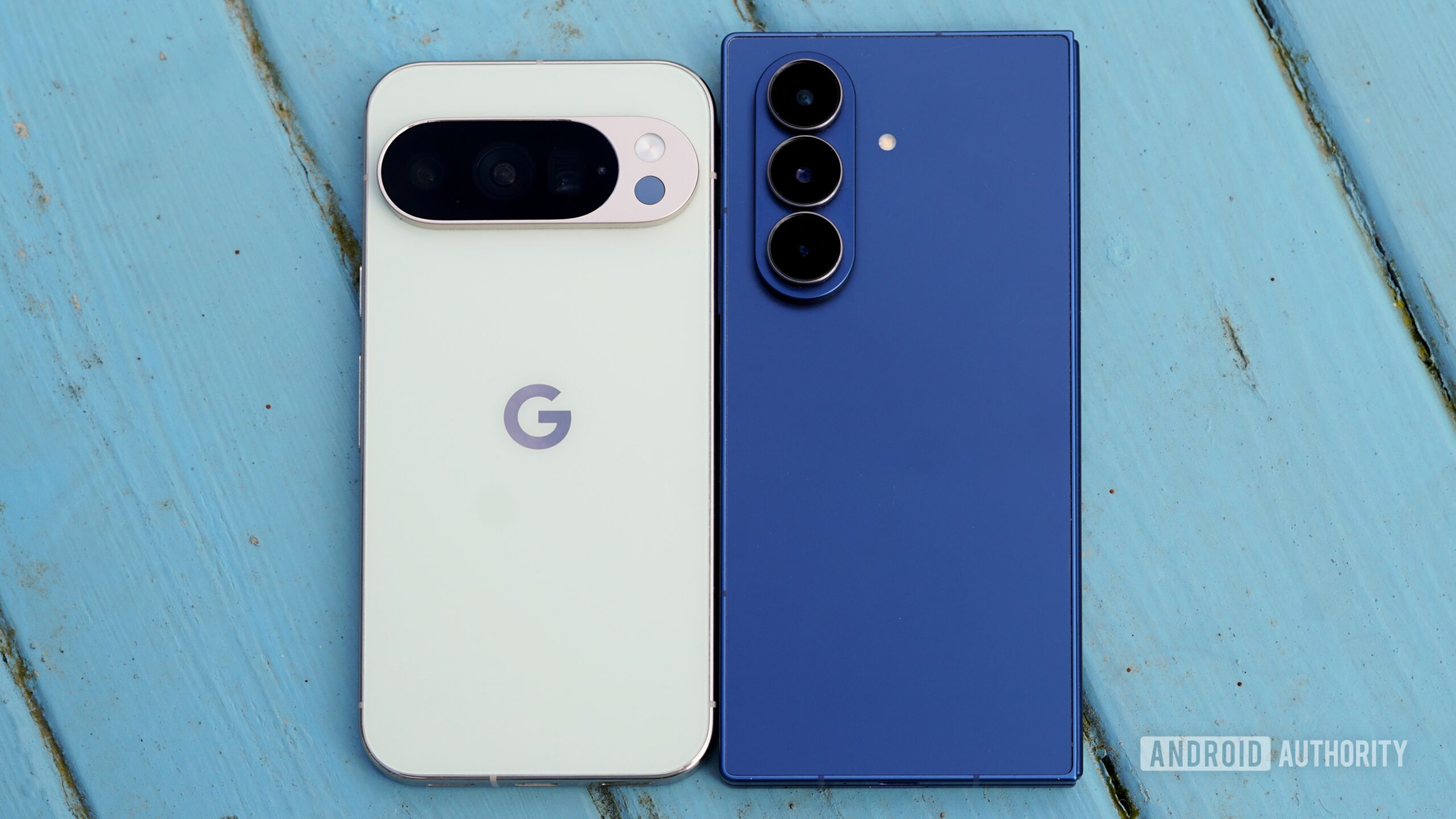
It’s no secret that the Samsung Galaxy and Google Pixel brands get a lot of attention from the media and Android fans alike. There are several reasons for this, including better software update support than the competition and a large selection of exclusive hardware and software features. For those in North America, it’s also because these are the two largest Android brands left.
While it’s true that Samsung and Google have many exclusive features, they aren’t the only ones. Below are a few features that both brands either miss entirely or don’t do as well, all of which I would personally love to see come to more devices.
Of all the features mentioned, which would you most like to see on Pixel or Galaxy?
77 votes
Ultra-fast charging
35%
IR blaster
35%
Second desktop and advanced app cloning
8%
Moto Actions (or similar)
13%
Nothing Glyph (or similar)
9%
Other (Tell us in the comments)
0%
Ultra-fast charging technology
Stephen Radochia / Android Authority
While fast charging is pretty common these days, not all of us have the same definition of what that means. In the US, phone brands tend to be more conservative. At the highest end, Samsung’s Galaxy S26 Ultra offers 60W charging, while the Pixel 11 Pro family maxes out at 45W.
At these speeds, fully charging the Ultra takes about an hour, while the Pixel 11 Pro takes just a little under two hours. The funny thing is, these are actually upgrades for both brands, as Samsung and Google stubbornly stuck to roughly half those speeds for years longer than their competitors.
Fast charging is common these days, but ultra-fast charging options put these to shame.
You’ll be hard-pressed to find phones above the 30–60W range in the US, but exceptions exist. For example, the now ill-fated OnePlus 15 takes around 40 minutes to fully charge thanks to 80W charging. Outside the US, the limit is even higher. HUAWEI, Xiaomi, and OPPO all offer phones capable of 120W charging, or even higher in some cases.
This kind of technology is less commonly marketed in the US because it requires proprietary charging standards and can put a bit more stress on the battery. That said, it’s certainly possible, and these supercharging methods have become more efficient and less harsh on battery life than they were in the past.
Good old-fashioned IR blasters
Aamir Siddiqui / Android Authority
If you’re old enough to have experienced the early days of Android, you’re likely aware that IR blasters were once fairly common. I remember having an Android mid-ranger with an IR blaster, and it was great because my then-only kid kept losing the remote, and this gave me a way around that.
In 2026, most devices equipped with an IR blaster are imports or low-end products, but a few flagship-tier options exist. For those in the US, the OnePlus 15 was again the outlier. In other markets, such as Europe, there are also options like the Xiaomi 17.
IR blasters are pretty rare these days, but I still find them super useful. Not only can IR blasters control some older TV sets, sound systems, and media players, but they can also work with AC units that use IR signals. If you live somewhere with all-new electronics, an IR blaster might not be necessary in 2026, but it can still be useful. Pair your IR blaster app with an app like Google TV, and you’ll never need a physical remote again.
Xiaomi Second Space and other UI and app clones
Robert Triggs / Android Authority
Most Android apps are designed for a single user, so you have to log out of an app if you use two accounts. One solution is app cloning. While Samsung technically allows app cloning, there are some very strict limits.
You have two cloning methods with Samsung. You can use Secure Folder to clone almost any app, or use Dual Messenger mode for specific social media apps. So if it’s already possible, why list this as a feature that the Pixel and Samsung worlds are missing? It’s all about implementation.
With Samsung’s Secure Folder method, you can clone almost any app, but the clone runs in a very restricted sandbox. The cloned app will have its own isolated storage and won’t have access to your main gallery, downloads, or other data. Cloned apps also often have delayed notifications and can’t communicate with apps outside the folder, such as password managers or authenticator apps.
Samsung lets you clone an app; Xiaomi lets you clone an entire user profile.
In contrast, Xiaomi’s Second Space creates an entirely separate user profile at the OS level. Instead of tapping a folder in your profile, as on Samsung, you’ll have a second lock screen with its own PIN or fingerprint security. You can even customize this second home space entirely with its own apps, wallpapers, and more.
Those who want to keep private or sensitive apps in a second space will also appreciate that notifications work normally when you’re logged in, but are otherwise entirely hidden from your other profile. As you might have figured out, Xiaomi’s method also means your apps can communicate with system apps, authenticators, and more — though you may have to log in again and set up some of these apps first.
If you’ve ever wished that Android had multiple desktop support like many modern computer OSes, Xiaomi’s Second Space is hard to beat.
Moto Actions
Ryan Haines / Android Authority
Gesture-based controls are nothing new, but Moto Actions takes it all to a whole new level. Instead of relying mostly on software-based methods or existing hardware keys to recognize gestures, as Pixel and Galaxy devices typically do, Motorola uses hardware sensors to detect movement. This allows for much more intricate gestures that would be harder for other devices to pull off, such as chopping and twisting motions.
Moto Actions lets you launch the camera with a double wrist twist or turn on the flashlight with a double karate chop motion. You’ll also find glanceable notifications for viewing messages and more without unlocking your phone. Even better, several gestures are designed for one-handed use. Unlike on Pixel and Galaxy devices, you can do all of this without even waking your display, and in some cases even while wearing gloves or with dirty hands.
Ultimately, if you’re looking for faster ways to use your device, you’ll be hard-pressed to find anything else at this level.
Nothing Glyph
Adamya Sharma / Android Authority
Recently, Google introduced the HiLight LED indicator, which is designed to complement Gemini interactions and give you limited notifications, using pulsing colors to indicate your top five contacts. To say the feature felt underwhelming out of the box is an understatement, but worse still, something like this already exists on Nothing Phones.
While Google focuses primarily on Gemini, treating notifications as an afterthought, the Nothing’s Glyph system takes a different approach. Instead of focusing on Gemini interactions, the Glyph uses its LED-based circular dot-matrix display to reduce screen time and let you do more at a glance.
Not only can the Glyph show app-specific alerts and contact-based notifications, but some newer Nothing models can even use custom icons for contacts, such as pixelated avatars. There’s also a caller ID feature, a camera countdown, and more. Some of these features are highly useful time-savers, sort of like Moto Actions, but obviously handled very differently. Beyond that, there are even fun time-wasters like Glyph Toys.
The Glyph Toys feature offers tools and micro-games that bypass the main display and instead use the micro-LED Glyph. This includes stuff like a digital clock, a battery indicator, a stopwatch, and some basic games like Magic 8 Ball or Rock, Paper, Scissors.
While the Glyph isn’t for everyone, it’s a standout feature no one else comes close to matching. It’s also much more thought-out than the Pixel’s HiLight feature in its current form.
Those are just five features you won’t find on Pixel or Galaxy devices, but it’s far from a complete list. Did I miss any major features you’d like to see come to Samsung and Google devices? Let us know down in the comments.
Thank you for being part of our community. Read our Comment Policy before posting.