


Microsoft rolled out a security patch that turned my reliable Ubuntu partition into a brick. In August 2024, a Windows update applying a Secure Boot Advanced Targeting (SBAT) patch flagged vulnerable GRUB bootloaders, locking out thousands of dual-boot users worldwide. I was one among several users who encountered a “Security Policy Violation” error instead of the familiarity of a login screen, and I wish I could say things have improved since.
Losing access to your workflow and hanging in limbo is never fun, but Windows updates that typically have no bearing on concurrent OS installs frequently impact the boot sequence and other aspects of my Linux install. I’ve since switched to using WSL or virtual machines instead of a dual-boot configuration because they’re just easier to get back up and running.
The BIOS settings tweaking has to stop
Eroding the serviceability of a workstation PC
Every major Windows feature update brought the quiet dread of wondering if Windows Boot Manager had overwritten my boot sequence. I spent more time reading recovery documentation than actually using Linux for work. The August 2024 SBAT incident proved Microsoft holds all the cards in a dual-boot scenario, and Windows sharing a physical drive with another OS isn’t tenable in the long term. Microsoft intended the patch to block older, insecure boot managers from compromising Windows security, but the update indiscriminately targeted legitimate dual-boot systems running modern Linux distros.
Whenever it happens, I must temporarily disable Secure Boot, plug in a recovery flash drive, and run command-line repair utilities just to reinstate GRUB as the primary boot manager. Once I fixed the bootloader, I had to restart the machine again, re-enter the BIOS, and re-enable Secure Boot to satisfy Windows 11’s strict hardware requirements. Unfortunately, such constant unreliability could jeopardize the workspace for any professional using Linux for coding, or even a Windows alternative. Windows Boot Manager operates under the arrogant assumption that it is the exclusive OS on most machines — an assumption that’s true for most machines, but not for professionals, power users, and enthusiasts.
Beyond the sheer instability of a shared boot drive, shutting down or hibernating the Windows instance to reboot into Linux disrupts a productive workflow. When I’m used to Focus Sessions and several programs designed for Windows, jumping to Ubuntu to test tools feels jarring. Once I finished the Linux-specific task, I repeated the entire shutdown and reboot dance to return to my primary Windows workspace. The mental cost of this context switch has become unsustainable. Each time, I spend several minutes recollecting my train of thought from before the shutdown, and I noticed that I actively avoided doing necessary work in Linux simply because the reboot took away so much time when it was serviceable between Windows update-related issues.
Switching to WSL and VMs benefits users
A viable alternative to the dual-boot dilemma
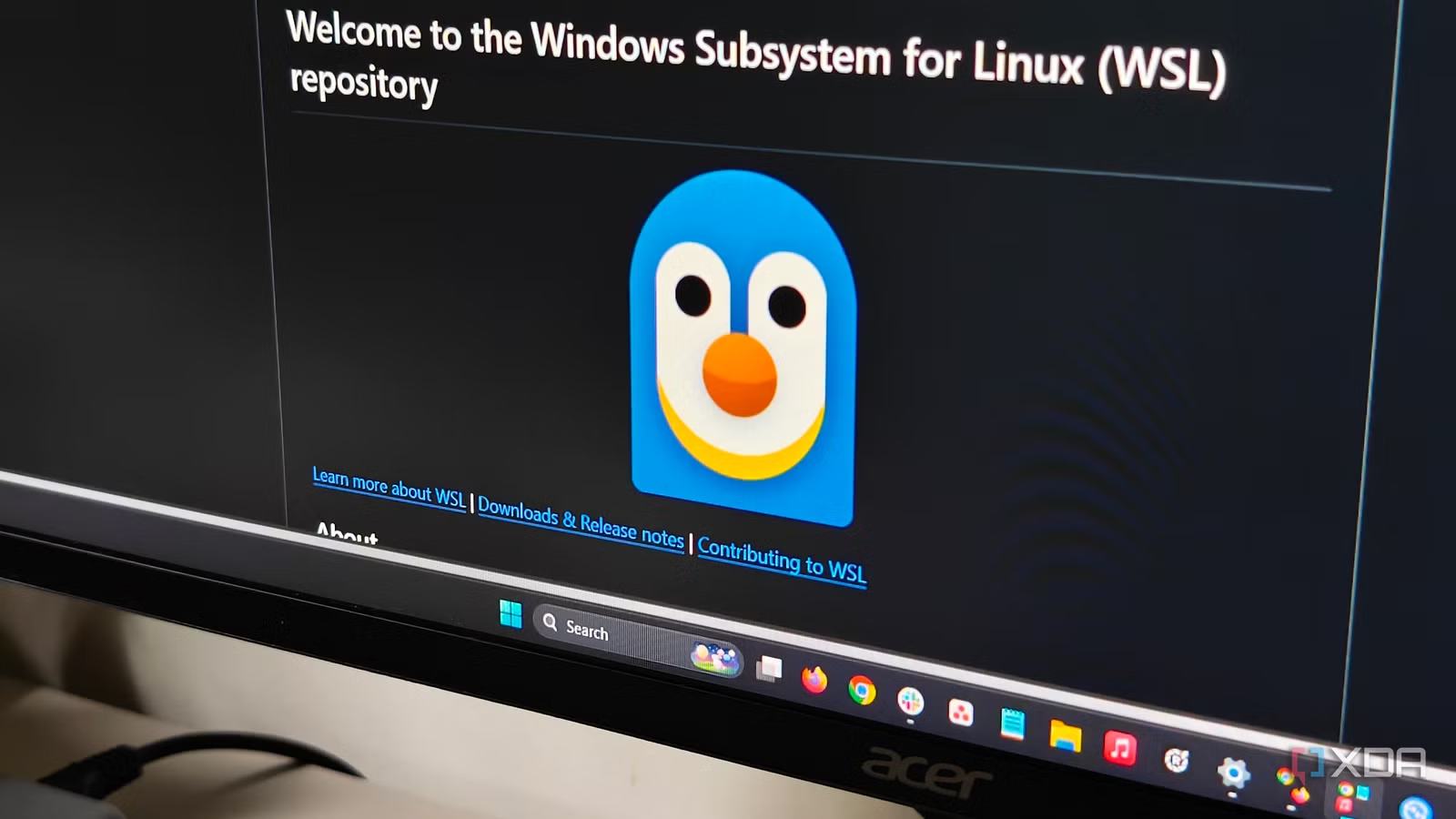
Migrating my Ubuntu environment into the Windows Subsystem for Linux (WSL2) and offloading heavier graphical tasks to VMware Workstation helped matters substantially. Instead of running isolated partitions, WSL gives Windows full control of the bootloader while Linux runs alongside other applications in Windows. This ensures Ubuntu is readily available and not an OS vying for my attention.
The hardware-level advantages make the virtualized approach infinitely superior to a traditional dual-boot configuration. My desktop has 32GB of RAM, providing plenty of overhead to keep VMware Workstation humming without Windows feeling the pinch. WSL2 boots a real Linux kernel in under two seconds, completely bypassing the motherboard POST process. I can open a native bash terminal right next to my active Word document, run my compilation tasks, and close the terminal without ever interrupting my Windows Clock Focus Session.
Moreover, WSL2 offers native integration with the host hardware and file system. I can route compute tasks directly to my Nvidia GTX 1660Ti from inside the Linux subsystem without configuring complex PCIe passthrough settings. Integration with Windows File Explorer eliminates the notoriously clunky process of mounting and reading Ext4 partitions from a separate drive. I navigate to the network drive path assigned to WSL, drag my compiled files directly onto my Windows desktop, and keep working without missing a beat.
Most importantly, I can rest assured that Windows updates pose a slimmer chance of messing up a WSL instance.
Know when to break the rules
I accept that running a Type-2 hypervisor or a lightweight subsystem does not satisfy every single computing requirement in the enthusiast space. Certain specialized workflows strictly require dual-boot for kernel-level debugging, low-latency audio processing, or complex hardware passthrough configurations that virtualization inherently complicates. Some users simply prefer the independent OS separated at a physical level too.
You should consider a traditional dual boot if your usage demands it, like occasional Linux use on a primarily Windows machine. However, WSL makes a strong case for the modern power user where workflow integration with the Windows OS and other hardware-level advantages come into play. You also shed the friction of rebooting each time.