


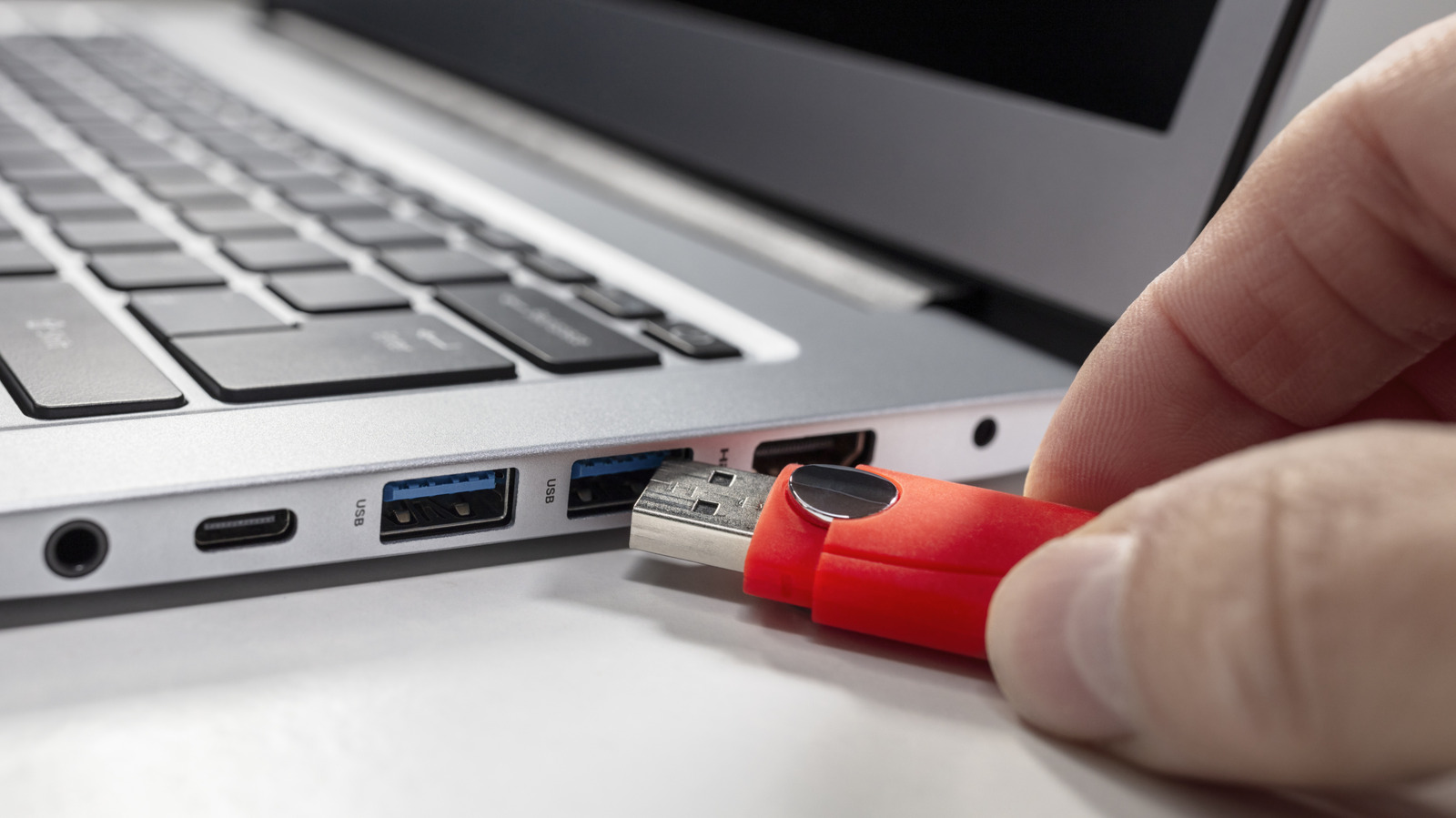
External drives can still be working, even when it looks like they’re idle.
Brianajackson/Getty Images
It’s easy to yank out an external SSD or HDD from your computer without thinking as soon as the file transfer finishes. You might have done this for years without any serious repercussions, leading you to assume that properly ejecting external drives is just old computer advice that stuck around past when it was relevant. But in fact, it’s still important to correctly eject external drives before removing them from your computer.
Even after the file transfer bar completes, your computer doesn’t always end its business with your external drive. Beneath the surface, your operating system might still be handling tasks like writing cached data from memory and sorting out file directories. On macOS, for example, features like Time Machine and Spotlight still engage external drives in the background even after the transfer ends. Taking a few seconds to eject an external drive tells your computer to wrap up whatever process is going on before you unplug it. Doing this reduces the risk of data corruption and incomplete file transfers.
What happens if you don’t eject external drives
Many times, nothing happens when you unplug a drive without ejecting, but the action always carries some risk. The negative results of not properly ejecting an external drive are largely the same across Windows, Mac and Linux. If a transfer was ongoing, either in the foreground or background, pulling the drive will leave the process incomplete and files potentially corrupted. What’s worse, file corruption can be silent, so you might delete the original file thinking it was copied, only to later find the version on your expensive flash drive is corrupted.
Also, pulling out an external drive without ejecting runs the risk of file system corruption. A file system is your drive’s record of what is where and what is what. Unannounced removal can leave the drive with half-updated information about its files, which is one of the reasons Windows asks you to scan and fix a drive when you plug it back in. The infamous “Disk Not Ejected Properly” on Mac isn’t a sign of data loss; it’s simply a warning. The real problem occurs if the drive disappears mid-write, like during a backup.
In rare cases, neglecting to eject your external drive can lead to partition table damage. The partition table is like the drive’s table of contents that operating systems use to navigate its sections. Partition table damage will cause your computer to see the drive as unallocated or not initialized, making it unusable until it’s fixed.
Is it ever safe to unplug an external drive without ejecting?
Mulad Images/Shutterstock
There are times when it’s safe to unplug a drive without properly ejecting, primarily when the drive is idle. “Idle” means no apps are using it, none of its files are open and no transfer is happening. The caveat is that “idle” to you doesn’t always mean idle to your computer; it can initiate background processes without you knowing. Given the time it takes to confirm whether it’s actually idle, ejecting or unmounting is faster (and safer).
How safe it is to suddenly eject external drives depends on your operating system. During Windows 10’s lifetime, Microsoft made the Quick removal policy the default setting for removable drives. This reduces the risks of an unsafe ejection going wrong at the cost of performance. You can change this setting for any drive by right-clicking the Start button and choosing Disk Management. Here, right-click your removable drive in the bottom list, choose Properties, then click the Policies tab and pick between Quick removal and Better performance.
On Mac, background processes like Time Machine backups and Spotlight indexing can continue working after you’re done transferring files, making proper ejection important there. Linux is the riskiest of the three, as it heavily relies on write caching to improve performance. It can look like a transfer is done when it still needs a few seconds to finish up, so pulling the cable out can leave data in memory instead of properly written to the drive.
Some newer drives have built-in protection against sudden disconnection that helps safeguard against data loss or corruption. But these features can fail, so don’t blindly trust them. Your best bet is always be to eject or unmount the external drive before removing it. This only takes a moment, and the OS will warn you if it needs to finish an operation so you don’t have to guess.