


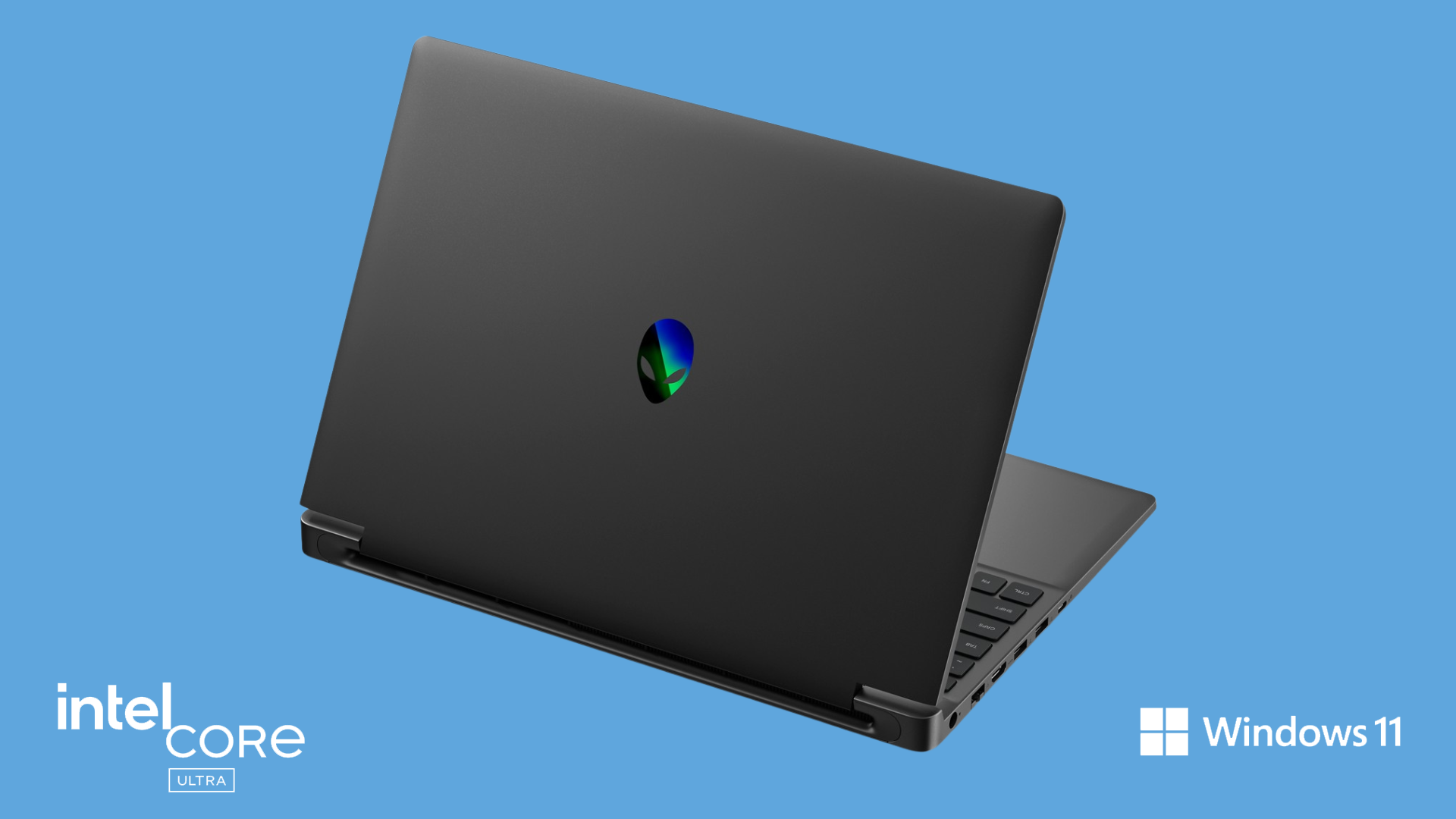
Quick Answer: The Alienware 15 and Alienware 16X Aurora pack the punch required for serious gaming, but are also practical for professional work because they have understated designs and options for quieter operation. The Alienware 15 is the more portable, accessible choice, whereas the 16X Aurora is better suited for demanding professional workloads and higher-end gaming.
A gaming laptop can sound like the perfect two-for-one purchase — until you picture yourself actually using it for work. You want enough graphics power to play demanding games, but you probably don’t want glowing lights, roaring fans or a bulky machine distracting a client or drawing attention at your coworking space. And if you’re spending this much on a laptop, buying a second computer just for work isn’t an appealing solution, either.
That’s where the Alienware 15 and Alienware 16X Aurora get interesting. Like other Alienware laptops, both are built for gaming, but they’re also designed to dial things back when it’s time to work, giving you the option of one laptop that can toggle between work mode and gaming setup. The question isn’t about power, but whether they are quiet, portable and understated enough to make that two-in-one approach actually work.
Before you replace two laptops with one, here are a few practical questions worth answering.
Can you use a gaming laptop for work?
Yes, a gaming laptop can handle everyday professional tasks such as email, spreadsheets, video calls and web browsing with ease, while its powerful processor and dedicated graphics can also help with demanding work such as video editing, 3D rendering or compiling code. If you work as an employee, keep in mind that using devices of your choosing may be contingent on your IT department’s hardware policies.
The key trade-off is that gaming laptops are typically heavier, more power-hungry and potentially louder than conventional work laptops. There’s also the flashing lights and aggressive styling that can feel out of place in a professional setting. Good work-and-gaming laptops minimize those compromises. Look for manageable weight, useful battery life, quiet operating modes and the ability to turn off gaming-oriented lighting when it’s time to work.
Both the Alienware 15 and Alienware 16X Aurora provide Stealth Mode to quickly toggle off gaming features, including shutting off AlienFX lighting and putting the machine in quiet mode. The Alienware 15 is the easier of the two to carry between home and the office, while the slightly larger 16X Aurora makes more sense if performance matters more than traveling light.
How easy is it to turn off Alienware’s gaming features for work?
Alienware’s Stealth Mode lets you tone down the laptop for work, turning off AlienFX RGB lighting so the machine looks less conspicuous in an office, and you can toggle it quickly with a keyboard shortcut.
On both the Alienware 15 and 16X Aurora, Stealth Mode also switches the laptop to Quiet Mode, dialing back fan noise when you don’t need maximum gaming performance. That means you don’t have to dig through settings every time you move from gaming to a meeting.
Are Alienware laptops powerful enough for heavy workplace productivity?
The Alienware 15 and 16X Aurora have far more performance than you need for routine office work, with powerful processors and dedicated NVIDIA graphics cards.
The 16X Aurora is the stronger choice if demanding productivity work such as video editing, coding and creative applications is a major part of your workday. Its higher-performance hardware makes more sense for creators and other power users who can take advantage of the same CPU and GPU muscle that drives high-end gaming.
That overlap is a big part of the appeal: you’re not carrying around gaming performance that becomes useless when the workday starts.
Alienware 15Alienware 16X AuroraProcessorUp to Intel Core 7 240H, 10 cores, up to 5.2GHzUp to Intel Core Ultra 9 290HX Plus, 24 cores, up to 5.5GHzGraphicsRTX 4050 / 5050 / 5060RTX 5060 / 5070 / 5070 TiGPU MemoryUp to 8GB GDDR7Up to 12GB GDDR7System MemoryUp to 32GB DDR5Up to 32GB DDR5StorageUp to 1TB SSDUp to 4TB Gen4 SSD in current configurationsDisplay15.3-inch, 1920 x 1200 IPS16-inch, 2560 x 1600, up to OLED, 240HzRefresh Rate165Hz240HzExample Work FitEveryday productivity, multitasking and moderately demanding creative workHeavy multitasking, video/creative workloads and other performance-intensive work
Consider the Alienware 15 and Alienware 16x Aurora
If you want one machine that can handle serious gaming and professional work, both the Alienware 15 and Alienware 16X Aurora make sense as dual-use machines, but for different buyers. The Alienware 15 is the better fit for everyday productivity, commuting and hybrid work, while the more powerful 16X Aurora makes sense for demanding creative work and heavy multitasking. Both can quickly tone down their gaming personality with Stealth Mode, making the transition from gaming at home to working at the office surprisingly simple.
Learn more about both options on Dell’s website to decide which option is right for you.
FAQ
Can you turn off all RGB lighting on an Alienware laptop?
Yes, the Alienware Command Center allows users to turn off AlienFX lighting, shifting to a subtle, static white backlight perfect for subdued office settings.
Are gaming laptops good for professional work?
Yes, especially if your work benefits from the powerful CPUs, GPUs and generous RAM configurations already needed for gaming. That extra performance can be useful for video editing, 3D work and other demanding applications.
How do you keep a gaming laptop quiet during office meetings?
Use a quiet thermal profile and avoid performance-intensive tasks while you’re in a meeting. Using thermal control software like Alienware Command Center to select “Quiet” or “Battery Saver” mode limits fan speeds and keeps system noise minimal during meetings.
Do Alienware laptops support multi-monitor office setups?
Yes. Both Alienware 15 and 16X Aurora provide HDMI and USB-C/DisplayPort connectivity for external monitors, making them suitable for a desktop-style office setup. The 16X Aurora is especially capable: its integrated graphics can drive three external displays while the laptop screen remains active, and its Thunderbolt 4 port alone supports two 4K displays.
Which Alienware model is best for combining work and gaming?
The Alienware 15 is the better fit for most people who prioritize portability and everyday hybrid use, while the Alienware 16X Aurora makes more sense if both your work and gaming demand greater performance.