


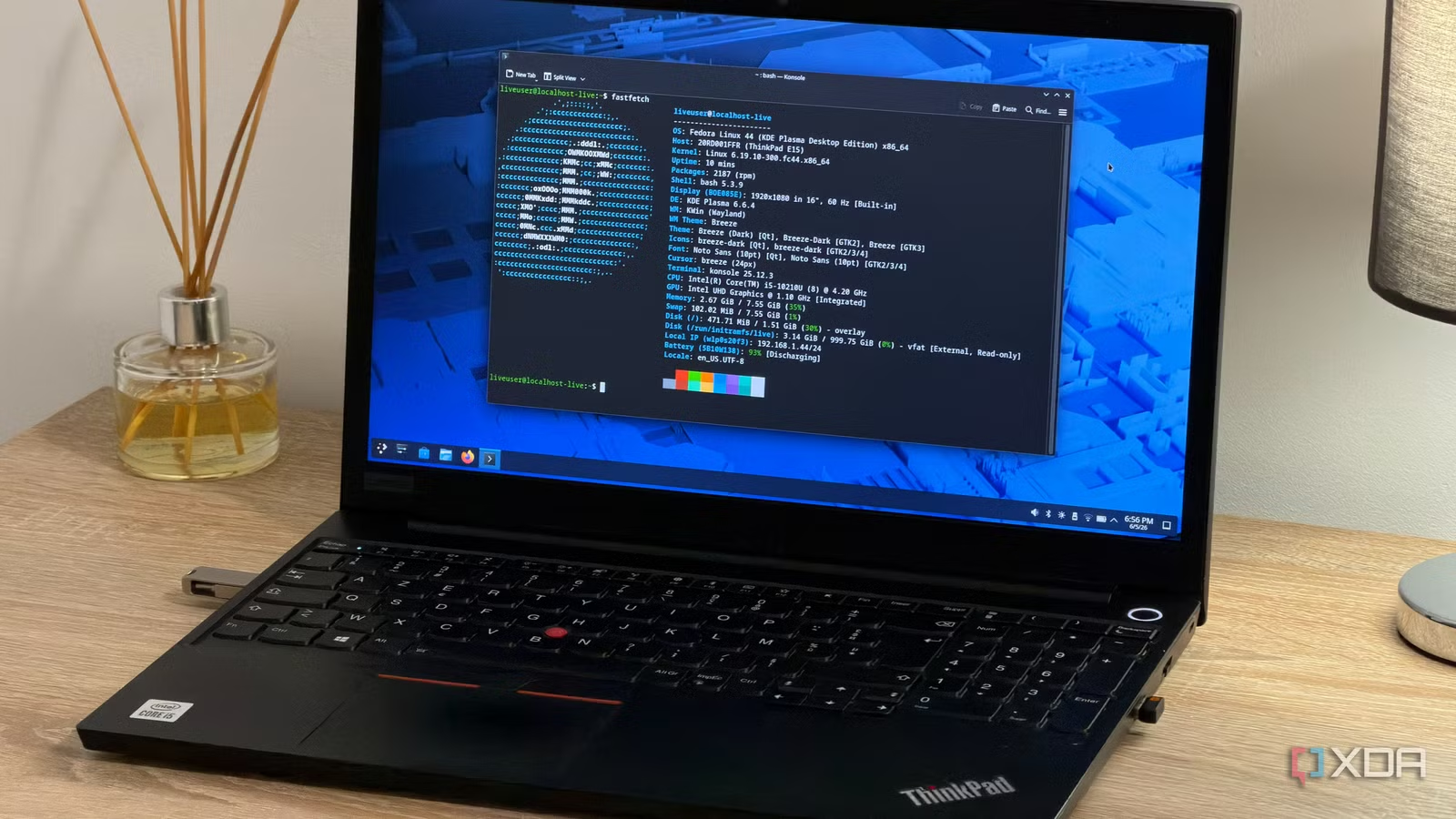
I definitely can’t say I had a normal route from Windows to Linux. Okay, sure, I started where everyone recommends you start, with Linux Mint. But once I was tired of that, I did research into which distro would be best for me to jump to next. Then, after seeing that the internet was ready to recommend every distro under the sun, I got decision paralysis and decided to just start installing things until something felt right.
Despite everyone recommending Ubuntu as the perfect beginner distro for a Linux newcomer and Fedora for intermediate users, I actually had the completely inverse experience. Ubuntu felt like a confusing maze, while Fedora gave me everything I wanted right away. So, what happened?
I really, really don’t like GNOME
My first impression of Ubuntu was pretty bad
Before I go on, it’s crucial for you to realise that I don’t like GNOME. Like, I really don’t like GNOME. And while I know the feeling isn’t universal, I have a general feeling that a lot of newcomers to Linux from Windows also aren’t huge fans of GNOME. There’s even a subreddit called “Got GNOMED,” entirely dedicated to beginners triggering a desktop environment switch to GNOME and making posts asking what on earth happened to their PC.
I gave Ubuntu a try to see what it was like, and, as you might imagine, I picked the default version with GNOME. Immediately, I was very confused as to what was going on; nothing in GNOME felt like what it did with Windows 11 or Linux Mint’s Cinnamon. It was one of the fastest rebounds I had off a distro while I was exploring them, and it would eventually lead me to my new home, Fedora KDE.
“But wait,” I hear you cry. “Not only does Ubuntu have its own KDE flavor called Kubuntu, but Fedora’s default ISO is also GNOME!” And you’d be dead right. However, there was a key difference between Ubuntu and Fedora that led me toward the latter, despite being a total Linux newbie.
Related
Linux Mint replaced Ubuntu as the best first distro, and Ubuntu’s own choices explain why
Yes, GNOME is one of those reasons.
Fedora presented a GNOME-free alternative to me far better than Ubuntu
It made picking my desktop environment a lot easier
I want you to check out the Ubuntu download process if you can. If you’re a newcomer to Linux, fantastic; see how you fare at navigating the website. If you’re a veteran, pretend you’re a newcomer to distros and know next to nothing about how the world of FOSS operating systems works.
To get Ubuntu, you head over to the Ubuntu main page. You click “Get Ubuntu” because you want to, you know, get Ubuntu, and a little drop-down menu appears. It offers you a few options, including a big green “Download Ubuntu Desktop” button (which sounds like exactly what you want as a newcomer) and a smaller “Ubuntu flavors” section (which sounds weird and kind of scary).
Of course, with the hindsight I now have, I know exactly why past-me made the error he did. He clicked the big green button, installed it, hated it, thought that was the only way Ubuntu looked, then went elsewhere. I didn’t touch the flavors because I didn’t know what flavors were outside of ice cream preferences.
Now, check out Fedora’s main page. You scroll down, and you see a few options you can pick from. Each one has a brief description of what it does. Most importantly, they each have a “Learn More” button. When you click that, the first thing you see on the landing page is what the spin looks like. Past me clicked on “Learn More” for Fedora Workstation, saw the horrors that is GNOME, backed out, clicked “Learn More” for Fedora KDE, and, hey—look at that! An OS that actually kind of looks like Windows. Perfect. I’ll take it.
Related
I used KDE Plasma for a month and realized Windows 11 is still years behind on the features that matter
KDE Plasma fixes Windows 11’s rigid design and lack of essential features like customizable taskbars and advanced file management tools.
Fedora KDE helped me get set up properly, even as a beginner
There was a little bit of learning required, but nothing huge
From there, Fedora KDE led me down the path of getting set up. Some of the things that would trip a beginner up were actually presented in an accessible and easy way to me. When you first boot up Fedora KDE, you get a little tutorial. Part of that tutorial includes selecting an option that enables third-party codecs. Boom; one of the ‘gotchas’ that comes with starting with Fedora as a beginner distro.
Discover took care of the rest. If I wanted an app, I looked it up on Discover. If I wanted to update my software and system, Discover handled that. And when Discover couldn’t do something, there was enough support on the web to teach me what I had to do. Was it a little more complex than Ubuntu? Maybe, sure; but remember, I still thought Ubuntu was only GNOME, so it wasn’t an option.
Related
Windows abandoned my 12-year-old PC, so I revived it with Linux Mint
Giving my old hardware the TLC it deserves.
Despite being for intermediate users, Fedora made it easy for me as a beginner to discover Linux
Would I have had a different opinion if I asked someone about what I wanted? Probably; they would have likely pointed me toward Kubuntu. But in terms of me finding my own way, Fedora made it easier in ways Ubuntu didn’t.