


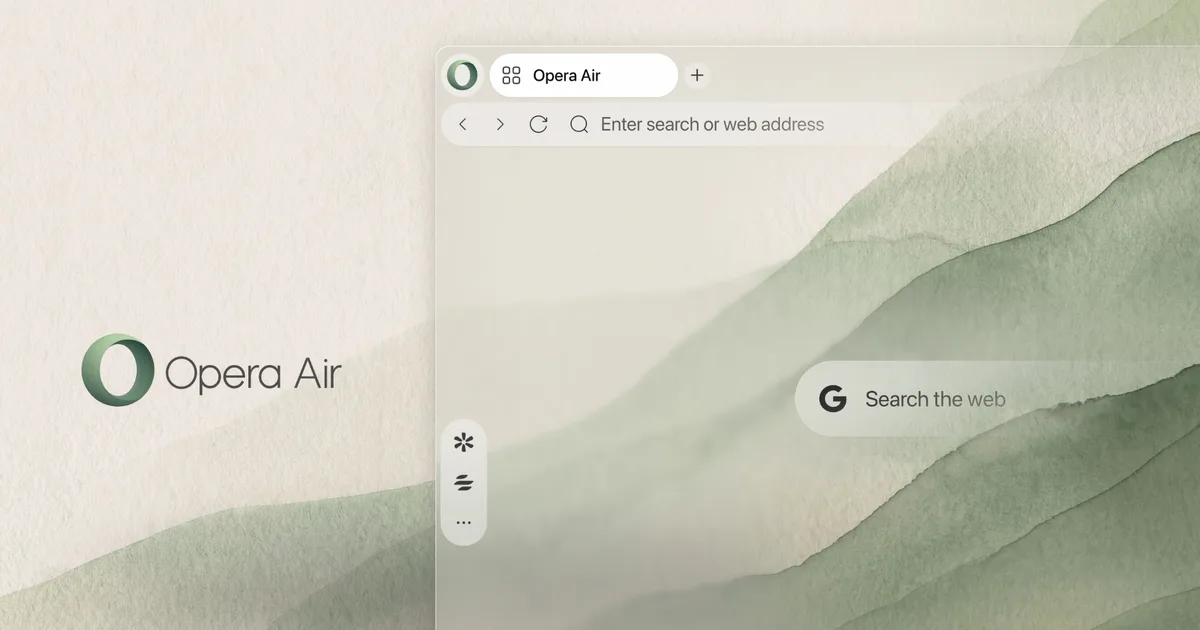
Opera has given its focus-friendly browser a fresh coat of paint. The reimagined Opera Air ships with a stripped-down interface, new wallpapers, more Soundscapes, and guided exercises to help you unwind between work sessions. Here’s everything new.
What’s new in Opera Air’s design?
The first change you will notice is how empty the browser looks. Opera has removed Speed Dials, widgets, and predefined shortcuts from the start page. It has also switched off promotional tips and Opera’s own system notifications by default, so nothing pops up while you work. If you miss any of these features, you can bring them back whenever you like.
Opera
Air also gets a new collection of wallpapers. Opera borrowed ideas from art, like perspective, fractals, and textures, to create backgrounds that feel soothing rather than busy. They also adapt automatically to Light and Dark Mode.
What can you listen to while you work?
Soundscapes has received a big refresh. You now get four categories: Focus, Work, Relax, and Ambience. Ambience is brand new and skips the music entirely, playing background sounds like Sea Waves and Spring Forest instead.
Opera
Opera has also added five new tracks. The standout is Hyperfocus, an upbeat track meant to keep you in the zone. For tough tasks, you can enable binaural beats from the player, along with a timer and repeat option. Binaural beats stay off unless you turn them on.
How do the new Breaks work?
Breaks now offer two kinds of exercises. There are four breathing sessions (Destress, Refresh, Box, and Relax) that take 3 to 5 minutes and start from the sidebar in two clicks. Then there are four neck routines (Unwind, Pain Relief, Loosen Up, and Tension Release) running 5 to 14 minutes. You can turn on your camera to compare your moves with the on-screen model, but it’s optional.
Opera
Is the update worth it?
If you spend hours glued to your screen, I think so. Opera Air feels less like a browser and more like a calm little workspace that reminds you to breathe.
RELATED COVERAGE: