


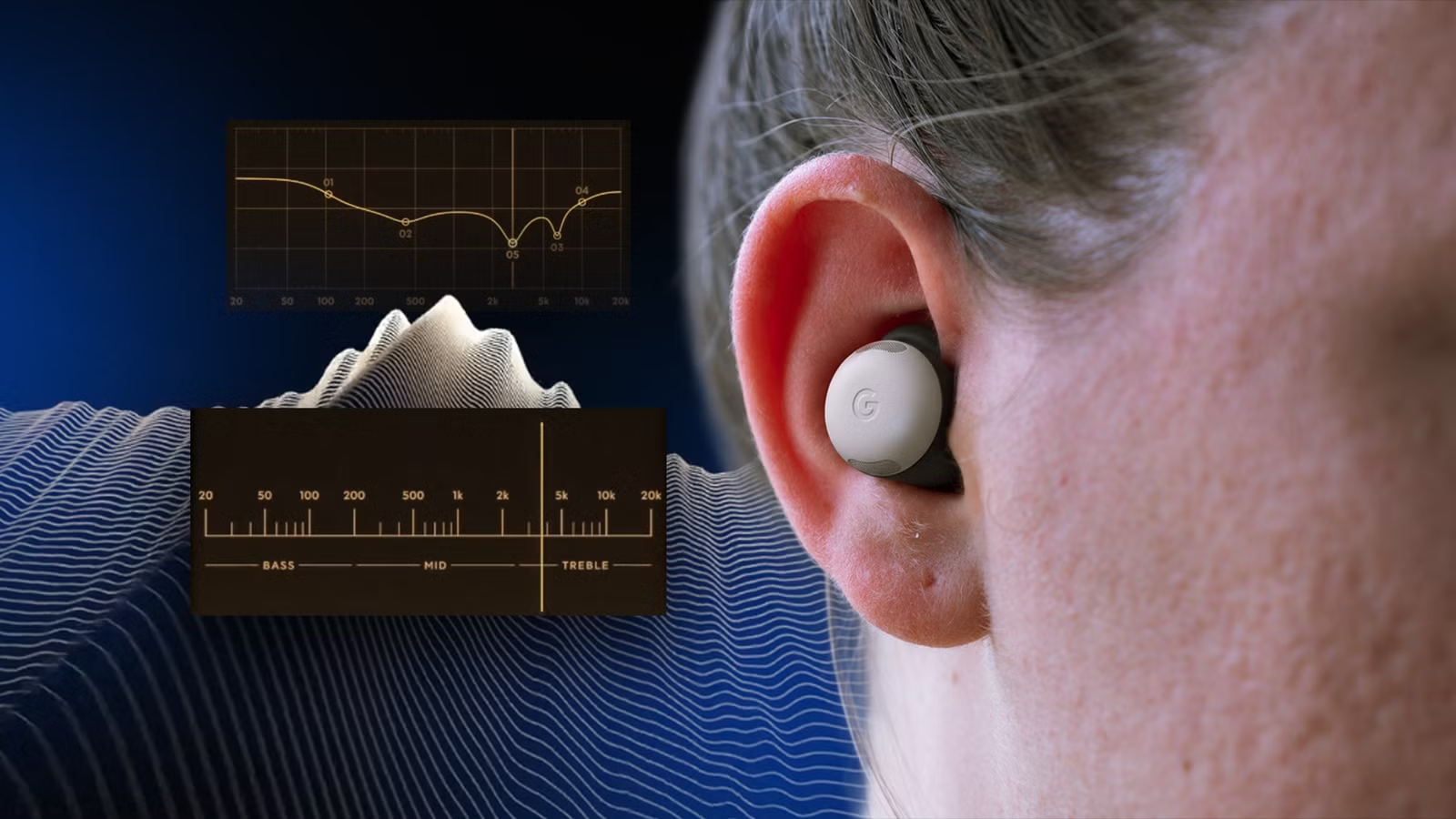
I like my Google Pixel Buds for the fit and for how discreet they are, but the sound quality leaves a bit to be desired. It’s not bad per se, but the default sound is a bit too treble-forward for my taste.
Google’s built-in equalizer helps, but there’s not enough flexibility to fully tune the audio to my liking. I’m not talking about simple equalization presets. I want to tune the earbuds, letting the vocals breathe and adding some weight to the bass.
A few apps claim to do this, but I recently came across EQSweep, a free, community-built app that might be the best equalizer implementation I’ve found.
This free Android app lets you tune your headphones by listening to test tones instead of guessing with sliders.
I used it to identify the frequencies throwing off my Pixel Buds’ sound, made targeted adjustments, and got them sounding the best I’ve heard in minutes.
Related
YouTube Music’s free tier is enough now that I discovered these Android workarounds
No more subscriptions for me
EQSweep takes a different approach to headphone equalization
Use frequency sweeps to identify tuning issues
Equalization isn’t a new feature. But it’s easy to implement it wrong. The popular approach is to offer a few presets or a graphic equalizer with sliders for different frequency regions.
These equalizers are designed to shape the final output. So, if you like a bass-heavy sound, adjust the lower-end frequencies. Similarly, you can pare back the treble or boost vocals.
EQSweep starts at a more basic level. The app is trying to EQ the headphones not for sound, but to fix the gaps in the default tuning.
Instead of experimenting with sliders, it plays a test tone that you can sweep across the audible frequency range. The goal is to identify frequencies that sound unnecessarily loud or, at the other end of the spectrum, noticeably quiet.
The app then lets you create filters to compensate for these bumps and dips and produce a consistently flat sound.
The process starts with a full frequency sweep. As you move the frequency through the spectrum, the app generates a sine wave at the corresponding frequency.
As long as you keep volume levels consistent throughout the sweep, you should be able to listen for points where the tone becomes more noticeable or less so.
These points indicate peaks or dips in the headphone’s frequency response and represent the specific frequencies that need to be, for lack of better words, fixed.
After you’ve identified a problem area, you can mark a start and end point. EQSweep uses those points to create an equalizer band for granular adjustments.
You can create up to 10 bands, adjust the gain and width, and toggle them on or off to build a fully bespoke solution for your earphones.
How I use EQSweep to fine-tune my Pixel Buds
Create custom EQ profiles for different genres
For my use, I wanted the audio to sound as neutral and balanced as possible. I wanted to tame that apparent treble boost in the default sound signature.
I started by running a frequency sweep at a low volume. The app warns you about this, so keep the volume levels in check, as higher-frequency sweeps can damage your ears at high volumes.
Next, pay attention to the sound characteristics as the frequency sweep moves across the spectrum. If a region stands out, use the start, top, and end buttons to mark that section.
This represents the section of the curve that you want to adjust. It also lets you make granular changes to specific frequencies instead of a wide-ranging curve that pulls down the entire upper-mid frequency spectrum.
Then you can adjust the frequency gain to set how loud you want it. To boost that section, increase the gain; to turn it down, reduce it. Simple as that.
You can also save multiple presets if you want to tweak the sound on the fly to match the kind of music you’re listening to.
For example, when I’m listening to bass-heavy music by artists like Run The Jewels, I have a specific equalizer profile that elevates the bass and midtones.
Moreover, EQSweep lets you export your equalizer profiles in universally accepted formats. This means you can import the tweaks you’ve made here into Wavelet, my preferred system-wide audio equalization tool.
Plus, if you’re constantly switching between headphones, you can have individually saved equalizer profiles.
An easy way to improve the sound of any headphones
Many people treat earphones or headphones as static purchases. If you don’t like the sound signature, you move on and pick up something else.
But that’s not really the case. Modern drivers have plenty of room to tweak them to match the sound signature you like.
While EQSweep can’t fix every limitation, it gives you plenty of control over audio customization. It takes a different approach. Instead of cycling through presets or sliders, this app lets you run a full frequency sweep and make granular changes.
It costs nothing and gives you more control. What’s not to like? The app is currently in beta, which means you’ll need to sign up as a tester, but it takes minutes.
I can’t wait for the app to pop up on the Play Store , as it’s my favorite Android equalizer app.