


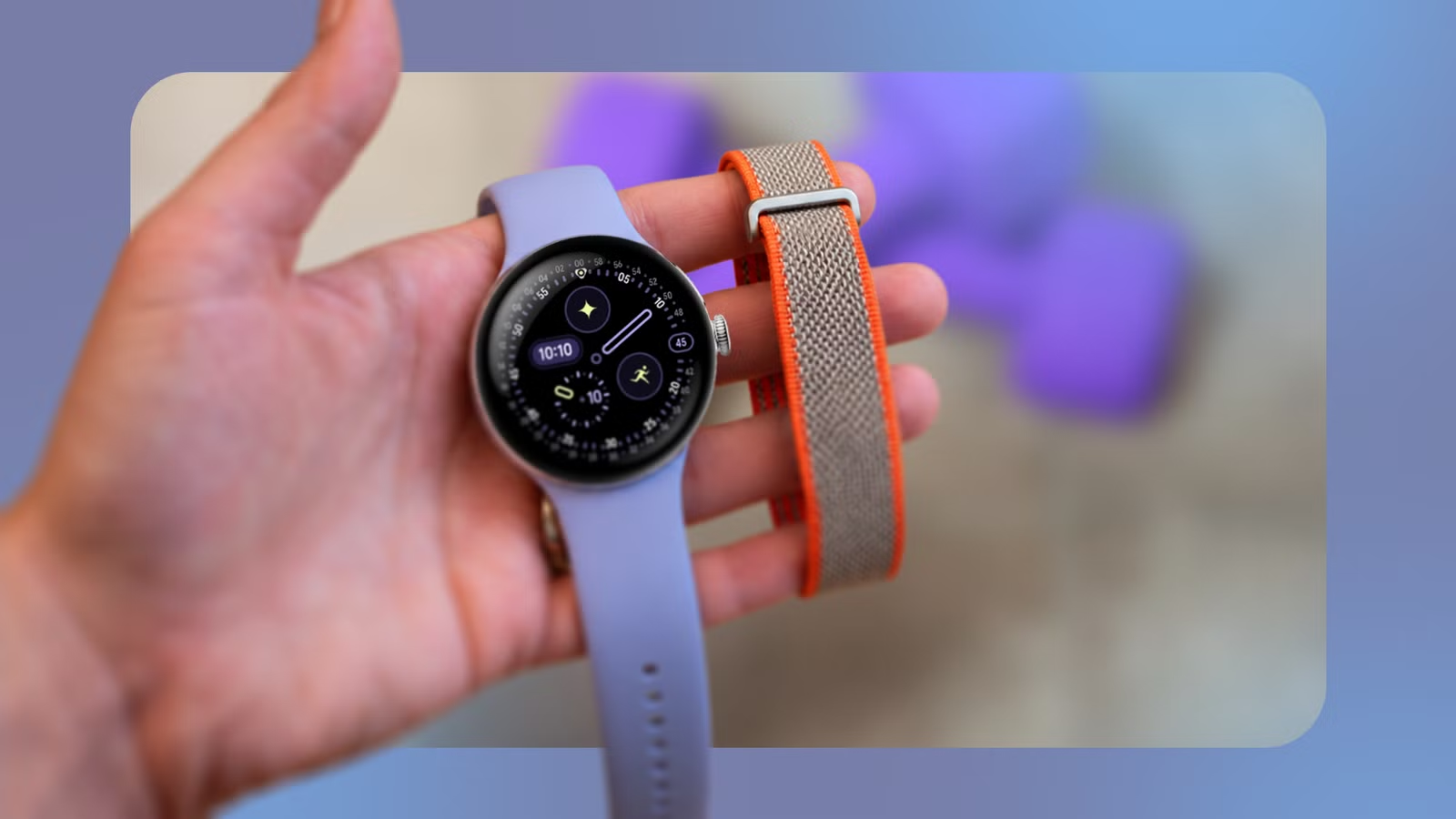
My Pixel Watch can give me directions, mirror notifications, and run apps. But after more than a year, I have realized I mainly use it to count my steps, track workouts, and tell me how much I slept.
After seeing my dad use a Fitbit Air for the last month, I started questioning whether I still needed a smartwatch.
The wearable quietly does its job with fewer charging breaks and no distracting screen. All this has convinced me to make the switch.
Fewer distractions on my wrist
My health needs tracking, not my notifications
The idea of switching to the Fitbit Air came after I got one for my dad. Watching him use it made me appreciate how quietly it fits into his routine. It does the tracking it needs to, and that’s it. No screen demands his attention or gives him another reason to check his wrist.
That’s something I increasingly want from wearables, especially after becoming a parent.
After years of wearing a smartwatch, I’ve gotten into the habit of checking my wrist with every buzz. The Google Pixel Watch 4‘s large screen has only made that habit worse. That’s after I turned off unwanted marketing notifications from several apps. Even then, notification overload is a reality of our times.
Related
I wore the Google Fitbit Air for 30 days; these are the hidden settings you must enable
A few quick tricks keep my Fitbit Air accurate and efficient
Giving up the Pixel Watch 4 wasn’t an option for me, as I wanted a reliable wearable to track my activity and sleep. Plus, my experience with Google Health has been positive, and its AI insights have helped me improve my sleep schedule.
The Fitbit Air gives me the same tracking experience with Google Health access, but without the screen on my wrist. After seeing how well it fits into my dad’s routine, I’m ready for a wearable that does its job without distracting me with notifications.
A tracker that needs less attention
I can’t manage another device
Seeing my dad use the Fitbit Air for the last few weeks made me realize the value of a wearable that requires little involvement.
He is not particularly tech-savvy, so I set up the Fitbit Air for him and put it on his wrist. That’s it. That was a few weeks ago, and since then he has only removed the wearable a few times to charge it.
There was no other maintenance. The Fitbit Air was just there on his wrist doing its job: tracking his sleep, heart rate, and exercise routines, while providing valuable insights. That’s not something I can do with the Google Pixel Watch 4.
I have to restart the watch at least once every few days to ensure it works smoothly. Even then, it still doesn’t always feel as responsive as it should, thanks to the dated Snapdragon platform. A lag occurs when switching between apps or watch faces.
Then there are app updates to manage. Individually, you may not think much of them, but they add up on a device I mainly want to wear and forget about.
Restarting a watch or managing its apps has nothing to do with tracking my activity or getting a better night’s sleep, which is my goal.
Before the Fitbit Air, I did not think that was possible. But that’s not the case with Google’s screenless tracker, which is almost maintenance-free.
I want to go days without charging
More time on my wrist, less on the charger
When I switched to the Pixel Watch 4 in October 2025, I was impressed by its battery life. I got almost two days of runtime on a single charge. A year later, that figure dropped to about 32 to 36 hours. That’s still not bad for a smartwatch packing so much functionality.
However, the Pixel Watch 4’s longer battery life has spoiled me and left me wanting more. And the Fitbit Air delivers exactly that, with Google rating it for up to seven days on a single charge.
My dad’s Fitbit Air regularly lasts 6 to 7 days. With my more active lifestyle and exercise tracking, I’d still expect the Air to last at least five days between charges.
I want the flexibility of going several days between charges, and it’s one of the major reasons I want to switch to the Fitbit Air. Ironically, the Pixel Watch 4 made me appreciate the benefits of longer battery life. Before that, I was perfectly happy with the Pixel Watch 2 barely lasting a full day.
No more upgrading for features I barely use
More features won’t change how I use a wearable
After wearing smartwatches regularly for over a decade, I’ve realized I use them mainly to track steps, record workouts, and monitor my health.
While I can also use them to navigate with Google Maps, quickly send texts, and handle other small tasks, the experience is nowhere close to what I want it to be.
These features can be useful occasionally, but they aren’t essential to how I use a wearable. For me, they’re extras, not something I look for when buying a smartwatch.
That makes another smartwatch upgrade harder to justify. A newer Pixel Watch with a faster processor should deliver better performance and maybe even longer battery life. But neither improvement would fundamentally change how I use the watch.
After more than a decade, I have a fair idea of which wearable functions matter to me and which I can comfortably give up.
Instead of buying another smartwatch for everything it could do, I want a wearable that focuses on what I actually use. Right now, the Fitbit Air feels like a perfect match.
No more chasing the next best smartwatch
For years, I thought I wanted the latest and greatest smartwatch for the best functionality possible. But watching my dad use the Fitbit Air made me question whether the Pixel Watch 4 is the right fit for me.
My priorities have changed, and now I want to track my health without charging it regularly or checking another screen. The Fitbit Air delivers all of that and more, making it a more appealing option than the Pixel Watch.