


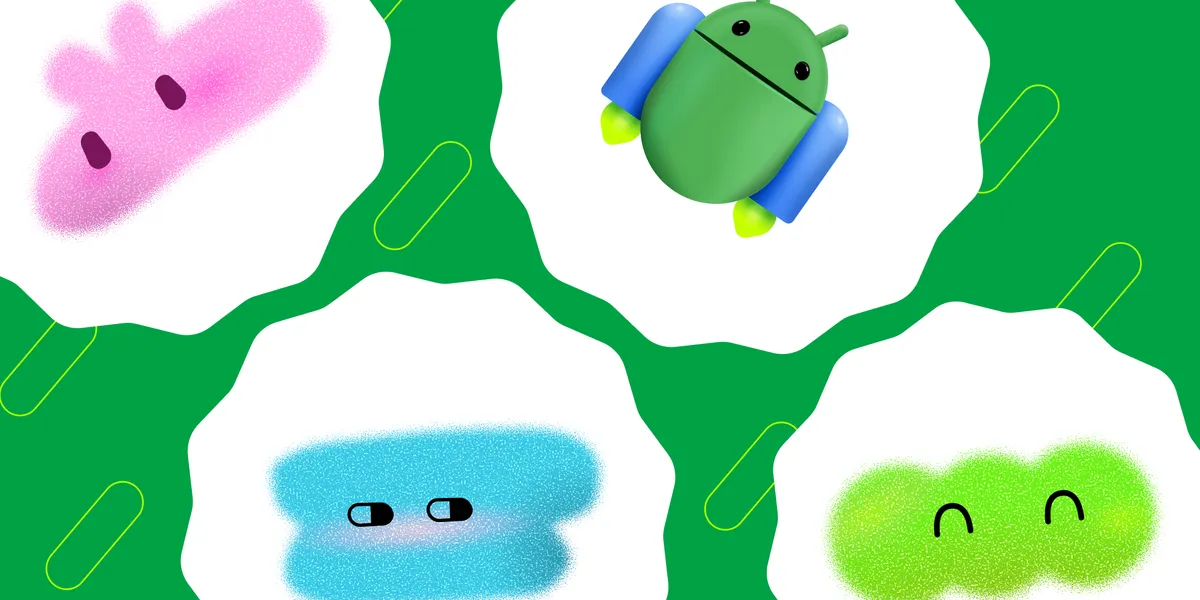
Did you know you can build an interactive Android gaming widget? This blog post series will show you how with a new alpha library called Remote Compose.
Android Pet
Flappy Droid
After reading this post you’ll know:
- When to use Jetpack Glance and Remote Compose
- How to set up a basic Remote Compose widget using the creation-compose library.
- How to manage widget state.
Note: Because the Remote Compose library is currently in alpha, code examples in this blog might need modifications to work with future versions of Remote Compose.
For most cases, you should use Jetpack Glance to build Android widgets. It is a backwards compatible library with developer tooling that simplifies building high quality widgets across form factors.
But some delightful widget use cases cannot be built with Jetpack Glance, especially those that require animations. This is because Jetpack Glance uses the legacy RemoteViews system that (a) cannot use mathematical expressions (for example to continually rotate an object) and (b) is controlled by the Android system that limits both the size and frequency of your widget updates.
There are clever but unsupported hacks to create widget animations with RemoteViews. But now there’s a flexible way to create animations with Remote Compose.
Throughout this series, we’ll use two gaming widgets we’ve developed internally to show practical applications of Remote Compose: Android Pet and Flappy Droid. However, the code snippets are simplified to focus on the core concepts.
Android Pet is a customizable virtual pet that evolves after you take care of it. Flappy Droid is a side-scroller where the user flies between and avoids columns.
Introducing Remote Compose
Remote Compose separates your UI definition from its execution. Your app runs your declarative @RemoteComposable code to serialize your layouts and animation expressions into a compact Remote Document (ByteArray). Android sends this document to a host process, such as the home screen launcher. In the host process, a Remote Compose player handles interactions, resizing, state changes, and animations locally. This concept is similar to a web browser (the host process with a Remote Compose player) that renders an HTML document (the Remote Document).
Diagram showing app process and host process actions with Remote Compose.
Because the player manages updates independently, local to its own process, the app process doesn’t need to be awake. Compared with RemoteViews-based widgets, where the app pushes UI updates, Remote Compose is efficient because it reduces the need for IPC round-trips and therefore reduces latency and battery drain. For widgets specifically, this means that once the phone’s launcher receives the Remote Document, your app is free to suspend while the widget remains interactive.
Remote Documents are also small, often only a few dozen kilobytes, which is helpful when the app must emit a new Remote Document because it has new information.
This blog walks you through creating a basic Remote Compose widget and introduces two ways to manage widget state. The next two blogs dive deep into animations. The series primarily uses two Remote Compose libraries in alpha: creation-compose and the creation library.
Creating a basic Remote Compose widget follows the same steps as creating an AppWidget, except you’ll use Remote Composables for your UI.
Add the Remote Compose dependencies to your version catalog and app/build.gradle.kts.
libs.versions.toml:
[versions]
remoteCompose = “1.0.0-alpha21”
[libraries]
androidx-compose-remote-core = { group = “androidx.compose.remote”, name = “remote-core”, version.ref = “remoteCompose” }
androidx-compose-remote-creation = { group = “androidx.compose.remote”, name = “remote-creation”, version.ref = “remoteCompose” }
androidx-compose-remote-creation-compose = { group = “androidx.compose.remote”, name = “remote-creation-compose”, version.ref = “remoteCompose” }
app/build.gradle.kts:
dependencies {
implementation(libs.androidx.compose.remote.core)
implementation(libs.androidx.compose.remote.creation)
implementation(libs.androidx.compose.remote.creation.compose)
}
In AndroidManifest.xml, register your receiver so your widget shows up in the system’s widget picker.
Add the android.appwidget.action.APPWIDGET_UPDATE intent filter, which is traditionally used by the system and app to periodically refresh the widget. However, note that Remote Compose allows widgets to handle state changes locally on the host, independent of APPWIDGET_UPDATE.
android:name=”.widget.MyGamingWidget”
android:exported=”true”>
android:name=”android.appwidget.action.APPWIDGET_UPDATE” />
android:name=”android.appwidget.provider”
android:resource=”@xml/my_gaming_widget_info” />
Add the widget XML info: