


Summary
- Windows 11 Weather app hogs about 1.2GB RAM and spawns multiple Chromium processes.
- App displays ads because it wraps MSN weather in a WebView2/browser shell.
- Native macOS Weather uses ~247MB with no ads; Microsoft should port to WinUI 3.
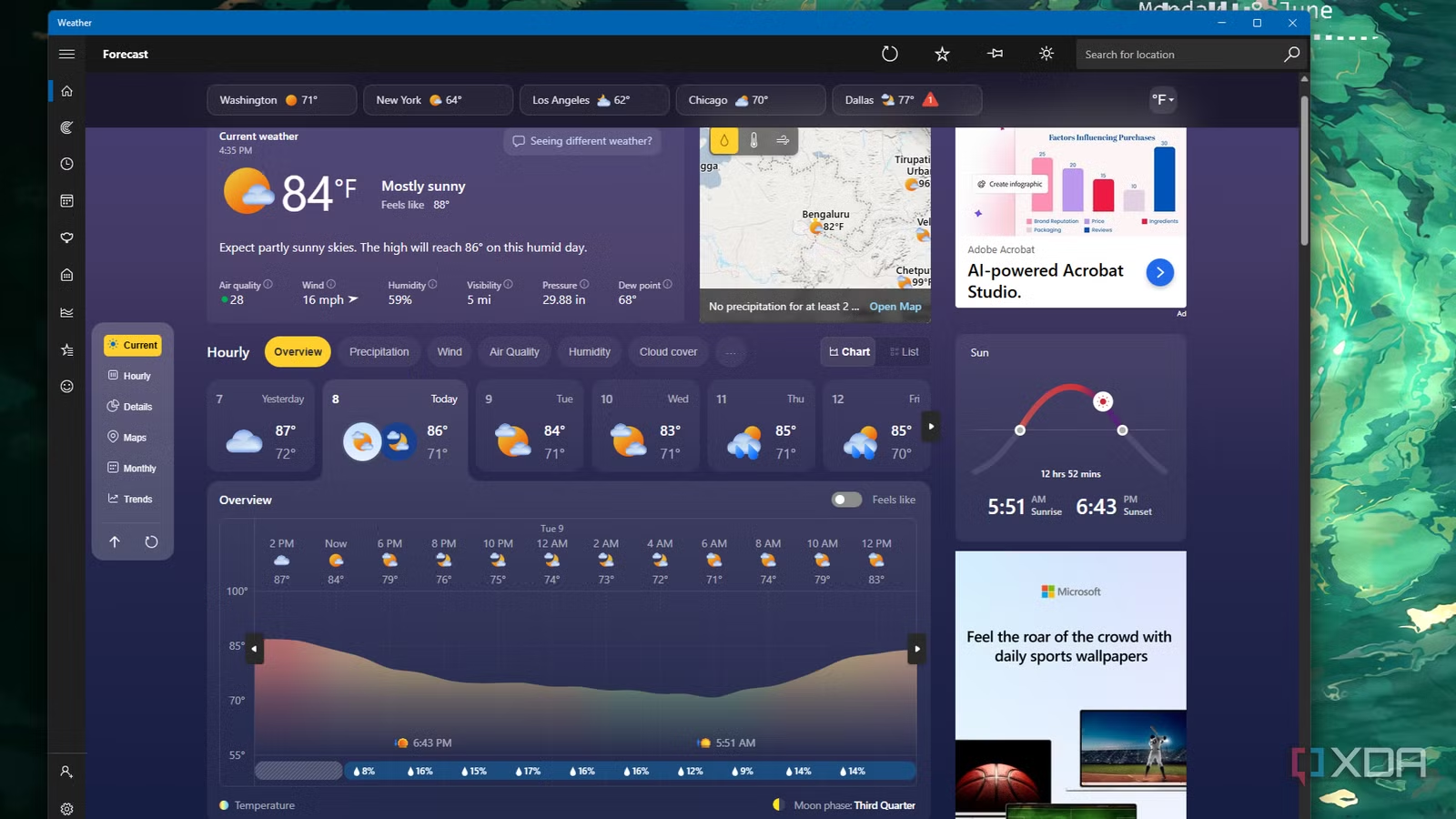
Windows 11 has had its fair share of problems over the past few years, and while Windows K2 is doing work to make the operating system more appealing to users, there are still some elements that need some work. For example, Windows Latest claims that the Windows 11 Weather app uses five times more RAM than macOS’s Weather app, and the worst part is that Microsoft’s version comes with ads bundled in.
Windows 11’s Weather app takes up 1.2GB of RAM, says Windows Latest
It’s a great deal more than the 246.7MB that macOS uses
Windows Latest discovered this issue when one of its writers quickly checked the weather during a downpour. As soon as the Windows 11 Weather app booted up, it took up 1.2GB of RAM. It also displayed some ads, which Windows Latest notes is due to the app being MSN’s weather service dressed up in a Windows style.
After dissecting the Weather app via Task Manager, Windows Latest spotted nine Chromium processes powering it. It came to the conclusion that the Windows 11 Weather app is a WebView2 program using browser tech to get the job done. It then compares Microsoft’s Weather app with Apple’s on macOS, which runs natively, has no ads, and only takes up 246.7MB of RAM.
There is a silver lining, though. Microsoft has shown intent to move specific elements of Windows 11 over to WinUI 3, such as File Explorer. Hopefully, the Redmond giant will offer the same treatment to the Windows 11 Weather app; 1.2GB feels like way too much memory for a simple forecast to take up.
Unfortunately, this is just one of a few problems that Windows 11 users face on a daily basis. For example, did you know that a Windows 11 service you never asked for is making your laptop run warmer and die sooner?
Related
Microsoft accidentally rolled out a OneDrive app to everyone’s PCs, and there’s no simple way to fix it
Microsoft didn’t mean to spread the app as far as it did.