


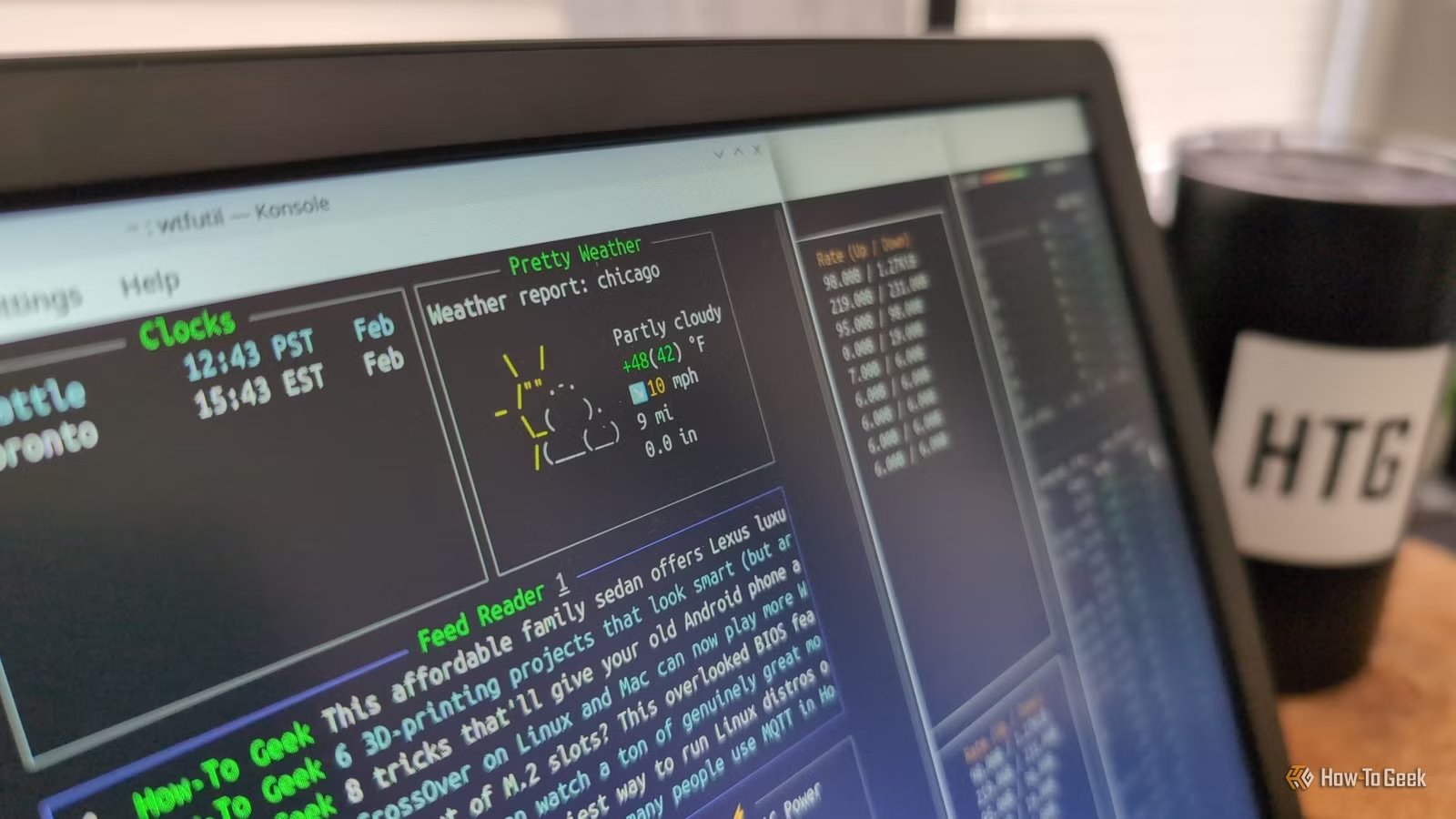
The command-line terminal is still one of the most popular features of Linux, even though graphical interfaces have been common in desktop computers for decades. There are a few reasons for the terminal to stick around, but if you’re new to the platform, you don’t need to worry about it.
The Linux operating system was created in the 1990s as a free alternative to Unix, and just like most other Unix-based platforms, the primary user interface was a command-line shell. A basic graphical desktop was available through the X Window System, and full-blown desktop environments eventually appeared (like KDE 1.0 in 1998), but the terminal was still required for getting the most out of a Linux system.
These days, a terminal is rarely required when using desktop Linux. You can usually install software, change settings, manage files, and upgrade your operating system without ever typing a command. So, why is it still a popular way to use Linux, and why do so many online guides still ask you to use it?
The terminal hasn’t changed
Your terminal skills are never obsolete
The terminal and core utilities in Linux have not changed much over the years, and many of them still mirror early versions of Unix from the 1970s and 1980s. I picked up the book “UNIX Utilities: A Programmer’s Reference” at a thrift store a few months ago, which was published in 1987. Many of the commands and scripts still work on my main computer today, in 2025. A 38-year-old book about Windows or DOS would be a fun novelty, but it definitely wouldn’t be useful for modern computing in the same way as this Unix book.
Credit: Corbin Davenport / How-To Geek
Just like in the early days of Unix and Linux, you can use utilities like cd and ls for navigating the file system, cat for displaying text files, regular expressions for scripting, man for reading help documents, and more. Not all Linux distributions have all the same core utilities installed by default, but any missing tools can usually be downloaded.
The unchanging terminal interface is one of the best power user features of Linux. If you figured out how to do something in the terminal two decades ago, you can just keep doing it that way. No one will stop you. The graphical interface is still there when you need it, but your terminal knowledge won’t become useless over time.
This also applies to other Unix-based operating systems to varying extents, including macOS. Many of the same GNU and Unix utilities from Linux distributions (and my thrift store book) are available out of the box in macOS, and many others are available through Homebrew. I can cd into my Downloads folder just as easily on my Mac as when I’m using Ubuntu or Fedora Linux.
Related
These 5 Unix ideas from the 1970s are why Linux still works so well
This “modern” OS is based on ideas over 50 years old.
Terminals are shortcuts
Do everything faster
Even if you’re not a long-time Linux user, the terminal is still great as a way to quickly jump around your system settings and local files. Much like keyboard shortcuts, if you take the time to learn the commands for common tasks, you can get your work done more quickly.
As an example, I frequently need to check my computer’s local IP address, usually for web server testing. I could open the settings app, navigate to the network section, click my current network, and look at the IP address. I can also just open the terminal and type ifconfig -a to list the IP addresses for all my active network connections. My hands don’t even leave the keyboard, since macOS and most Linux distributions can open the application search with a keyboard shortcut.
There are a few other repetitive tasks I can get done faster with a terminal, like using ping for quickly debugging network or internet connection problems, or converting media files with ImageMagick. Keyboard shortcuts in graphical applications are usually enough for me, though.
It makes documentation simple
Written instructions just work
If you’ve ever tried to look up a guide for something on Linux, like changing a setting or installing an app, it will probably give you commands to type in a terminal. That’s true even if something can be done through graphical applications or menus. There are a few reasons for that.
First, the Linux ecosystem is wildly diverse across servers, desktops, and embedded devices. If I wanted to write a guide for how to check your IP address on a Linux device through the graphical interface, I would need to include instructions for GNOME, KDE, Cinnamon, and maybe a few other common desktop environments. Those instructions would also slowly fall out of date, because those settings and menus are always changing.
If I wrote a guide for how to check your IP address, and it just explained how to run ifconfig -a in a terminal, it would be useful across nearly all Linux distributions for years to come, and any other operating systems with a similar foundation. The 38-year-old Unix book on my desk with commands that still work on my 2024 MacBook Pro is proof of that. That’s why so many videos, guides, and reference manuals just skip straight to the terminal.
The need for terminal commands in guides, videos, and other documentation probably helps perpetuate the idea that terminal knowledge is absolutely required for using Linux on a desktop computer. That’s definitely not true, but I understand where people get that idea.
The terminal isn’t a requirement, but it’s always worth using
The terminal on Linux and other Unix-based operating systems can be an incredibly useful tool for many reasons, but as previously mentioned, it’s not required. If you’re interested in trying out Linux, start with your distribution’s graphical applications and menus for getting work done, and try the terminal if you get stuck.