


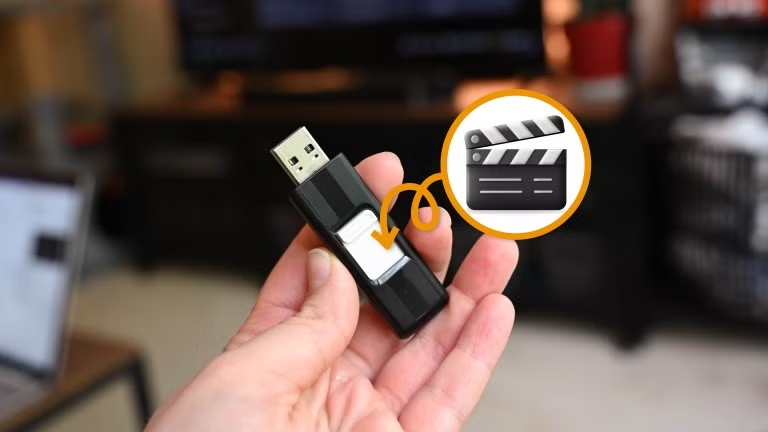
People always say they don’t have time to watch all the movies and TV shows they want to see. Ironically, in situations when we lose power at home, we have the time, but not the ability. That’s why you need an emergency USB stick.
No power and nothing to watch
But what about batteries?
Credit: Bill Loguidice / How-To Geek
I was recently without power for a couple of days after a big storm, and I realized something. Not that long ago, a power outage meant every electronic device in your home was unusable. Nowadays, we have phones, laptops, and tablets running on battery power, but does it matter? Depending on the situation, mobile data may be unreliable. This is exactly what happened to me.
The storm forced us to take shelter in the basement, and the mobile data signal was very weak down there. We were in the middle of watching a movie when everything went dark—except the projector. It was in that moment that I remembered my projector can run on battery power (cool!), but without internet, there was nothing to play on it. That got me thinking.
Related
A $25 power bank is all you need to stay online during a power outage
Your router doesn’t need a UPS during an outage, just this
Completely offline content
No connection needed
While it may not be feasible to run your TV off a battery pack, there are plenty of other media-consumption devices that can. Tablets and laptops are obvious choices, small phone screens can suffice if necessary, and battery-powered projectors are especially awesome. The real key, though, is having something to watch without needing an internet connection.
Now, you may be thinking that many streaming apps support downloading content to watch offline. This is true, but it does have limitations. Offline downloads aren’t transferable. If you download a movie on your phone, you can’t decide to watch it on your tablet or laptop later on. Also, streaming apps for smart TVs don’t have this feature, so it’s not much help if you do happen to have a battery-powered projector.
My answer is a USB stick with movies and TV shows loaded up and ready to watch in an emergency. All of the devices I mentioned above can accept a USB stick—yes, even iPhones and Android phones. And it’s a whole lot easier than figuring out how to run a Blu-ray player on battery and connect it to a tablet. A USB stick can be easily popped into any device you want (or just whichever one is charged).
Digital content that’s truly yours
Take ownership of entertainment
Credit: Bertel King / How-To Geek
The big question, though, is how to get movies and TV shows onto the USB stick. There are obviously less than legal ways to obtain digital media, but there are legal methods, too. For the DVDs and Blu-rays you already own, it’s best thing to do is rip them. This gives you high-quality digital video files that you can move onto a USB stick. Many physical discs also come with a redeemable digital copy as well, which is even easier.
There’s also a huge library of public domain movies available to download for free. A few reliable resources include the Internet Archive, Public Domain Torrents, and the Library of Congress. Some titles include Night of the Living Dead (1968), Plan 9 from Outer Space (1959), Nosferatu (1922), and The Great Train Robbery (1903).
Unfortunately, downloading digital movies and TV shows directly from places such as Amazon and Apple TV is not a great option. It often means you’re limited to watching the content on the service you purchase it from—you don’t get a digital file that you can do what you please with.
Related
5 HBO Max shows I’m downloading on my phone before my next flight
A mix of dramas and comedies to entertain you on the plane.
Don’t get caught off guard
The moral of the story is to be ready, and it can be useful for more than just power outages. A USB stick full of movies and TV shows would be great to have when you’re stuck inside during a rainy camping trip. Or maybe your smart TV is still working fine, but your internet provider is having some downtime. We often turn to physical discs in these times, but a USB stick is much more portable. Give it a try!