


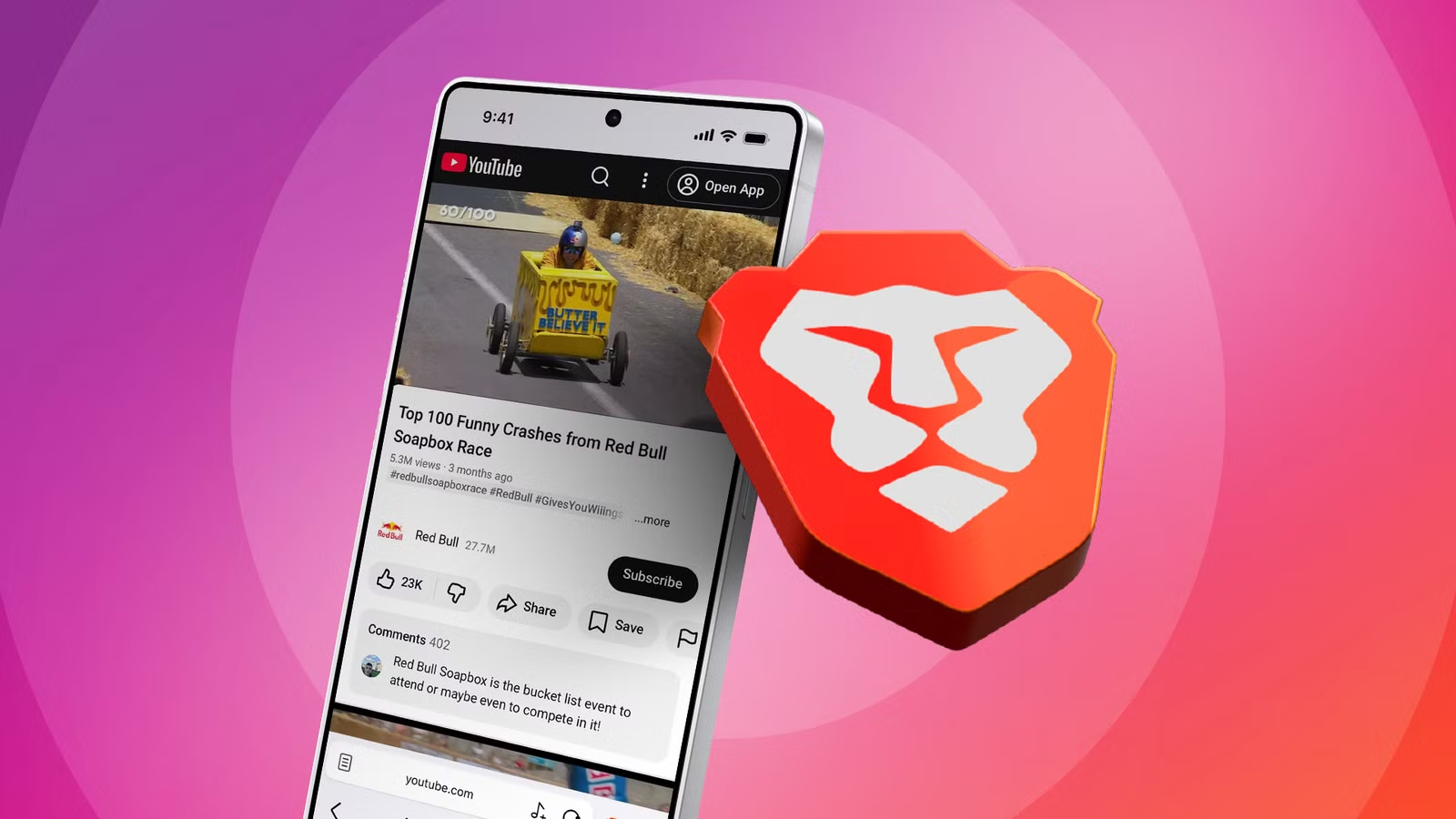
Brave does a lot of things well. The open source browser has built-in ad blocking and is relatively lightweight compared to its competition, among many other things.
One function that Brave does exceptionally well is displaying YouTube’s web interface. Brave allows me to customize YouTube’s UI like no other. I can remove several elements that normally cover more space than the videos themselves.
Even though I’m subscribed to YouTube Premium, I prefer using Brave over the official YouTube app. Brave’s UI customization is so good that I have no plans to switch back anytime soon.
Related
3 hidden Brave settings every user should turn on right now
Brave has a ton of useful hidden features
YouTube’s official app needs to scale back on bloat
Too many UI elements ruin the experience
Like other products under Google’s umbrella, YouTube’s app has become increasingly bloated. Community posts and Shorts have made the crowded UI even more overbearing.
Add Google’s insistence on adding Gemini to all its apps, and you have the heaviest YouTube interface to date. The desktop version isn’t so bad, but that’s only because watching videos in Theater mode helps reduce the clutter.
The final straw came when I accidentally opened a YouTube link using Brave. I wasn’t logged in to my YouTube account, yet I saw a pleasant contrast in how certain UI segments were presented.
After spending more time customizing YouTube’s interface from inside Brave’s main settings, I realized how much more enjoyable the video-viewing experience had become.
Brave gives me control over the interface
No more distracting elements
You can find every setting for Brave’s YouTube interface under Settings > Media.
The first setting under the YouTube section is the most important for this setup to work. Activate Open YouTube link in Brave to make the browser your default app for YouTube videos.
This lets Brave intercept every YouTube page I open from messages or websites. It’s stronger than making Brave my default browser.
To make sure the YouTube app doesn’t try to override Brave as the default player, go to Android’s main Settings > Apps > YouTube > Open by default and disable Open supported links.
After that was set, I tinkered with each succeeding toggle to see what I’d need. Turning on every setting felt like overkill, so I tried each one before committing to a certain interface adjustment.
My favorite feature is Block YouTube Shorts. As much as I enjoy watching short videos now and then, I prefer playing vertical media on other apps like Instagram or TikTok. To me, YouTube should stick to what it does best: traditional landscape videos.
Turning this setting on wipes out YouTube Shorts from the home page and search results. You can still view vertical videos with a direct link or by visiting a channel’s main page.
Next, I turned on Block YouTube recommended content. I’ve always found the platform’s end cards and up-next videos intrusive, even with autoplay turned off.
Brave blocks YouTube ads and offers background playback. Other Android browsers like Firefox and DuckDuckGo deliver similar features, but can’t customize YouTube’s web interface like Brave can.
Two settings I consider optional are Block YouTube distracting elements and Block YouTube thumbnails. The former removes the comments section and video information entirely, while the latter replaces thumbnails with a more text-based interface.
I often prefer to keep the comments section and video information visible in case I need additional context. Removing them makes the interface look a little too bare for my taste.
Excluding thumbnails is another odd adjustment after years of seeing them plastered all over my YouTube app. As annoying as many clickbait thumbnails are, I’d rather have this visual aid when scrolling through the home page and search results.
The last three options are Block YouTube Playables, Block YouTube auto-dubbed videos, and Block YouTube members-only videos. None of these elements have ever bothered me, so I leave them alone in Brave’s settings.
The one feature YouTube’s official app has that Brave doesn’t is Jump Ahead. This skip button is tied to the official app and lets you skip sponsor segments or dull sections. Brave’s Android app doesn’t support Chrome extensions, so there’s no workaround to restore this handy feature.
Brave and YouTube Premium have to coexist
I could cancel my YouTube Premium subscription, thanks to Brave’s extensive customization. Brave also removes ads and provides background playback without YouTube’s paid plan.
However, I have to keep my YouTube Premium subscription. It’s the only convenient way to watch ad-free videos on my Android TV. The official app is easier for me to set up on my non-tech-savvy family members’ phones.
I’ve chosen to keep my Premium subscription and use Brave as my default YouTube viewer. Having the best of both worlds gives me first-rate features on all my platforms.