


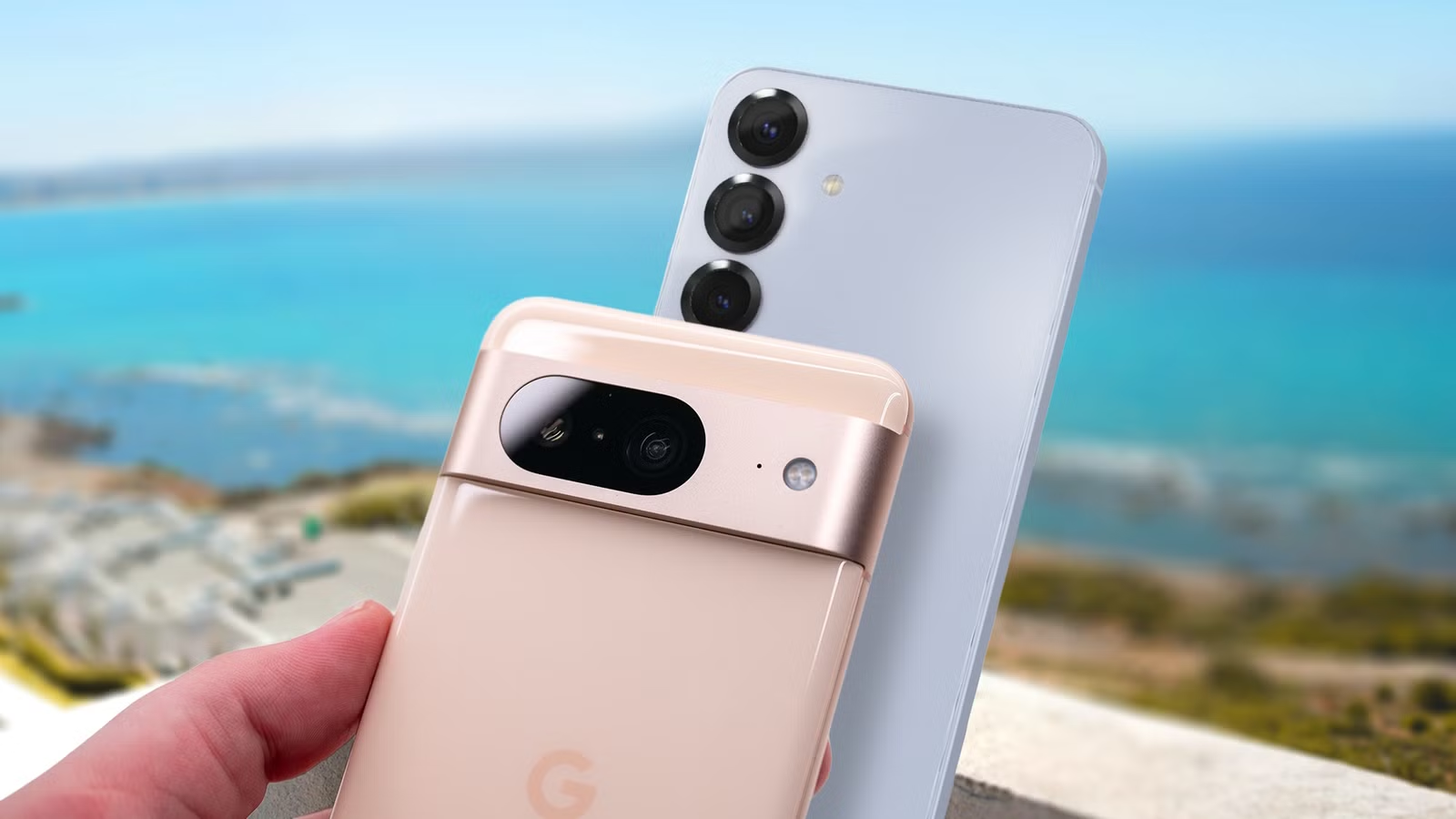
I’ve been using the Google Pixel 8’s camera much more frequently for work and personal activities.
Despite the hardware’s age compared to the Pixel 9 and Pixel 10 series, I’ve been loving what the three-year-old phone can do — except maybe not so much with the cameras.
It isn’t to say I dislike them, but having decent Samsung phones for a decade and a half has led me to get used to their cameras, such as the hardware, the post-image-processing results, and using tools like the Camera Assistant module from Good Lock to get more control.
But I know these cameras are far from bad; it was a matter of getting used to them.
So, instead of forcing myself to accept the differences, I decided to put in some work to bring my Pixel camera experience a bit closer to my Samsung Galaxy’s — here’s what I came up with.
Related
I prefer Samsung’s camera experience over Google’s: Here’s why
Samsung’s camera zooms past Google for me
Samsung versus Pixel camera experience
I took dozens of photos with the same subject and environment
My daily driver is the Samsung Galaxy S25+. But given the age and hardware differences, that wouldn’t have been a fair comparison.
So I decided to dust off my Samsung Galaxy S23, since it came out the same year as the Pixel 8, and both are the base models of their respective series.
However, direct hardware comparison remains tricky, mainly because Samsung and Google’s strategies for improving their cameras that year differed.
Google was already leaning heavily into the computational side, relying on AI to improve lighting and coloring, whereas Samsung had the 3x optical telephoto lens do some decent work.
Both of these strategies have their strengths and weaknesses.
Still, because I’ve been so involved in the Samsung ecosystem for nearly half my life, it was just more difficult for me to get on board with the Pixel camera experience (not necessarily because they are bad — Pixel phones have some of the best cameras).
Figure 1: Two images of a bottle with stickers standing on a wooden dining table, produced by a Pixel 8.
This is mainly because my Samsung’s cameras produce sharper, clearer images after I take a photo. The colors pop out slightly more, too, whereas my Pixel 8 produces softer-looking photos that are more neutral-toned.
Figure 2: Two images of a bottle with stickers standing on a wooden dining table, produced by a Galaxy S23.
I should note that while I took 50 photos between my flower pot outside and my sticker-infested water bottle in my poorly lit dining area, I rarely use flash and never zoom unless I have to.
Figure 3: Various flower pot images at different angles, produced by a Galaxy S23.
So ideally, this should keep both experiences more balanced, because my Samsung’s camera has that leg up when zooming.
Getting the Pixel camera experience closer to my Samsung’s
I tweaked some settings and tried a new camera app
I knew finding an equivalent to Camera Assistant would be hard, but I did try to find a substitute for my Pixel 8.
Thankfully, some good third-party camera apps help capture the subject and use the rule of thirds to frame your photo better, but my experience has been mixed.
This is mainly because I am not the most experienced photographer, so it’ll take me some time to get the most out of certain apps, especially since my knowledge of shooting modes is limited.
After doing some research, one stood out to me mainly because it was open source — this was Open Camera.
Not only am I more inclined to trust it because of its transparency, but there’s also no subscription required to use it.
I went with this app because I suspected that part of why I struggle with Pixel cameras might be due to Google’s processing.
Plus, I knew that apps like Open Camera, which use the Camera2 API, can bypass Google’s proprietary HDR+ multi-frame synthesis pipeline.
When I took photos, I tried some modes, including HDR.
The results were a bit mixed — it might have been due to the inconsistent natural light by the windows — the sun kept coming in and out during the same hour I was snapping pictures.
However, it worked very well when I was taking photos of a flower pot hanging from my deck.
During that time, I discovered that I really liked the noise-reduction (NR) mode.
While using the app brought the Pixel experience a bit closer to what I am used to with Samsung, it was still difficult to achieve the punchier colors I wanted in my photos.
Though I may chalk it up to being a bit inexperienced with manual adjustments and cropping (I am one of those users who swap between 16:9 and 4:3).
The other test involved digging deeper into the Pixel camera settings, since I recognize that some people may not want to download an app to improve their results (though I find that those apps can offer more control over your shots).
Thankfully, a few tweaks helped replicate what a Samsung camera can do.
Between the Pixel camera app and Open Camera, I preferred Open Camera about three-quarters of the time over the basic Pixel camera options.
The outdoor photos it produced were excellent, requiring only a few minor adjustments and some angling. However, the changes to the Pixel camera app helped when I snapped photos in low light.
I tried multiple things to improve it. The first is that I wanted to at least improve the sharpness and color contrast.
I found that experimenting with other shooting modes helped with a few issues, like framing and lighting, but it did not help me understand why my subject sometimes looked slightly washed out.
As a result, I adjusted the Brightness slider to compensate.
Secondly, I had trouble with the color balance. This is where I can never seem to replicate the warmer color tones from my Samsung camera.
The White Balance slider lets me fine-tune it by moving it toward the cool (blue) or warm (orange) side. Moving it to the right will bring it closer to the warmer side.
While it was a step-up, I couldn’t get the entire shot color-balanced the way I wanted. Though this might be a job for post-image processing.
Lastly, I fully swapped to 4:3. I admittedly shot a lot of my previous images in a wider view (16:9), but later found that doesn’t naturally fit well with the physical sensors on your Pixel (they’re balanced around 4:3).
Keep perfecting your Pixel photos
Despite some of my woes with using Pixel cameras, I know they take excellent photos.
When I see my colleagues review Pixel phones, I am always floored by the pictures they showcase — especially with Night Sight.
If you ever feel that your Pixel photos are missing something, it’s sometimes just a matter of improving your technique, like framing, or spending time on post-image edits (without AI).