


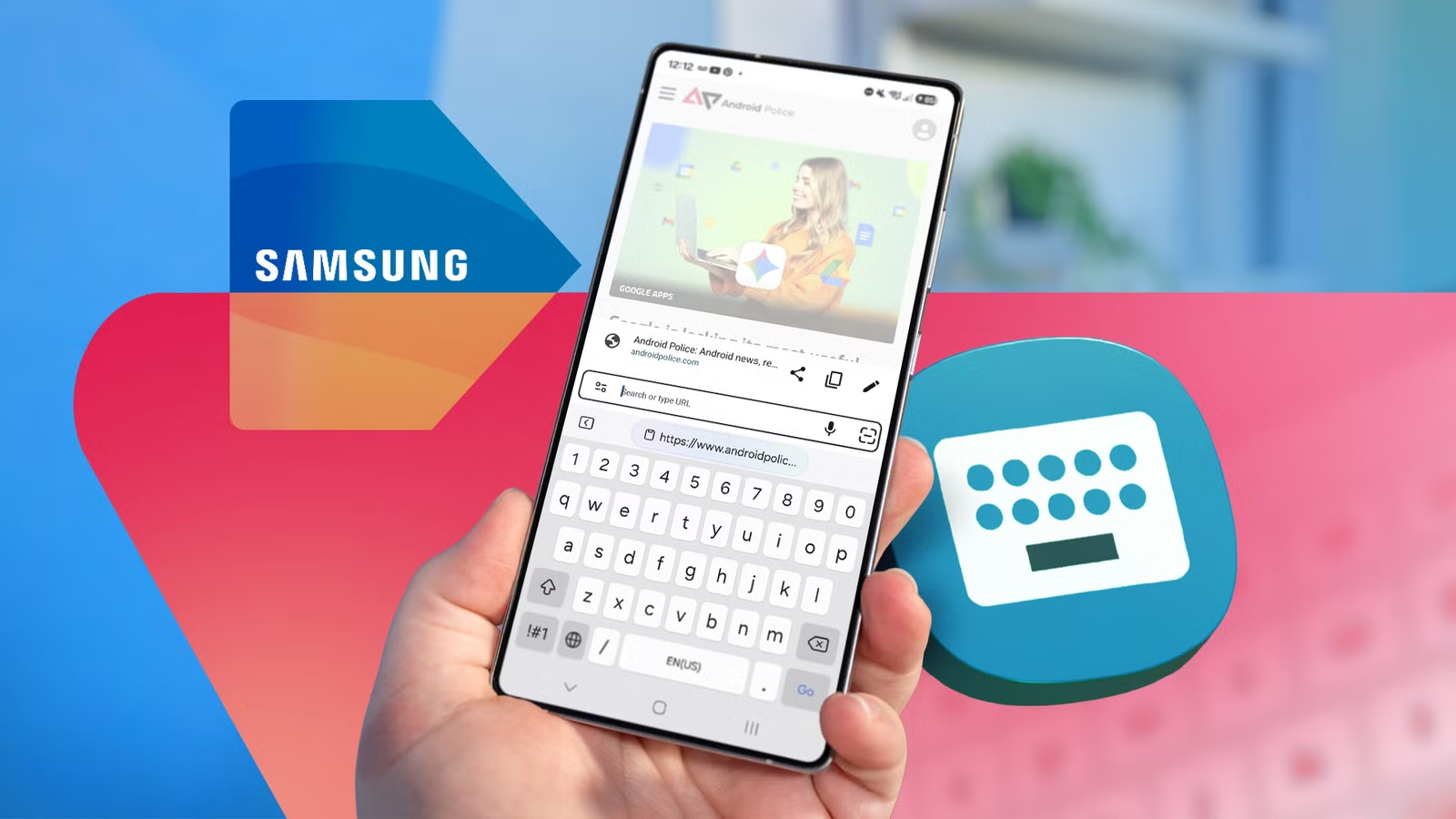
I gave Samsung’s keyboard plenty of criticism in the past. And to be fair, I had a valid reason.
The keyboard used to be a wonky mess. I faced my fair share of issues, ranging from laggy swipe typing to hit-or-miss autocorrect. Plus, language support was limited, and the interface felt clunky.
This pushed me to drop Samsung Keyboard for Google’s Gboard across my entire Android arsenal. However, Samsung turned things around, addressing its major shortcomings with a steady stream of improvements.
After relying on Gboard for years, I decided to give Samsung Keyboard another spin on my Samsung Galaxy devices.
To my surprise, even a brief trial proved it to be surprisingly efficient, with the native keyboard genuinely a joy to use.
Now, going back to Gboard is tougher than ever, mostly because Samsung built a vastly superior utility keyboard.
Related
I’ve been a Gboard fanatic for over 10 years, but this genius keyboard made me ditch it
I finally found an Android keyboard that syncs seamlessly with my PC
Universal clipboard across my Galaxy devices
Copy and paste text and screenshots seamlessly
In addition to my Samsung Galaxy Z Flip 7 phone, I keep a Galaxy Tab S10 FE around for media consumption and light productivity in Desktop Mode.
If there’s one major bottleneck I have with Gboard on my Samsung setup, it’s the clipboard. Lacking a universal clipboard to move text and screenshots between devices without relying on cloud note apps feels like a massive hit to productivity.
With Samsung Keyboard set on my phone and tablet, I save time with my usual workflow. I can copy and move text and manage pinned items between my devices.
I also appreciate that screenshots get equal treatment alongside text or URLs. For instance, taking a screenshot on my tablet surfaces it in the clipboard on my Galaxy Flip 7.
When an item appears in the clipboard, I can pin it onto the device at the other end. This eliminates the hassle of copy-pasting URLs into online notes or pulling fresh screenshots from cloud storage.
The only catch is that both devices must stay connected to the internet and remain logged in to the same Samsung account.
Samsung Keyboard offers better customization
I can create my own keyboard layout
If there’s one underrated feature in Samsung Keyboard, it’s the freedom to customize or completely build your own typing layout.
Through the Keys Cafe module in the Good Lock suite, I can cook up unique keyboard designs.
Unlike Gboard or Microsoft SwiftKey, which lock you into basic presets, Samsung lets you tweak the keyboard background and key colors. You can even customize individual swipe gestures.
If you have a bit of time, you can design a keyboard layout from scratch, and the combinations are endless.
This setup lets me resize individual function and letter keys while rearranging symbol positions and numeric rows.
If you haven’t installed Good Lock, you can get it from the Galaxy Store. After it’s installed, you will need to grab the Keys Cafe module separately.
Keep in mind that you’ll need to open Keys Cafe directly to access these customization options. There isn’t a shortcut hidden within standard keyboard settings.
It’s a minor friction, but it opens up deeper personalization features.
Beyond Keys Cafe, I can customize symbol arrangement inside the main keyboard settings.
Another nifty touch is the high-contrast mode toggle, which comes in handy if a light theme feels washed out or less legible.
Typing prediction has vastly improved
Suggested multi-word phrases actually work
I used to consider Gboard’s predictive capability superior to Samsung Keyboard’s, but a few weeks with Keyboard proved the gap is minimal.
I’ve started preferring Samsung Keyboard’s multi-word predictions, which hit the mark most of the time. It lets me save time by suggesting entire phrases instead of forcing me to tap every subsequent word.
By comparison, Gboard generally limits its predictions to a single word at a time.
These multi-word suggestions also play nice in a multi-language setup. I don’t have to manually swap inputs when switching between English and my native language.
If the feature isn’t working in your setup, make sure to toggle it on inside the keyboard settings.
Translate and use voice input without the internet
It beefs up privacy, too
Samsung Keyboard has another notable advantage over Gboard: offline mode.
Anyone who frequently works on the move without reliable connectivity can leverage Samsung Keyboard’s offline support for translation and voice input.
To get offline translation working, all it takes is downloading the necessary language packs.
Similarly, offline voice input functions smoothly as long as your required language pack is downloaded onto the device.
I’m starting to like the voice input due to its solid accuracy, even if Gboard is better. Still, the offline capability alone gives Samsung Keyboard a compelling edge.
Working offline also ensures that text processing stays local. Your typing data never leaves the device, keeping sensitive information away from Samsung’s servers.
In contrast, Gboard insists on its servers every time I use translation or voice dictation.
Related
I tried a weird 16-key keyboard, and it made me rethink phone typing
26 letters, but only 16 keys?
Should you uninstall Gboard on your Samsung device?
If you use a Samsung Galaxy device, and especially if you’re deeply invested in the Galaxy ecosystem, sticking with Samsung Keyboard is an easy way to improve your productivity.
You get a cross-device clipboard, better keyboard customization, and superior multi-word predictive typing.
Performance is no longer the liability it used to be, though experience may vary slightly depending on your Galaxy hardware and One UI version.
Alternatively, you can keep Gboard as a backup, especially if you need its excellent voice typing and deeper integration with Google apps and services.