


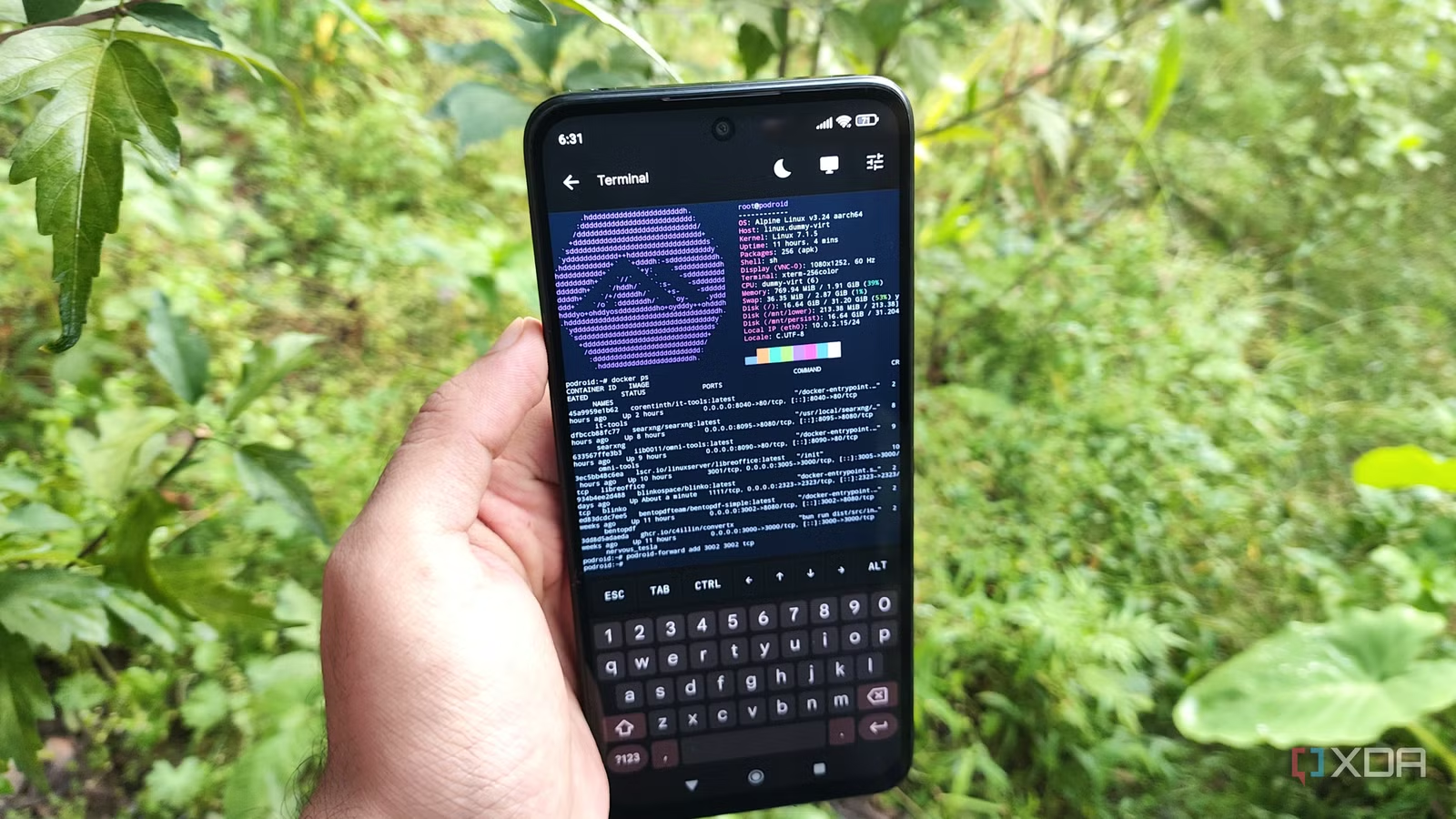
As someone who loves repurposing old hardware, I was ecstatic upon realizing I could use Podroid to run containerized services on a mere smartphone. In fact, I’ve spent the last couple of days testing a bunch of Docker environments on my cheap Poco M6 Pro, and the results have been surprisingly decent.
But you might be wondering how I can put this makeshift Android-based self-hosting setup to good use, especially since I’ve already got dedicated x86 servers running dozens of container-bound utilities. Well, even with Tailscale providing remote access to my home lab, there are times when I can’t access certain quality-of-life tools running on my self-hosting rigs. That’s where my old smartphone comes in handy, as it lets me carry these essential tools on-the-move without relying solely on my server rigs.
Related
7 best self-hosted apps for coders
My coding workstation is incomplete without these apps
Some of its developer-centric utilities mesh well with typical mobile tasks
When I first started using IT-Tools, it was chock-full of helpful syntax converters, Crontab generators, WYSIWYG editors, and a ton of other dev tools. And now that it has had several updates, IT-Tools’ arsenal has expanded significantly. That said, it still has a couple of QoL-enhancing tools that are helpful for everyday tasks. For example, the basic auth generator, password strength analyser, and OTP code generator trifecta is perfect for creating new passwords and ensuring they aren’t easily crackable.
Likewise, the percentage calculator and chronometer are pretty helpful when I’m working on benchmarks, while the website link and Wi-Fi QR code generators are fantastic for sharing random links and passwords, respectively. And the dev tools themselves are fairly handy in the rare situations when I only have my laptop and smartphone to troubleshoot the broken YAML/JSON syntax that bring down my entire networking stack. Couple all that with the emoji picker, ASCII art generator, and other fun apps, and you can see why I prefer hosting IT-Tools on my smartphone.
It’s a more generalized toolkit for everyday workloads
Unlike IT-Tools, Omni-Tools primarily includes simple utilities that can tackle annoying and tedious chores, which is why it’s something I recommend every self-hosting enthusiast try out. For simple text passages, Omni-tools can do everything from adding pull quotes around a message and shifting the position of characters to censoring certain words and extracting email addresses.
While its image editing provisions are solid, I really appreciate that it lets me annotate, apply watermarks, and remove backgrounds from images. On the video front, it can crop clips, change their playback, and add audio tracks to them. Heck, it even has a neat image-to-GIF converter, Discord timestamp generator, and weekday calculator. Again, these tools aren’t necessarily game-changers for how I use my phone. But they’re so useful that I don’t have to look into sketchy cloud apps for niche productivity tasks.
Related
4 essential Docker containers i run on every new server
A collection of handy containers to manage my workstations
ConvertX
The all-in-one self-hosted file converter
Modifying the formats on my documents, images, and other files is something I have to do every once in a while. But as someone who has suffered from forced watermarks, long wait queues, and a never-ending series of ads on mobile apps and their cloud counterparts, you can see why I desperately wanted a locally-hosted file converter on my smartphone.
Well, that’s pretty much what ConvertX does, except it supports pretty much every format that I work with every day. And I’m not just talking about simple text files, images, or ebooks, either. ConvertX even supports full-fledged videos, 3D models, and phone contacts, making it a terrific companion for my smartphone.
BentoPDF
I ditched cloud PDF editors after encountering it
Before BentoPDF, editing documents on my smartphone was something I used to dread. PDF editors are definitely commonplace in the Android ecosystem, but unless I’m willing to shell out extra dollars, I’d have to contend with limited features and ad-laden UIs. Or, I’d have to go down the privacy-invasive cloud route just to make simple modifications to academic files, press releases, and other PDF documents.
Luckily, BentoPDF turned out to be the antidote I needed for my PDF-editing woes. I typically use it to decrypt, compress, deskew, rasterize, extract, and add signatures to documents directly from my smartphone, but it also supports metadata manipulation, document flattening, timestamping, and a bunch of other advanced utilities.
You can also self-host conventional data-archival containers on a smartphone
Truth be told, I stick to simple Docker environments on my old Android companion, as I’d rather not deal with the complications of maintaining multiple instances of the same data archival apps on my smartphone and home server. But if you’re not as deep into the home lab rabbit hole as I am, you can still turn your phone into an all-in-one self-hosting workstation. Jellyfin, Nextcloud, Calibre-web, and other must-have services mesh well with most smartphones, including outdated ones such as mine. The only utilities that can give you some trouble are the ones that rely on system ports, as you can’t assign them to containers on unrooted phones.