


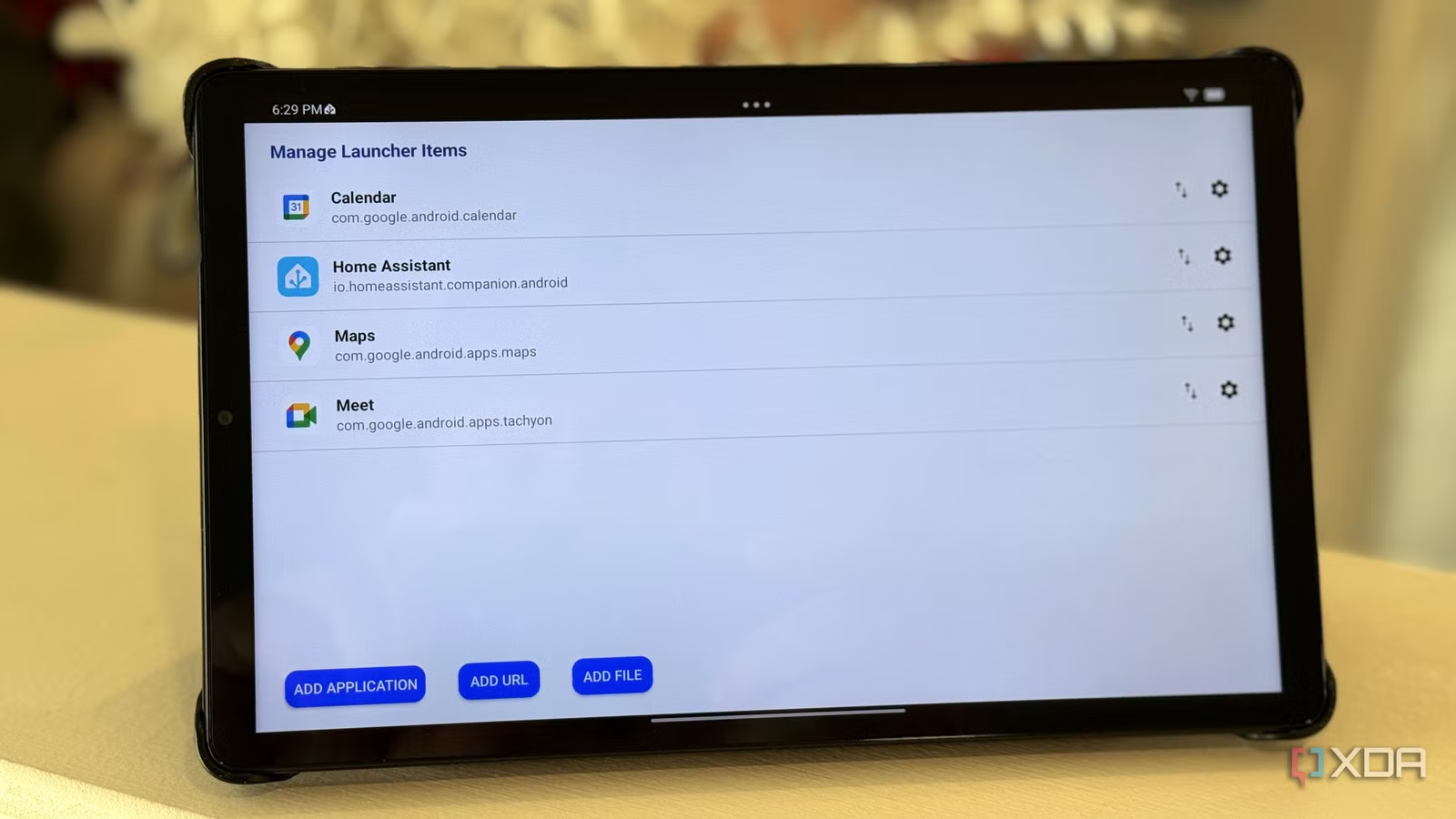
Out of all the apps and services that I self-host, none comes close to the utility of Home Assistant. It’s not just that it lets me have fewer apps on my phone; all I need is the HA one, but that’s a bonus. I’ve figured out some of the snags I had to begin with, and migrated it off the container I originally set it up in so that I could use the entire feature set of HA’s operating system.
I’ve also got almost every part of the hodge-podge of smart devices pulled into my dashboard, and while I don’t have many automations set up, I’m quite happy with the current state of things. I’ve got Amazon Echo smart speakers scattered around my home to control stuff via voice, but a local LLM tied into Home Assistant might be on the cards to replace Alexa one day. But that’s not a day one install for anyone, unless you’re a sucker for punishment, so here’s what I wish I’d found earlier.
It should be said that this is particularly tailored to the devices I have, and your smart home might have a completely different set of things to add to Home Assistant. And that’s okay, with thousands of integrations, it’s likely you will be able to bring your devices into one unified dashboard. Then it’s just a question of arranging the tiles and figuring out automations.
Integrations for my robovacs
I love that I can still see the map they created with LiDAR in my dashboard
There are a few things in my smart home that I can’t go back to not having, and robotic vacuums that can also mop are one of them. I also picked up ones that have auto-emptying and washing docks, because having robots clean other robots while they charge is the future I wanted growing up. I don’t like vacuuming, and having to clean the vacuum manually seems pointless; I might as well push a canister vac around in that case.
I’ve connected Roborock and Ecovacs units via their official integrations, although there are a few community and HACS options. Roborock and about a dozen other brands are controllable by the handful of Xiaomi integrations, and some have more features. The integrations can display the floor map the vacuums created with LiDAR scanning. I can see stats about how much has been cleaned, watch the robots trundle around removing mess, and see battery stats. I haven’t been able to crack into using the live video feed from any of them, which seems to be linked to the official apps with a public-private key pairing. Still, I’m going to play around with Wireshark and see what traffic gets sent to see if I can bring that camera into HA via WebRTC or other means.
My Yoder smoker
The onboard FireBoard temperature probes and cook controller are easily added
I love smoking meats, but the worst thing is usually needing to hover nearby to ensure the temperature stays even throughout. So it’s no understatement to say that having a smart smoker with control over pellets, temperature, and multiple meat probes was a revelation. Now, the FireBoard app that my Yoder uses isn’t bad, but it’s a little cluttered and most importantly, doesn’t work on all my devices.
However, Home Assistant can not only monitor and control my smoker, thanks to the MQTT integration. It was a little bit more involved than most HA projects to get integrated, but now I can monitor my cooks from every display I have set to show my HA dashboard. And the devices with HA’s app installed can control things, just in case. I know there’s a meme about not putting fire on the internet, but how about smoke?
Sonos speakers
The official app might be going through a rough spot but HA is there to pick up the pieces
Of all my smart devices, the only things used more than my Sonos setup are lighting-related. These speakers give me background music while I’m working so I can focus, give me Dolby Atmos sound when I’m watching movies or catching up on TV shows, and send pinpoint spatial sound around my office. I will gladly pay for convenience and “just works” ability, and while I know I can get better sound from less expensive speakers, Sonos makes it easier. I don’t need to string cables around for surround speakers, or figure out which speakers match my receiver, or any of the minor annoyances of traditional A/V.
But… I can’t say I haven’t been annoyed by the sweeping changes to the app, which left it almost unusable for months. I struggled through at the time by only using my Sonos as a dumb speaker playing Apple Music from my office Apple TV, but it wasn’t a particularly good solution. Then I found the Home Assistant add-in for Sonos, and it was an absolute lifesaver. I could update firmware, which the app wouldn’t let me do at the time, change the subwoofer settings, and generally do everything missing from the old app. My Sonos was once again convenient to use, and I wish I’d just installed things this way to begin with.
All of my smart lights
From Leviton light switches to Philips Hue bulbs, they’re all here
The first devices I added to my smart home were all lighting, and over the years, I’ve added various brands when they were on sale. My new house came with smart switches in the hallways and main floor, so that was yet another brand to have an app for on my phone. Honestly, when you get past one page of apps in an iOS folder just for lighting, it’s too much. I don’t even use them for saving money, but more because I like hands-free control and dimming that doesn’t need a stupid dial on the wall.
Adding those lights and light switches to Home Assistant was the first thing I did, and it should be the first thing anyone does. It reduces the number of apps you need to use, enables you to group different manufacturers together in the same room, and instantly makes your smart home more cohesive.
My smart washer and dryer
I love knowing when the cycle is finished
The architects our builders used decided that the laundry room would be a closet on the third floor, which is handy for throwing clothes into from the bedrooms, but not so convenient for paying attention to the washing and drying cycles. The answer, of course, was to get smart appliances, and that wasn’t just because they were the mid-point between price tiers at Costco when I needed them.
Having notifications on my phone was great, so was control of wash cycles and other settings. What wasn’t so great was the sluggish LG app, which has recipes and about a hundred other things alongside the part I actually want for my appliances. I would have saved about a year of frustration if I’d integrated them to Home Assistant when they were first installed, and now I know to use Home Assistant compatibility as a feature to look for when I replace any other appliance.
MQTT
The messaging protocol that controls almost everything
After you finish putting your lighting into Home Assistant, MQTT is the next thing you should install. You might have already installed it, as many Zigbee lights will want it for their communications, but that’s only one of the dozens of devices that can be monitored and controlled from this one add-on. It enables you to make a self-hosted alarm system with cheap door and window sensors, use presence sensors as triggers for automations, and it’s how my smoker integrates with HA.
These are the integrations my smart home needed Day 1, but your needs might be different
Your smart home can always be smarter, whether that’s from better devices, more convenient control of existing ones, or sensors to trigger automations so you don’t have to lift a finger. The glue that keeps my smart home from becoming dumb is Home Assistant, and I can’t imagine what it would be like to go back. Not that I want to, and once you’ve installed it and added the add-ons and integrations for your devices, neither will you.