


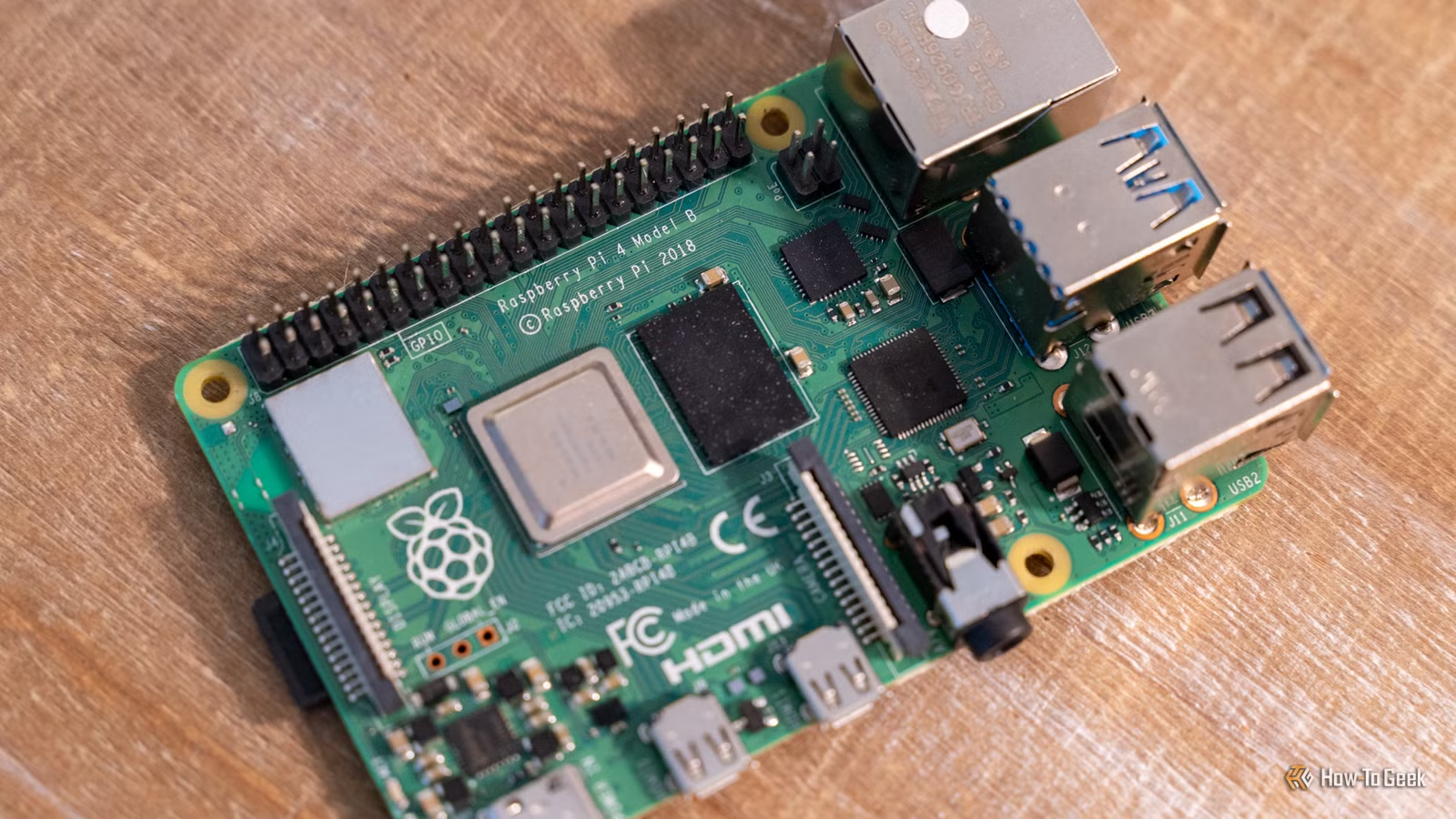
The 1GB Raspberry Pi 5 was introduced in the midst of a RAM crisis that has seen prices of the once-affordable single-board computer hit the roof. You can still get your hands on one for $45 (for now), and your investment can pay for itself in a matter of months if you use it to ditch your subscriptions.
Here’s how.
Host and organize your own photos
Bye-bye iCloud and Google Photos
We’ve traditionally recommended Immich to those curious about self-hosting a Google Photos and iCloud alternative. In addition to being a highly polished solution that feels a lot like Google and Apple’s premium services, Immich is a bit of a resource hog. It requires 6GB of RAM, 2 CPU cores, and decent machine learning performance for its AI features.
For a lightweight alternative, give Lychee a shot. This photo management app can be quickly installed via Docker and should work just fine on a low-powered Raspberry Pi (one Android Authority writer even got it running on an old Pixel Fold). Simplicity is the key here, but why not check out the live demo before you jump in?
If you’re looking for an even more lightweight alternative to Lychee, PiGallery2 is another choice for low-power machines (hence the name). PiGallery2 can even run on hardware as barebones as the Raspberry Pi Zero, so it should fly on a Pi 5 with 1GB RAM.
Ditch Linktree for LinkStack
Link in bio
Social media networks like Instagram often enforce a one-link policy, which can be annoying if you want to promote more than one home on the web. This led to the rise of services like Linktree, which offer a limited free plan to hook you but require a subscription to unlock the full set of features.
LinkStack is an alternative that lets you host your own solution to the “link in bio” problem. The easiest way to get started is to set it up with Docker, after which you can configure remote access, pick a theme, and monitor analytics. You can even create multiple LinkStack users for different profiles within the same container.
Use free budgeting and accounting software
Saving money by not spending money
Credit: Adam Davidson / How-To Geek
Considering the point of budgeting software is to save you money and take control of your finances, there are an awful lot of premium options out there. Thankfully, there are also some good freebies like Firefly III, which saved one How-To Geek writer $150 per year.
Firefly III supports two-factor authentication, works with any currency, and can be set up relatively easily using Docker. It can even be connected to your bank account, though you may have to pay a small fee to scrape and import transactions using a service like Lunch Flow ($3/month).
Another option is Actual Budget, which is based on the Envelope Budgeting System.
Cancel music streaming services and host your own
Build your own Spotify or Apple Music
Paying for services like Spotify or Apple Music is convenient, but comes with some big drawbacks. I use Apple Music a lot so I feel like my heavy usage somewhat justifies the expense. Even so, working out how much this service costs me per year (and then extrapolating that over a five- or ten-year period) is sobering. At the end of it, you don’t own anything either.
That’s why a service like Navidrome is so tempting. Serving up audio isn’t particularly demanding, unlike video, and so a “self-hosted Spotify” setup using Navidrome should work just fine on a modest Raspberry Pi. Access your music from anywhere, with support for multiple libraries, transcoding, and native mobile apps.
Just connect a volume that contains your music and index it, then you’re off to the races.
Build your own Audiobook library
Listen to your wallet
Audiobookshelf is Navidrome for audiobooks. This is another area where services like Audible dominate since many of us see sense in buying individual eBooks, but the same isn’t necessarily true of audiobooks. With audio being relatively easy to serve, a Raspberry Pi with only 1GB of RAM is fine for a service like Audiobookshelf.
There are forum posts detailing Raspberry Pi 3 Audiobookshelf servers, so a modern Pi 5 with 1GB of RAM should handle the app just fine.
Host your passwords for free with Vaultwarden
Self-hosting a password manager makes a lot of sense
Of all the things on this list to keep in-house, your login credentials seem like they should be at the top of the list. While services like 1Password use industry-standard encryption and are convenient, they also demand a hefty monthly fee. You could be doing this for free instead.
Vaultwarden, previously known as Bitwarden_rs, is a self-hosted alternative server for the Bitwarden password manager. One XDA-Developers writer has been running it on a Pi Zero in a drawer, so a modest Pi 5 will do the job nicely. Stick it in a Docker container, point Bitwarden at it, and never pay to access your passwords again.
Brand
Raspberry Pi
Storage
8GB
It’s only recommended for tech-savvy users, but the Raspberry Pi 5 is a tinkerer’s dream. Cheap, highly customizable, and with great onboard specs, it’s a solid base for your next mini PC.
These services will pay for a Raspberry Pi in a matter of months, but the Pi still might not be the absolute best tool for the job. If you’re seriously getting into self-hosting, learn why a mini PC is a better purchase instead.