


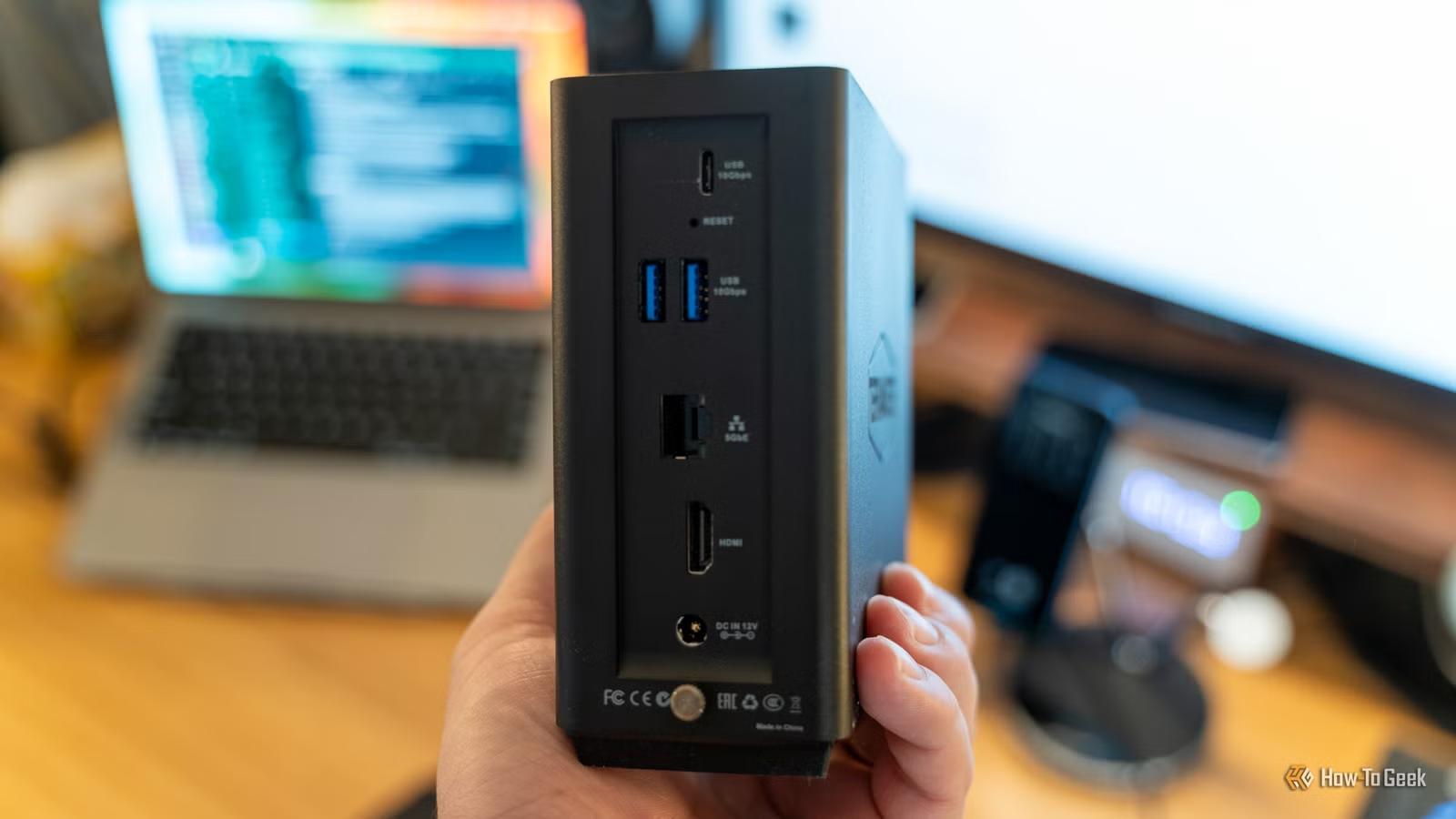
If you have a multi-gig NAS, one of the most obvious (and yet, somehow, still easy to miss) network bottlenecks is plugging it into a gigabit network. So, naturally, you look at your router, hunt down the 2.5Gbps or 10Gbps Ethernet port, and go for the fastest option available on your hardware. Makes sense.
Except … there’s one tiny problem. That port might actually be your WAN port, and if that’s the case, the whole thing gets flipped on its head.
WAN and LAN ports may look identical, but they’re not the same thing
Your NAS belongs on the local side
Why is WAN a problem, you might ask?
WAN stands for Wide Area Network, and on most routers, that port is the one connecting upstream to your modem, ONT, or whatever device is bringing the internet into your home. Meanwhile, LAN (Local Area Network) ports are meant for the devices inside your network to connect with each other.
Try to tell those two ports apart, and you won’t be able to, not just by the look of the port alone. They may even support the exact same Ethernet speeds, so plugging your NAS into the wrong port might seem like a move that’d bear little to no consequences, but that’s just not the case … all because your router treats these two ports very differently.
The WAN side sits outside of your local network (even though yes, the port is physically inside your home), and the LAN side is where all your local devices live and communicate with each other. That’s where you want your NAS to be, too, because otherwise, it won’t be able to connect to any other devices, and that kind of defeats the whole purpose. You should avoid exposing your NAS to the internet at large, but you don’t want to hide it from every single device on your home network.
Besides, plugging your NAS into a port configured as WAN doesn’t somehow give it a great speed boost just because the jack says it’s multi-gig Ethernet. Depending on the router, it may end up on the wrong side of the network entirely, leaving you in a bit of a pickle.
Related
Don’t buy a network switch—turn your old router into one instead
Your old router is a free network switch in disguise
The fastest port is sometimes reserved for WAN
That’s awkward when your NAS is faster than your internet
Credit: Bilawal Bashir – How To Geek
Things get worse once you look at the numbers, because a 1GbE connection has a raw ceiling of 125MB/s, while 2.5GbE raises that to 312.5MB/s before protocol overhead. If you have more than a gigabit NAS, plugging it into that 1GbE port is bottlenecking it. This isn’t a problem for every single NAS, or rather every single use case, but hey—you should always try to get what you paid for, right? If the NAS can move files at 200MB/s or more, the network link needs to keep up with that.
Meanwhile, your one 2.5GbE port may be a WAN for an internet connection that doesn’t even come close to using it. If your internet plan is, say, 500MB/s, you don’t need a 2.5GbE WAN port to power up your connection. That’s why it’s important to check what your ports are actually for, and whether you need to use them the way you’re using them.
Fortunately, WAN and LAN aren’t always fixed anymore
That 2.5GbE jack may be whatever you tell it to be
Credit: Hannah Stryker / How-To Geek
Fortunately, whether a port is a WAN or a LAN may not be set in stone. Even if your current setup doesn’t work for you, there’s a chance you might be able to fix it.
Some routers let you assign a multi-gig port as either WAN or LAN. Others use auto-sensing ports that figure it out for you. So, if your router has a 2.5GbE WAN/LAB port and your internet connection doesn’t need that much bandwidth, you may be able to move those WAN duties elsewhere and free up the best port for your NAS instead.
As is always the case with routers, don’t assume yours can do this for a fact. Dig into the router admin page and look for stuff like WAN/LAN assignment, Ethernet WAN, dual WAN, or configurable ports. If yours can be adjusted, confirm that the router still gets internet access and that the NAS is actually negotiating at 2.5Gbps. If the answer to both questions is yes, then you’ve just fixed the problem.
If you’re fighting over one fast port, you probably need a switch
Give the NAS and your PCs multi-gig LAN together
Credit: Patrick Campanale / How-To Geek
Right, but what if both your NAS and your internet connection could use that speedy 2.5GbE port? At that point, it’s time to start thinking about getting a switch. They’re inexpensive, and they give you the ports you’re looking for.
Plug a 2.5GbE or 10GbE switch into the router, then connect the NAS and your high-speed PCs to that instead. Local traffic between those devices can stay on the switch, which means you don’t need every fast wired connection to terminate directly at the router.
This little “hack” may help you hold on to an aging router a little while longer.
The biggest number on the router doesn’t mean the fastest port
Router labels can be misleading, but this whole debate is only a problem if you neglect to check what your ports actually do. Your NAS needs to, first and foremost, connect to the rest of your local devices; bandwidth will always be secondary. And if you can have both? That’s even better.