


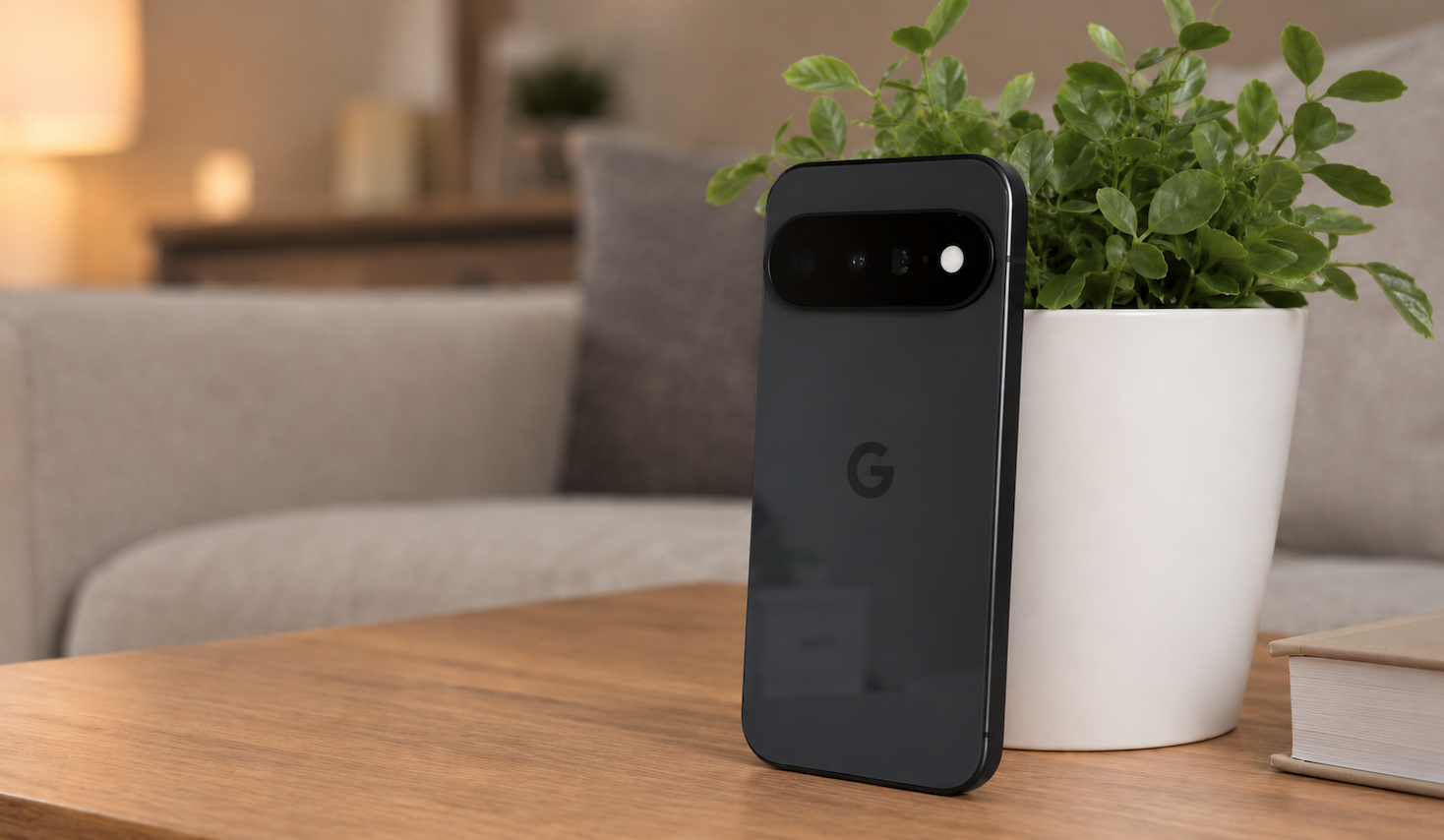
There’s little doubt that as far as yearly iPhone upgrades are concerned, the 18 Pro series packs some much-welcome improvements for fans of the Cupertino tech giant. It’s great to see Apple finally catching up especially with tech like variable aperture, and hardware features like the new A20 Pro and vapor chamber make the 18 Pro Series an ideal choice for performance-oriented tasks like content editing and gaming.
But it’s still not for me.
Don’t get me wrong—while I have some gripes about iOS, I do appreciate the great heights to where Apple has taken the iPhone, especially when it comes to the quality of hardware. But in a day and age where most flagship smartphones come with a lot of similarities in terms of performance, I find that the biggest factor still keeping me on Android is, well, the little nuances in software.
Simple and Straightforward
To give an example, let’s take a look at importing music into your smartphone. With Android phones for instance, the process is fairly simple and actually similar to how it works on Windows computers. Once you find a way to bring your music files onto your device (either through downloading or copying from an external storage unit), you can then open the files through a dedicated music player app like YouTube Music or Samsung Music.
Meanwhile, loading content into Apple Music on iOS will still require you to go through a secondary device such as a computer, either by the Apple Music app or iTunes, or by syncing your music via a physical cable, a process which is made unnecessarily longer than it should be.
This difference in user experience and operational approach even extends to file management—while iOS does have a dedicated “Files” app from Apple, it’s a more sandboxed way of doing things, versus Android’s approach which is a lot more open, and can even grant you access to system files, for example. It’s a lot more similar to how file management works on platforms like Windows, which is just simpler overall.
The Age of AI
The “Siri vs Google Assistant” debacle is an argument as old as time, but in a day and age where AI has now become a pre-requisite for every phone, it stands to reason that you’d want a capable personal assistant on your device. And in the case of Apple’s current iteration of Siri, it’s clear that there’s a bit of catching up to do especially when put up against the likes of Gemini—I can’t tell you how many times I’ve been let down after asking Siri a simple query, only to be met with a “here’s what I found” response rather than telling me the results in a more direct manner.
Another feature that’s been keeping me on Android at the moment is Circle to Search. It’s an incredibly convenient feature to have as it reduces the steps needed to initiate an image search, and it can even do other useful tasks such as instantly copying text from important documents and translating languages on the go, to name a few. Now while it is available for iOS, there is a bit of a limitation being that it’s only available on the Google app for iOS, so it’s not readily available on an iPhone at all times. It’s situations like these where Android’s is undoubtedly a lot smoother.
Everyday Use
Now I have switched back and forth between iOS and Android, and besides the built-in apps on each phone (messaging, calls, etc) I pretty much use the exact same apps on both platforms, at mostly the same duration, and so on and so forth. I even use similar features such as Apple’s built-in call screening method, and while it does work for the most part I still prefer Google’s approach in fighting spam calls, which includes screening callers and even holding calls for me.
For example, while my iPhone would usually ward off spam calls, it would still display notifications on my screen, which still draws attention to nuisance callers, something that I would rather not worry about. By comparison, spam callers on Android would remain completely hidden from sight, letting me get on about my day. I have also noticed that there were some instances when my iPhone would flag unknown but legit callers as spam, while my Pixel phone allowed those important calls to go through.
On the Other Hand…
This isn’t to say that Android does everything better than iOS, though—I do keep a varied ecosystem of hardware, which includes devices running on macOS in addition to my iPhone and Android phones. It’s safe to say that Apple has done an incredible job of building up its hardware and software ecosystem, and features like Find My, AirDrop, iMessage and FaceTime (all the Apple basics, essentially) pretty much work well without question, although it’s also nice to see Android catching up with some of these, at the very least.
Perhaps outside software, Apple’s stellar aftersales support also comes out on top. I can’t tell you how many times I’ve had such a seamless customer service experience when it comes to the Apple Store, and this extends to services like Apple Care, something that most Android manufacturers have yet to replicate on a level that matches their scale of operations and efficiency.
The Bottomline
At the end of the day however, I still go back to the features that make Android a more convenient solution for my smartphone needs, which at this point in time heavily revolve around software. Performance-wise, Apple doesn’t really have a monopoly on technological prowess, and while the latest iPhone 18 Pro phones are truly impressive, they’re not really what I’m after at the moment.
READ: All of Apple’s Current iPhone Models Just got $100 More Expensive
Who knows though, maybe these preferences might change at some point in the future, but right now I’m happily existing digitally on the “greener” side of the pasture.