


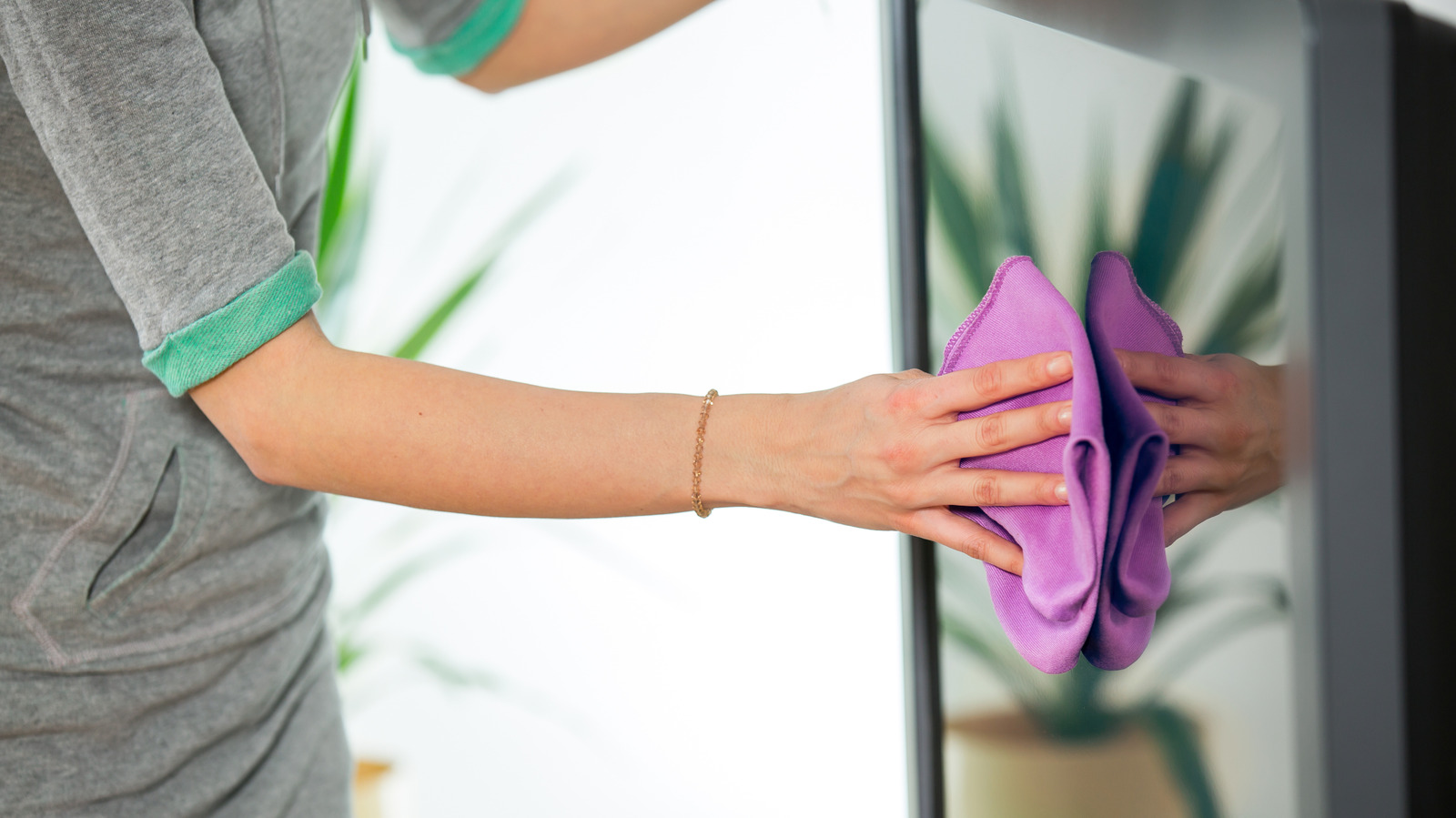
Finding a great secondhand item is exciting, but make sure you properly clean it up before giving it a second life.
Jovanmandic/Getty Images
Isn’t it great when you score a secondhand piece of tech that still has life in it? It might be a vintage record player, a smartphone that’s still usable, or a cool SLR camera to enhance your photography hobby. This not only saves you money, but extending the life of a product that would otherwise go unused is also great for the environment. As with anything you buy secondhand, it’s important to clean and sanitize these items.
While used tech might look clean and the seller may assure you that they’ve thoroughly cleaned it all, it’s always best to do the job yourself. Secondhand gadgets can harbor all types of nasty surprises, from bugs to caked-on gunk you can’t see. So before you put any new-to-you items to good use, give them more than just a surface-level wipe down.
Basic tech cleaning tips
Vershinin89/Shutterstock
After bringing an item home, make sure it’s unplugged and turned off. Use a soft microfiber cloth to wipe it down. This removes dirt and fingerprints, which is especially important for cleaning screens. Don’t use any other type of cloth that could scratch screens or delicate surfaces.
While you can use a little mild detergent and warm water, avoid liquid cleaners that contain chlorine, peroxides, solvents or ammonia. These can damage internal components or protective applications like the coating on a screen. You can find special tech cleaning solutions from brands like Whoosh! for screens and Tech2Clean, which are safe to use on any surface. I have used both and they work great. There are also specialized monitor wipes for screens like those on TVs, cameras or phones.
For something that has small crevices, like a laptop or keyboard, first turn it over and give it a light shake to release any loose debris. Then, use compressed air to remove trapped dust from within areas like ports and vents. For tech like turntables that has intricate needles, you can buy special cleaning kits and brushes, or use a small brush with soft bristles.
Cleaning all types of devices thoroughly
Vershinin89/Shutterstock
To remove caked-on gunk, use a soft cotton swab with a few tiny drops of alcohol. (There’s conflicting advice about using alcohol, but generally, using a tiny amount of isopropyl alcohol on a soft swab should be fine). However, it’s important to use gentle strokes while cleaning. This is especially important for gadgets like earbuds, which can trap dirt and grime inside the acoustic vents. You’ll want to thoroughly clean the rubber ear tips as well. Let the item air dry completely in a safe area before you turn it back on.
Don’t forget to wipe down all surfaces, including the back, sides and underside. It’s worth cleaning accessories like protective cases for a pair of headphones or a camera, as well as chargers and cables if you aren’t going to safely recycle them.
Smartwatches in particular can gather a lot of nastiness on the underside if someone wore the device 24/7. Removable fabric bands for a smartwatch or fitness tracker can potentially go into the washing machine on a gentle cycle. Ideally, purchase a new band since they’re usually swappable; you can find cheap third-party options to help the wearable feel like new.
Sanitize your gear and always keep it clean
Vershinin89/Shutterstock
If you want to take an extra step for smaller gadgets, you can buy a portable UV sanitizer from brands like Phonesoap or Homedics. These use ultraviolet light to kill bacteria and viruses, and rose in popularity during the COVID-19 pandemic.
They’re designed primarily for phones, which can be 10 times dirtier than a toilet seat (consider how you have yours with you 24/7, touch the screen after contacting many surfaces, and often plop your phone on random surfaces). However, you can also toss in compact items like earbuds, smartwatches, or even keys and credit cards.
While every gadget’s second life should start with a deep clean, these tips are still essential for maintaining all your electronics. It’s important to keep a consistent cleaning regimen for your gear. You should do a deep clean of your laptop every 3-6 months, your phone every week (with daily wipe downs), earbuds at least once a month and a TV screen or monitor every two to four weeks.