


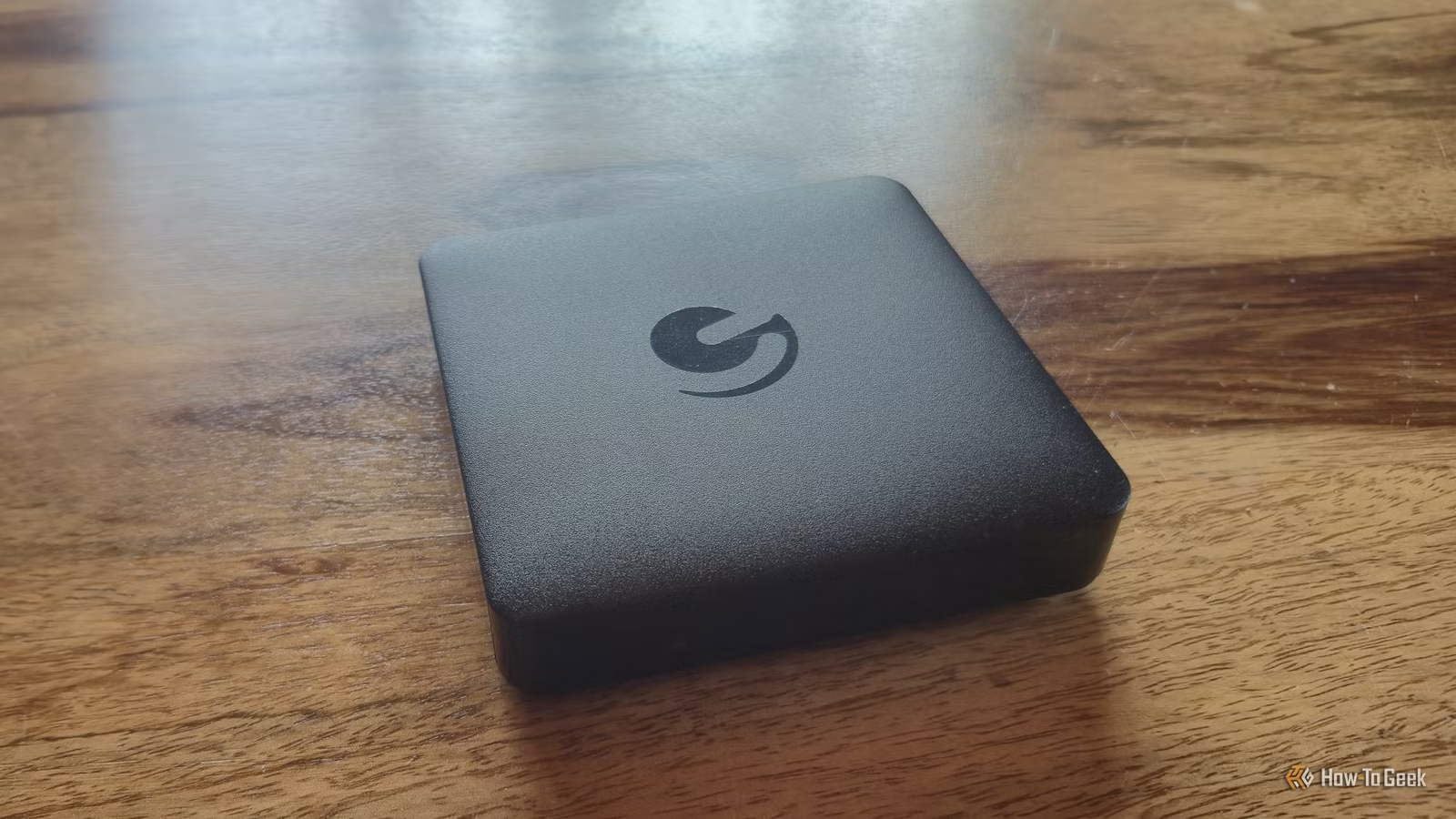
Years ago, I bought an Android TV box so I wouldn’t have to replace the TV in my bedroom with a smart TV. At the time, it seemed like a cheap and simple solution. All I had to do was plug the box into the TV, connect it to Wi-Fi, and I had access to all the streaming apps I needed. What I didn’t expect was that I’d still be using the same box years later, even while newer streaming devices have come and gone.
My Ematic DV8235 isn’t particularly powerful by modern standards, and it certainly isn’t going to win any performance contests against the latest streaming hardware. Yet I’m not rushing to replace it. That’s because its longevity isn’t really about having the fastest processor or the newest software. From Ethernet and expandable storage to USB ports and the flexibility of Android TV, my inexpensive little box has several advantages that help it remain useful long after typical streaming sticks start showing their age.
I can upgrade my Android TV box’s storage
A built-in SD card slot
Credit: Tyler Dupont/How-To Geek
Most Fire TV sticks come equipped with 8 GB of internal storage. Some newer models do have up to 16 GB, though. While you’re not going to be downloading massive files on to your streaming stick, apps are constantly getting larger and more bloated. As your Fire TV stick gets older, you have no choice but to buy a newer model that offers more storage if yours runs out of internal memory.
My Ematic Android TV box, however, has a lot of solutions to that problem that don’t involve me going out and replacing it. Along with a number of other built-in ports, it comes with an SD card slot. This means that if ever I’m low on space, I can easily get an SD card, expanding its memory by however much I want. This makes my box a little more versatile and future-proof, as it has infinite memory as long as I’m willing to upgrade its SD card.
It supports a number of different USB devices
More storage and peripherals
Credit: Tyler Dupont/How-To Geek
Alongside the SD card slot on my Android TV box, I also have two USB ports. This gives me even more flexibility when it comes to storage, giving me the option of plugging in a standard flash drive whenever I want. I tend to keep quite a lot of media on a flash drive that I use on different devices, and being able to plug it straight into my Android TV box in my bedroom is pretty convenient. These USB ports also support peripherals, such as keyboard, mice, or gamepads.
A standard Amazon Fire TV stick does have a USB-C or micro-USB port, but it is primarily used for power. Getting a USB OTG Y-cable is a good workaround that does allow you to power the device and connect peripherals or a USB drive, but I like that my Android TV box supports this without me having to buy any additional cables.
My Android TV box also has an Ethernet port
No need to rely on Wi-Fi
Credit: Tyler Dupont/How-To Geek
Wi-Fi standards and network environments are constantly evolving, and this means that older devices can get left behind. While this isn’t a problem that will come up immediately, eventually older streaming sticks and boxes will have an outdated Wi-Fi radio that struggles with newer routers, crowded wireless networks, or faster internet connections.
The Ematic Android TV box that I have comes with a native Ehternet port, bypassing its Wi-Fi hardware and connecting to my router directly. As my home network continues to evolve, my box will always have a way to maintain a stable internet connection. Some devices, my box included, also struggle to get a Wi-Fi signal in my bedroom, which is another problem that the Ethernet port solves.
Android gives my old box more ways to stay useful
I’m not limited to what the manufacturer wants me to install
One of the biggest advantages of my Android TV box is that I’m not limited to using it exactly as the manufacturer intended. Because it’s built on Android TV, I have access to a broad ecosystem of apps, including a variety of media players and bits of software that give it more purpose beyond simply streaming from Netflix and Youtube.
Android also makes sideloading apps possible, which means I’m not completely dependent on what appears in the official app store. That flexibility matters as a device gets older as an app or service disappearing from its original ecosystem doesn’t necessarily mean the hardware itself has become useless.
That’s particularly important when you’re talking about longevity. A streaming stick has a fairly narrow purpose. You plug the stick into a TV and use it to access streaming services. My Android TV box can do that too, but its USB ports, expandable storage and Android software give me more options if my needs change. I can use it for local media playback, install different media applications, connect accessories or find another use for it entirely. It might not have the newest hardware or software, but having more ways to use an old device makes it much easier to keep around rather than replacing it the moment it starts showing its age.
Versatility is the strength of my Android TV box
There is nothing inherently wrong with a Fire TV stick. It is a simple and straightforward device with a focus on making streaming accessible. However, technology and networks are constantly evolving, and this means that hardware like Fire TV sticks have an innate lifespan. My Android TV box, however, comes with a number of different ports, meaning that it is pretty easily upgradable. If it ever does stop serving its purpose as a streaming box, it can also pretty easily be repurposed. This is what gives it the edge over a Fire TV stick.