


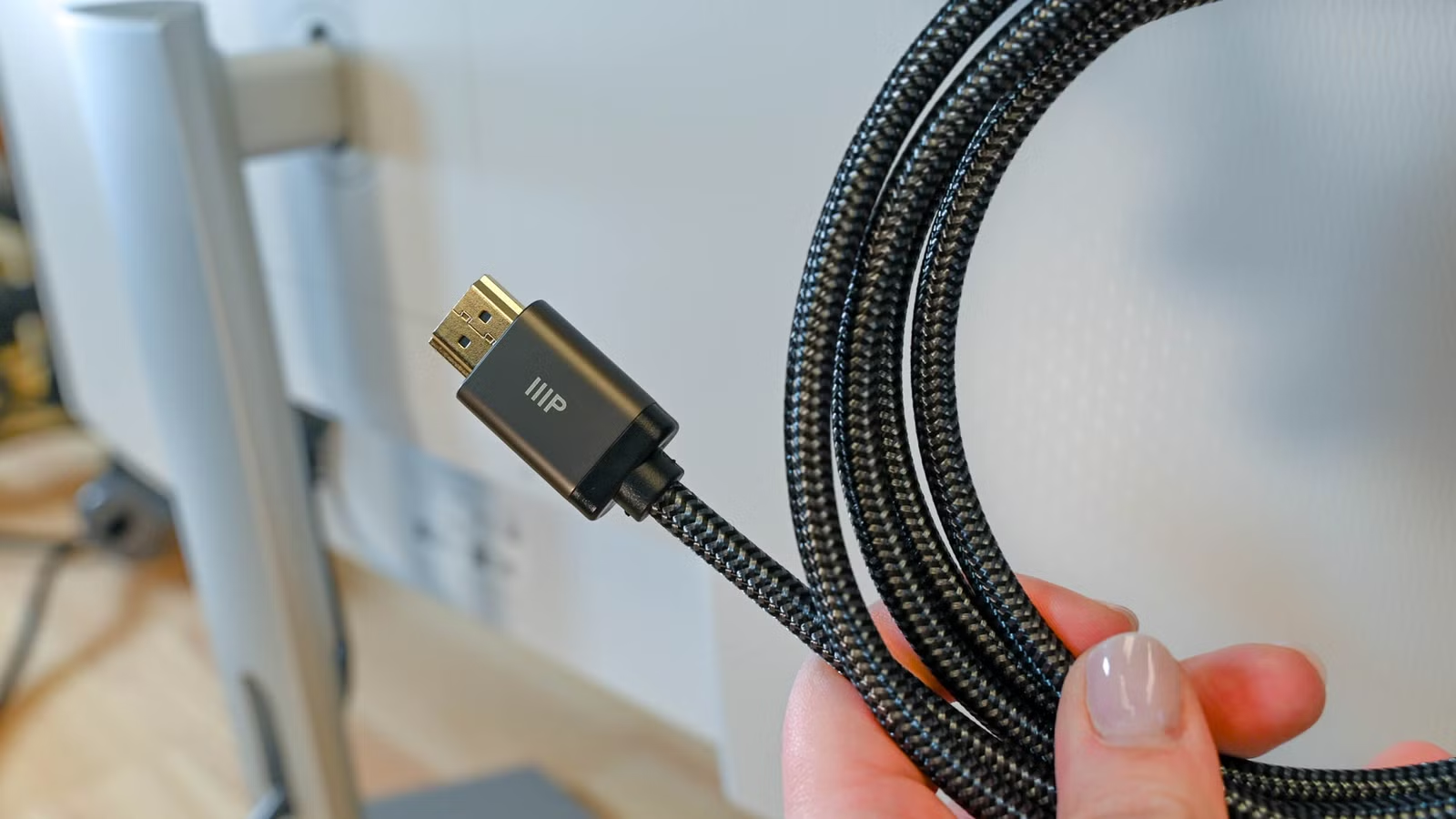
Most people buying a high-end monitor spend real time researching panel technology, refresh rates, and color accuracy, then plug it into the cable that came in the box without a second thought. That cable is usually a budget part from a generation or two ago, rated for a fraction of the bandwidth the display actually needs. That’s the problem. You have to stop pretending that the cable is part of the whole package; it’s more like a bonus when you pick the right monitor for your PC.
The cable in the box is holding your monitor back
Your free cable can’t handle the signal
People drop serious money on a monitor with high refresh rates, native 4K or 8K, deep color, and then plug it in with the cable that came in the box. That stock cable is usually a cheap one that helps offset the cost for the seller. It’s generally gonna be an old Standard or High Speed HDMI cable that would be terrible for any 4k screen.
Those kinds of cables can’t carry the data a modern high-performance panel needs. So the GPU can’t bring up a full-bandwidth link or reliably read the detailed timing parameters, and the whole thing just falls back to whatever it can manage. You end up stuck at 1080p or 60 Hz, which is fine for an older cheap monitor but not for the expensive ones you’re buying today. You are literally being held back because of the limitations of your cable.
Digital video isn’t just some clean stream of ones and zeros floating through the wire, even though that’s what most people assume. The cables themselves move it, and the quality of that cable and how it was made matters a lot. Cheap bundled cables cut corners hard on construction and materials to save money. You have to be careful because some could have tinned copper braiding, or maybe the maker skipped the secondary braid or used low-grade foil that tears during manufacturing.
You have to match your cord to your monitor, but it’s very rare that the cable in the box actually matches what your monitor needs. In this case, you’re going to need to look for a cable yourself and add that cost at the end of it. However, they’re pretty cheap compared to any monitor, so it’s worth the price.
If you’re feeling cheap, just remember there’s not a single panel that can do better than the cable you use, no matter how good the hardware or backlighting is.
Pick a cable that actually fits your setup
Certified cables keep your picture clean
Credit: Ismar Hrnjicevic / How-To Geek
You want something officially certified for the resolution and refresh rate you’re actually running. Premium High Speed HDMI guarantees 18 Gbps, which handles uncompressed 4K at 60 Hz with HDR. Ultra High Speed HDMI goes through Category 3 testing and delivers the full 48 Gbps, enough for 4K at 120 Hz or 8K at 60 Hz.
The certified HDMI cables also tend to use gold-plated connectors. If you don’t know any better, that sounds extravagant, but they’re meant to resist oxidation and keep contact resistance low. That’s what stops the random blackouts you get from cheap nickel plating breaking down. They normally have solid oxygen-free copper conductors, foamed insulation, and shielding built from twisted-pair foil wraps with a tinned copper braid over the top. All of that holds the cable at a strict 100-ohm impedance.
Certification also means the cable was tested at an Authorized Test Center. That matters more than people think, since high-frequency digital noise can mess with your Wi-Fi or Bluetooth, and those tests cover it. To check if you got a real one, look for the QR certification label on the box and scan it with the authentication app. It confirms that the exact cable length was independently tested and registered. And buy a length that fits your setup, usually one to two meters. Go too long and you get signal attenuation. Go too short and you’re straining your display connectors.
Cable management actually matters for signal integrity too, not just looks. These signals run at tens of gigabits per second, and they’re sensitive to the physical shape of the cable. So make sure you treat your cable well.
Digital cables still have real limits
Cheap cables break instead of getting blurry
Credit: David J. Buck/How-To Geek
The argument against expensive cables isn’t wrong, either. Digital video doesn’t degrade the way analog did, where a bad cable gave you a dimmer, grainy picture. If the display decodes the bitstream, the image is perfect.
If you mess with the cable or cheap out on a bad one, you’ll run into problems. You’ll get impedance spikes that blow past tolerance and send signal reflections back toward the source. Meanwhile, the flimsy foil shielding tears and degrades, letting in electromagnetic interference and crosstalk between pairs.
Also, cheap connector contacts oxidize over time, thanks to the lack of gold, which raises resistance right at the port. Stack all that up, and you’ll see it on screen. It shows up as stuff breaking instead of a blurry image.
You need a new cable
I will agree that bits are bits; there’s no getting around that, but it’s an incomplete thought. A digital signal either decodes or it doesn’t, but whether it decodes depends on so many factors. A cheap bundled cable might hold together at 1080p and give you no reason to question it until you try to run 4K at 120 Hz with HDR enabled. Certified cables aren’t expensive relative to the hardware they’re connected to, and you’ll be happy to spend the extra money when you see the quality.
Length(s)
2m
Brand
Highwings
This Highwings HDMI 2.1 cable is an excellent example of a reasonably priced Ultra High Speed HDMI cable. One thing to note is that only the two-meter version of the cable seems officially certified.