


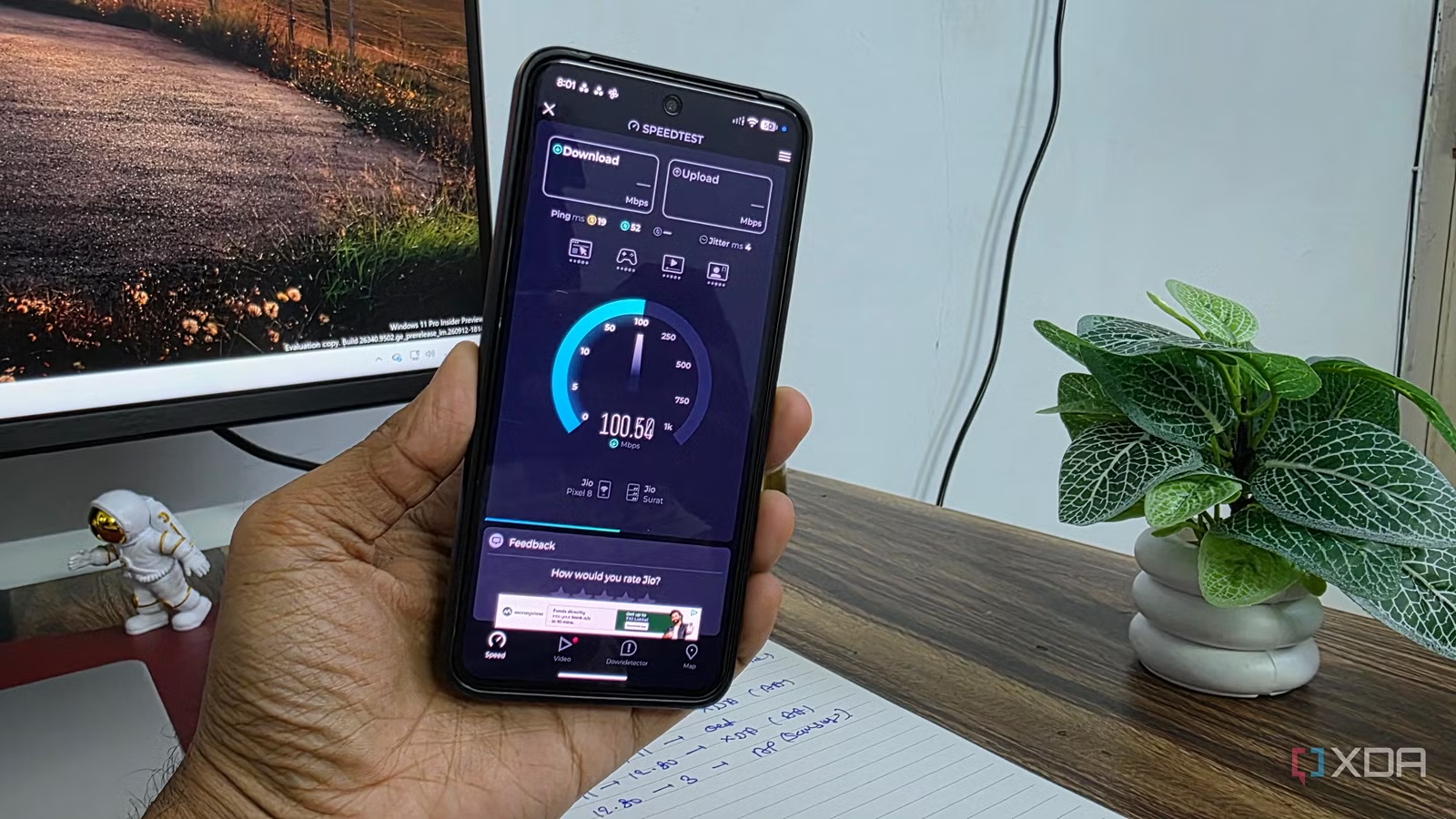
My Wi-Fi setup looked perfect on paper. I had a strong signal in every room, barely any dead zones, and my phone almost always showed full bars. Yet something still fell off. Websites occasionally took longer to load, video calls weren’t as consistent as I expected, and speed tests varied far more than they should have.
Naturally, I assumed I needed better coverage. That turned out to be exactly the wrong approach.
Related
Your mesh Wi-Fi’s real problem is printed on the manufacturer’s own website
Nobody prints it on the box.
I thought full bars meant my Wi-Fi was healthy
I kept adding coverage instead of questioning it
I mostly used the Wi-Fi signal icon as the easiest way to judge my network. If my phone showed full bars, I assumed everything was working properly. Whether I was in the bedroom, living room, kitchen, or even near the far end of the house, I usually had a strong signal.
That made the slowdowns even more confusing. Sometimes YouTube took a little longer to play a video. Downloads were not always as fast as I expected, and the connection could feel inconsistent when I moved from one room to another.
But because I had full bars, I never thought coverage could be part of the problem. In my mind, a strong signal automatically meant good Wi-Fi. So, I did what seemed logical at the time. I kept trying to improve the coverage even more. I added another mesh node and placed my access points so that every corner of the house had a strong signal.
I wanted to make sure there was almost no place where the Wi-Fi dropped below full strength. That was my mistake. I was focused on removing weak spots without thinking about what happened when several Wi-Fi points covered the same area.
My network looked better on my phone because the signal was strong everywhere, but behind the scenes, I had created too much overlap between my access points.
My access points were overlapping too much
More mesh nodes didn’t mean more bandwidth
Credit:
Once I started looking deeper into my setup, I realized my access points were covering too much of the same area. I had placed them close enough that my phone could see several strong Wi-Fi signals at the same time. I thought that was a good thing because it meant there were no dead zones. In reality, it was making the network more crowded than it needed to be.
That is when I learned that a strong Wi-Fi signal doesn’t always mean fast Wi-Fi. The bars on my phone only showed how strong the connection was between my device and the access point. They did not tell me how busy that part of the network was, how much interference was present, or whether I was connected to the best access point in the house.
The roaming issue surprised me the most. My phone and laptop did not always jump to the nearest access point as soon as I moved to another room. Sometimes they stayed connected to the older one because its signal was still strong enough.
So, I could be standing close to one mesh node while my phone was still talking to another one farther away.
That explained why the network sometimes felt slow even with full bars. I had given my devices too many strong options, and they were not always choosing the best one. Once I stopped looking only at signal strength, the problem became much easier to understand.
Related
I replaced my mesh Wi-Fi with a single high-end router, and the results surpassed my expectations
Performance improvements were well worth the switch.
I moved my mesh nodes farther apart
I removed one node, and the network got better
When I dug more, I found that some of my nodes were sitting on the same or nearby channels, especially on the 2.4GHz band. That meant they were competing for the same airtime instead of working cleanly alongside each other.
On 2.4GHz, I made sure the access points were spread across non-overlapping channels. On 5GHz, I also tried to avoid having nearby nodes use the same channel where possible. I didn’t expect a huge difference, but the network immediately felt more consistent.
I had been running my access points at high power because I wanted the strongest possible signal everywhere. The problem was that every node was reaching much farther than it needed to. That created a lot of overlap. Dropping the transmit power helped shrink each Wi-Fi cell.
I also changed the physical placement of my mesh nodes. Instead of keeping them close together just to guarantee full bars, I moved them a little farther apart.
You can even go a step ahead and remove one mesh node completely. You may expect to see a dead zone somewhere, but that won’t be the case every time. The remaining nodes can already cover the house well enough. You can lose that unnecessary overlap and gain a cleaner network with less contention.
Perfect signal came with a catch
I used to think the goal of a good Wi-Fi setup was simple: get the strongest signal possible in every room. That turned out to be only half the story. The best part is that I didn’t have to sacrifice coverage to get better speeds. I still have a strong signal where I need it, but now the network feels faster, cleaner, and much more consistent.