


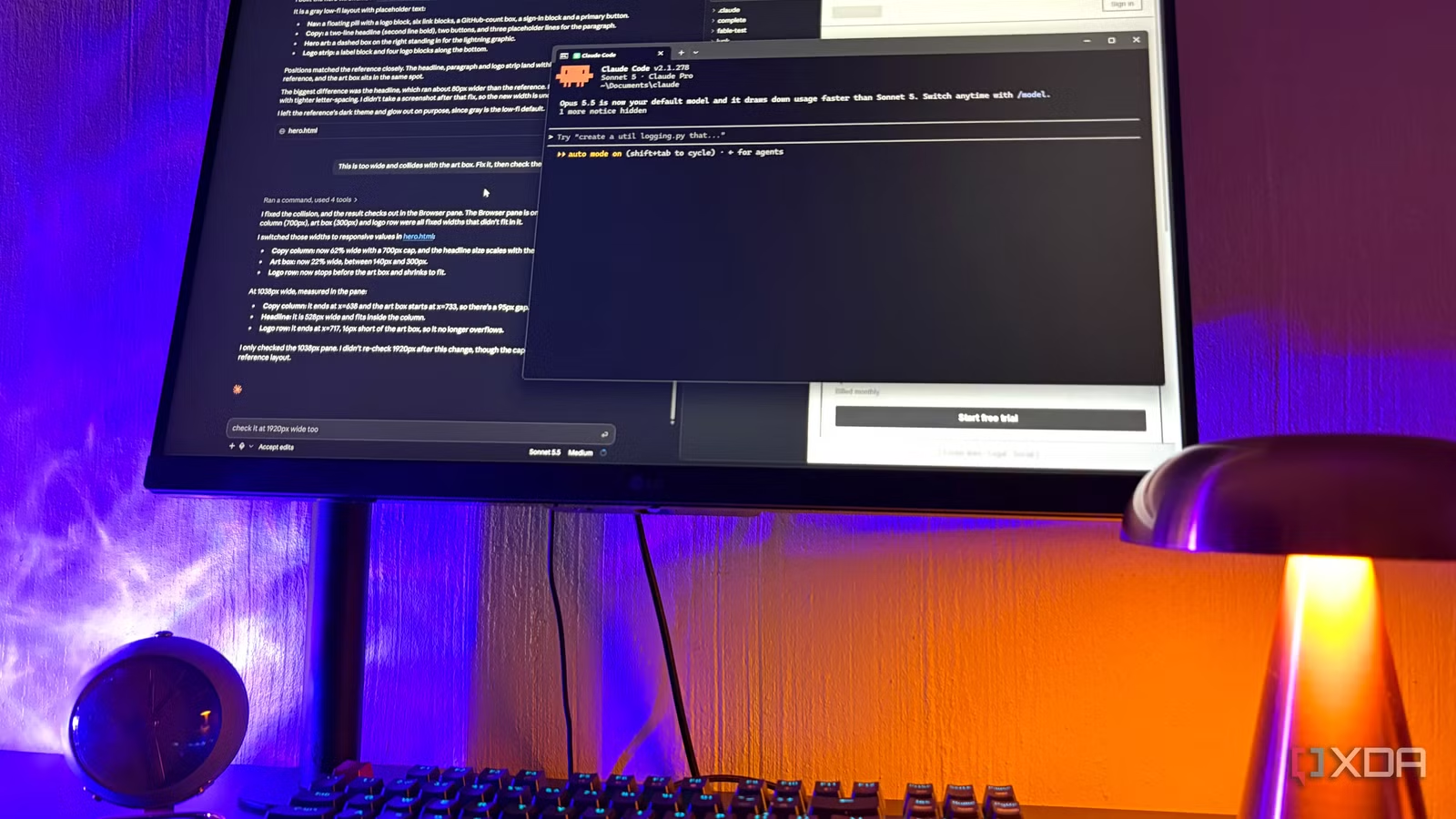
Claude Code started out in the terminal, and it’s still where most of the talk about it happens. Most of the guides out there assume you’re sitting in front of a black window with a blinking cursor, all while the Code tab in the desktop app gets treated as the softer option for people who haven’t made the jump yet. I think this is a pretty fair assessment in general since developers already live in the terminal, so a tool that meets them there makes sense.
However, plenty of folks who use Claude, or who would get real use out of it, aren’t developers. It seems many open the CLI once and close it pretty fast, which is pretty much where I was earlier this year; I just assumed Claude Code wasn’t my thing. Then Anthropic added Claude Code to the regular desktop app, and now half of my life runs inside it. And there’s one thing I keep circling back to that the terminal version doesn’t really have an answer for – it’s that the Claude Code GUI has eyes.
Want to stay in the loop with the latest in AI? The XDA AI Insider newsletter drops weekly with deep dives, tool recommendations, and hands-on coverage you won’t find anywhere else on the site. Subscribe by modifying your newsletter preferences!
Why the terminal is everyone’s first reach
It’s the default for a reason
There’s a reason the terminal is the default, and mostly it’s that Claude Code was born there. Its creator, Boris Cherny, started with a simple terminal app while he was figuring out Anthropic’s API, and since it was just for him there wasn’t much reason to design a UI. It stayed in the terminal because the team felt a UI wouldn’t still be relevant six months later, given how fast the models were improving.
For developers, it also sits next to Git and whatever else they already run, so there’s no new app to open. It can also run with nobody watching, which the desktop app can’t do since it’s interactive.
The trade-off for me is that Claude can’t see anything it makes in there. It writes the code, then I open the file myself and alt-tab between Brave and the terminal, and I have to type out whatever looks off in my builds. You can give the terminal version eyes by pairing it with the Claude in Chrome extension so it checks things in the browser while you build, but that’s more setup than I was realistically going to bother with. Plus, even if you look past the security risks of this extension, it still misses many architectural and visual features the GUI has.
Related
I tested Claude Code against 3 open-source alternatives, and one came surprisingly close
Claude might not be the only coding agent worth using.
What Claude Code can actually see in the desktop app
The GUI’s superpower is that it can look at its own work
Claude Code in the desktop app can check its own work, so I don’t really have to. And what I mean here is not that I’m giving Claude 100% free rein and never checking what it does – it’s that I don’t have to figure out a language that I don’t understand.
The desktop app has a Browser pane built into the Code tab, and Claude can open whatever it’s building in there. It opens plain HTML files straight from your project folder as well (PDFs and images too), which covers pretty much every single-file wireframe I make. You just have to ensure that Browser tools are switched on to actually reap these benefits.
What matters is that Claude checks its own changes after every edit by default. It takes screenshots and inspects the DOM, which is basically the page’s underlying structure, so it can tell which part of the page is actually a button. It’ll also click through the page and fill in forms, then fix whatever turns up. For example, when I asked it to make a pricing page’s monthly/yearly toggle actually update the prices, it flipped the switch and both labels and read the prices back after every click.
It works in the other direction too, since you can drag images and PDFs right into the prompt. For example, I dropped a screenshot of a webpage UI I liked and asked for a low-fi version of its hero, and Claude compared its result to the reference and found its own headline running about 80px wider. Later the headline collided with the art box, and Claude measured the fix right in the pane.
The pane is a proper tabbed browser too, so a reference site can sit next to your build and Claude can read and interact with it using the same tools. There’s also computer use, which lets Claude open other apps on your machine and control your screen (it’s still in research preview). Computer use is supported by Windows in the GUI, but not in the CLI; that’s macOS-only for now.
Related
I set up Claude Code the way its creator does, and the difference is night and day
Who better to learn from than the person who made it?
What this means for people who avoid the terminal
I still can’t read the code, but that matters a lot less now
People treat terminal fear like a skill issue, but from a UX point of view I think it’s more of a discoverability problem than anything. A blinking cursor doesn’t tell you what you can do with it. The desktop app keeps the model and permission mode right next to the send button, so a lot of guessing and confusion goes away.
I never had much hope of evaluating whether code is right, but I can tell whether a thing works, and with Claude checking its own output first, I can now actually see what it’s looking at.
Also, a setup that normally lives in config files is now simply buttons. I made my wireframe skill through the settings panel without opening a single file, and connectors and plugins both get set up from menus in the app instead of a terminal. This makes small automations realistic for me, like the tool I built for renaming and sorting my screenshots. It also means that for design and UX work, I can test a clickable prototype rather than a static mockup.
Related
Claude Code is powerful, but this one setting made it far more useful for real projects
First thing you should change in Claude Code.
The desktop GUI gives Claude eyes
Desktop and the CLI share the same configuration and CLAUDE.md files, and running /desktop in the terminal moves a session straight into the app. But I think the Desktop GUI is seriously underrated – it’s the perfect tool for non-coding tasks like computer admin, for designers who don’t have a developer to work with, or for those just getting started with coding. And even if you do live in the terminal, the desktop app has eyes to check its own work, which the terminal would need extra setup for.