


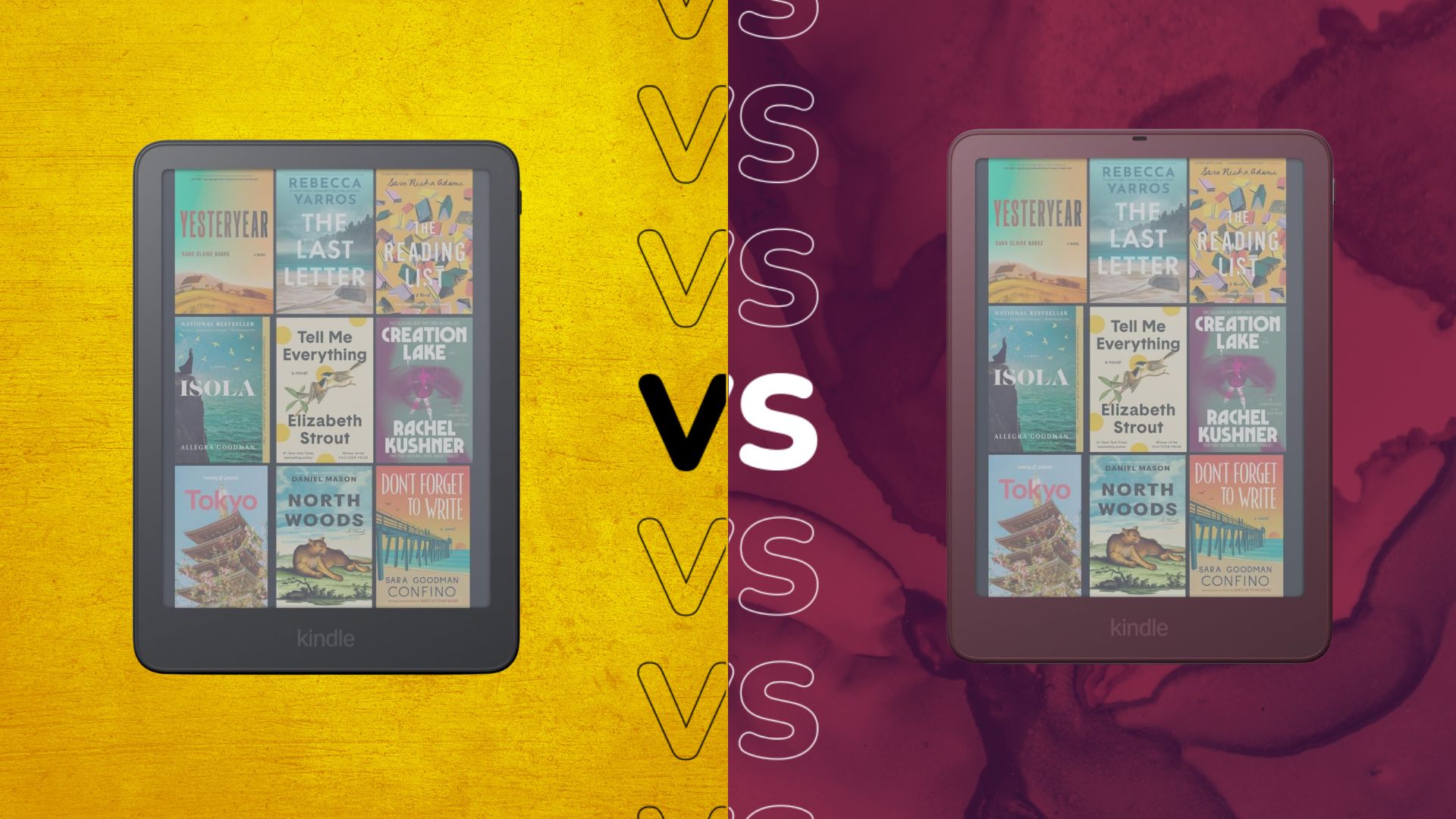
Looking for an e-reader with a colour display? Amazon’s Kindle Colorsoft and Colorsoft Signature Edition are likely on your radar.
But how do you choose between the two? Is one a clear better option, or do they both have their own pros and cons?
Ahead of our reviews, we’ve compared the specs of the Kindle Colorsoft to the Kindle Colorsoft Signature Edition and explained the differences between the two. To help give you a more complete picture, we’ve also highlighted the noteworthy similarities too.
Read on to see what’s the difference between the 2026 Kindle Colorsoft series and decide if you think either stands a chance at entering our best Kindle or best e-reader guides.
Price and Availability
Both the Kindle Colorsoft and Kindle Colorsoft Signature Edition are available to buy now. The Kindle Colorsoft is slightly cheaper, with an RRP of $289.99, while the Signature Edition will set you back $319.99.
Advertisement
While both iterations come in Graphite, the Signature Edition is also available in Fig too.
Both have a colour e-ink display
We’ll start with a key similarity between the two: both have a colour e-ink display. We should disclaim that the colours won’t be as vibrant as they would be on a traditional tablet as the Colorsoft series delivers paper-like colour instead, which is glare-free and much easier on the eyes.
The Kindle Colorsoft and Signature Edition’s seven-inch displays have both been redesigned this year, and now includes a light-guide with nitride LEDs and micro-deflectors that minimise stray light, an oxide backplane and an ultra-thin optical coating to improve clarity too.
Image Credit (Amazon)
Signature Edition has double the storage capacity
Much like the Kindle (2026) and Kindle Aluminium, and the Kindle Paperwhite and its Signature Edition, the Kindle Colorsoft series offers different storage options depending on the model you choose. So, while the standard Kindle Colorsoft is fitted with 16GB, the Kindle Colorsoft Signature Edition boasts 32GB.
In our experience, we’ve found 16GB is enough to comfortably store multiple e-books and a few audiobooks too, but of course this will vary depending on your individual usage. If you have a lot of content to store then it’s advisable to opt for the larger Signature Edition to ensure you don’t run out of space.
Advertisement
Both have a front light, but the Signature Edition’s is auto-adjusting
Although both 2026 Colorsoft versions have an adjustable front light, the Signature Edition’s is auto-adjusting. That means the standard Kindle Colorsoft’s front light needs to be manually adjusted to cooler or warmer, whereas the Signature Edition will adjust automatically.
If you’re prone to longer reading periods, then the auto-adjusting mode will undoubtedly come in useful as it’ll support your sessions without causing you any eye strain. While it perhaps shouldn’t be the main reason to choose the Signature Edition, it’s a thoughtful addition that you’ll likely appreciate.
Signature Edition has aluminium housing
Much like the rest of the 2026 series, the Coloursoft Signature Edition has an aluminium frame. This should mean that the Signature Edition feels more premium in-hand, though we are yet to verify this for ourselves.
Even so, it’s worth noting that both the Kindle Colorsoft and Signature Edition promise to be durable and each have an IPX8 rating, which means they can withstand splashes of water and even an accidental drop in the bath too.
Image Credit (Amazon)
Signature Edition supports new accessories
Amazon has introduced a range of optional accessories that support the entire 2026 Kindle line-up, however there are some that are exclusive to just the Signature Edition. While both Colorsoft models support the new Kindle Click, a Bluetooth remote for page turning and Kindle Covers available in different materials like plant-based leather and knit, the Colorsoft Signature Edition specifically supports the Page-Turn Cover – a magnetic cover with page-turn buttons.
Advertisement
Image Credit (Amazon)
In addition, the Signature Edition also supports Amazon’s new Charging Dock which keeps the Kindle upright and charged too.
Early Verdict
There are a few notable differences between the Kindle Colorsoft and Colorsoft Signature Edition that could sway you to go either way. While the Kindle Colorsoft is cheaper and sports the same seven-inch, colour e-ink display with a front light, the Signature Edition offers more storage, supports more accessories and boasts an aluminium housing.
We’ll update this versus once we review the Kindle Colorsoft and Colorsoft Signature Edition.