


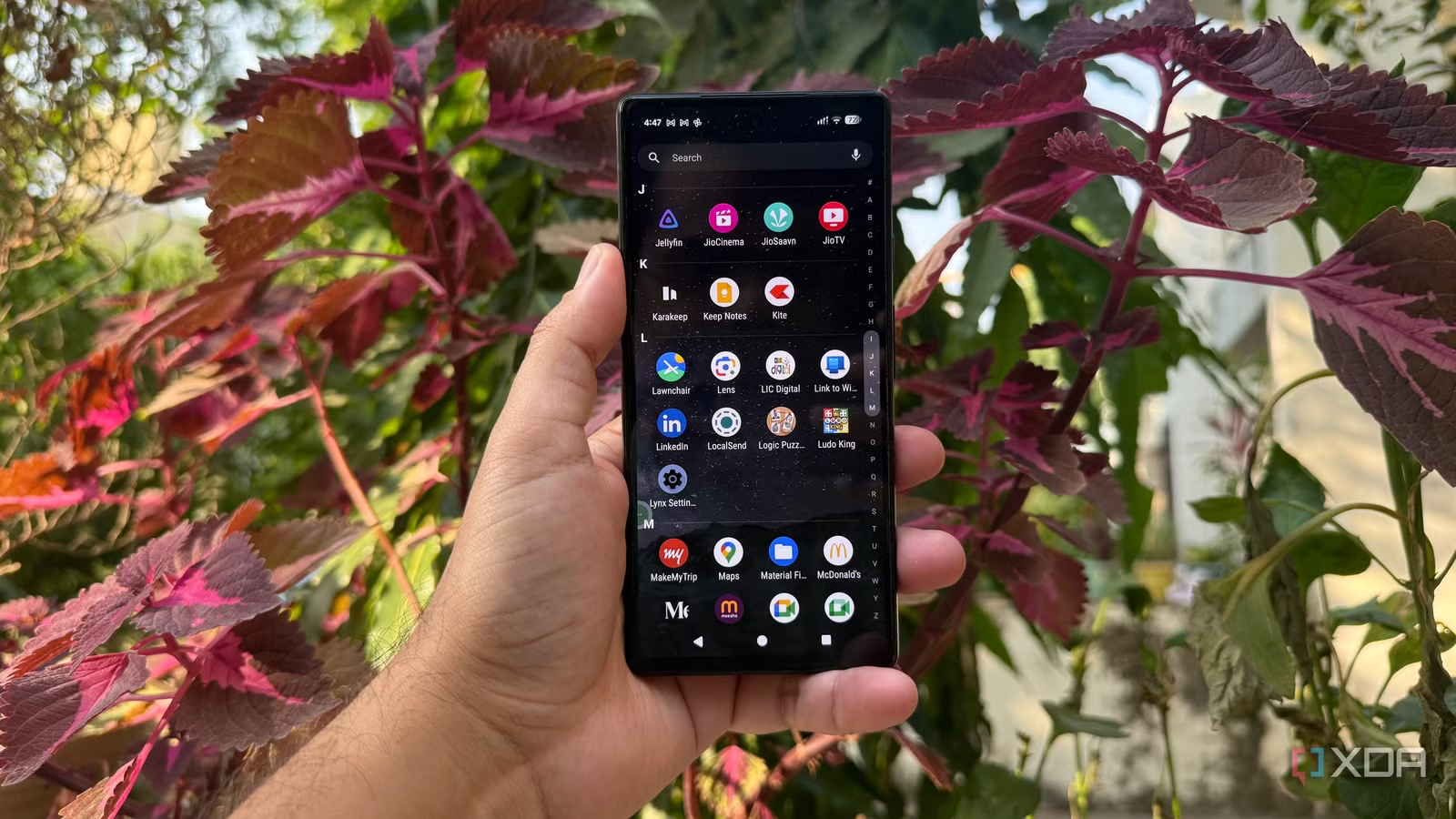
A new Pixel already gives me a clean Android experience, but the apps I install make it even better. Over time, I’ve found a few open-source tools that deserve a place on every new device I set up. Some make everyday tasks easier, while others give me features I wish Android offered by default. I also like knowing that I have alternatives beyond the usual apps everyone recommends. If you’re setting up a new Pixel or simply looking for useful open-source Android apps, these are the ones I’d install first.
Lawnchair
Pixel home screen with a personal touch
The first thing I change on a new Pixel is the home screen, and Lawnchair is my go-to launcher for that. I like Google’s clean Pixel Launcher, but I sometimes want more control over how everything looks and feels. Lawnchair gives me that flexibility without making the interface feel cluttered.
I can customize the icon layout, adjust the home screen grid, change icon sizes, and tweak the search bar to suit my preferences. It also lets me personalize the app drawer and gestures, so I can make everyday navigation feel more natural. What I appreciate most is that I don’t have to sacrifice a clean Android experience just to get more customization options.
F-Droid
Google Play Store alternative for hidden gems
After setting up my home screen, I installed F-Droid. It’s an alternative app store focused on free and open-source Android software. What I like most is that it gives me a dedicated place to discover apps built around transparency rather than commercial features or subscriptions.
The interface is straightforward, and I can browse different categories, read app descriptions, and check available versions before installing anything. It’s also useful for discovering smaller projects that I might never come across while browsing the Play Store.
I don’t treat F-Droid as a complete replacement for Google Play, though. Not every Android app is available there, and some apps have different update schedules. Still, it’s one of the first things I install when setting up a new Pixel.
Localsend
I transfer files without relying on cloud storage
I install LocalSend because I regularly move files between my Pixel and Windows PC. Instead of emailing files to myself or uploading them to cloud storage, I can send them directly between devices using the same local network.
What I like about LocalSend is how simple it is to use. I open the app on both devices, select the files I want to share, and send them to the other device. It works with photos, videos, documents, and other file types, making it useful for everyday transfers.
LocalSend is free, open-source, and available across multiple platforms. I especially appreciate that file transfers don’t require creating an account or relying on an external server.
Related
I gave my Pixel a speed boost by removing these pre-installed Google apps
Not every app Google puts on my Pixel needs to stay there.
Breezy Weather
I replaced the default weather app with something more customizable
Breezy Weather is one of those apps that makes checking the forecast a little more enjoyable. I like having a weather app that gives me useful information without making me dig through a cluttered interface. Breezy Weather offers a clean design with detailed forecasts and plenty of customization options.
I can check hourly and daily forecasts, monitor different weather conditions, and add locations I want to keep an eye on. The interface also offers different themes, so I can adjust its appearance to match my preferences. I appreciate having that flexibility without dealing with unnecessary distractions.
Karakeep
I never lose track of things I want to revisit
I often come across interesting articles, useful websites, and ideas I want to explore later. Instead of leaving dozens of tabs open or letting bookmarks pile up in my browser, I use Karakeep to keep everything organized in one place.
What I like about Karakeep is that I can save links, add notes, and organize my saved content with tags. This makes it easier to find something when I actually need it instead of trying to remember where I saw it. I can also save images and other content for future reference.
Karakeep is open-source and can be self-hosted, which makes it especially appealing to me. It’s a handy tool for collecting useful resources without turning my browser bookmarks into a mess.
Related
4 Google apps I replace on every new Android phone, and every replacement is free
A new Android phone gets four immediate replacements, and they don’t cost me anything.
A better Pixel experience starts with the right apps
Setting up a new Pixel doesn’t have to mean sticking with every default app. These open-source tools help me make the phone feel more personal and fit the way I work every day. I don’t need dozens of apps or endless customization to get more out of Android. I just need a few that solve real problems. That’s what I like about this setup: it’s practical, flexible, and gives me more control over my digital life.