

Close Menu
Techy101 –

    Subscribe to Updates

    Get the latest creative news from FooBar about art, design and business.

    What's Hot

    Aniimo: Pokemon’s Rival Game Debuts On Android And iOS Bringin An Open World RPG

    September 23, 2026

    One UI 9 global rollout delayed by one week

    September 23, 2026

    ChatGPT Voice can now check your email, manage your calendar, search Slack, and use GPT-6

    September 23, 2026
    Facebook X (Twitter) Instagram
    Trending
    • Aniimo: Pokemon’s Rival Game Debuts On Android And iOS Bringin An Open World RPG
    • One UI 9 global rollout delayed by one week
    • ChatGPT Voice can now check your email, manage your calendar, search Slack, and use GPT-6
    • Discord launches controversial age-verification system “using the most privacy-preserving approach we could build” months after first delay
    • Konami Heading to CatCon With Metal Gear Solid Cardboard Box
    • Quiet Switches, Satisfying Typing, and a Clever 75% Layout
    • ShinyHunters Hackers Claim To Have 2-3TB Of Sensitive Information About FBI Employees
    • The complete list of Intel Wildcat Lake laptops (Core 7 350, Core 5 320)
    Facebook X (Twitter) Instagram Pinterest YouTube LinkedIn TikTok
    Techy101 –Techy101 –
    • Home
    • Laptops
    • Mobiles
    • Gaming
    • Gadgets
    • Apps
    • AI
    • How To
    • Reviews
    Techy101 –
    Home»Gadgets»How To Use Google’s Find Hub To Locate Your Android Phone
    Gadgets

    How To Use Google’s Find Hub To Locate Your Android Phone

    By RepublisherSeptember 22, 2026No Comments4 Mins Read
    Share Facebook Twitter Pinterest LinkedIn Tumblr Reddit Telegram Email
    How To Use Google's Find Hub To Locate Your Android Phone
    Share
    Facebook Twitter LinkedIn Pinterest Email


    You don’t even need another Android device to access the hub.


    Screenshot by Mariella Moon (Google)

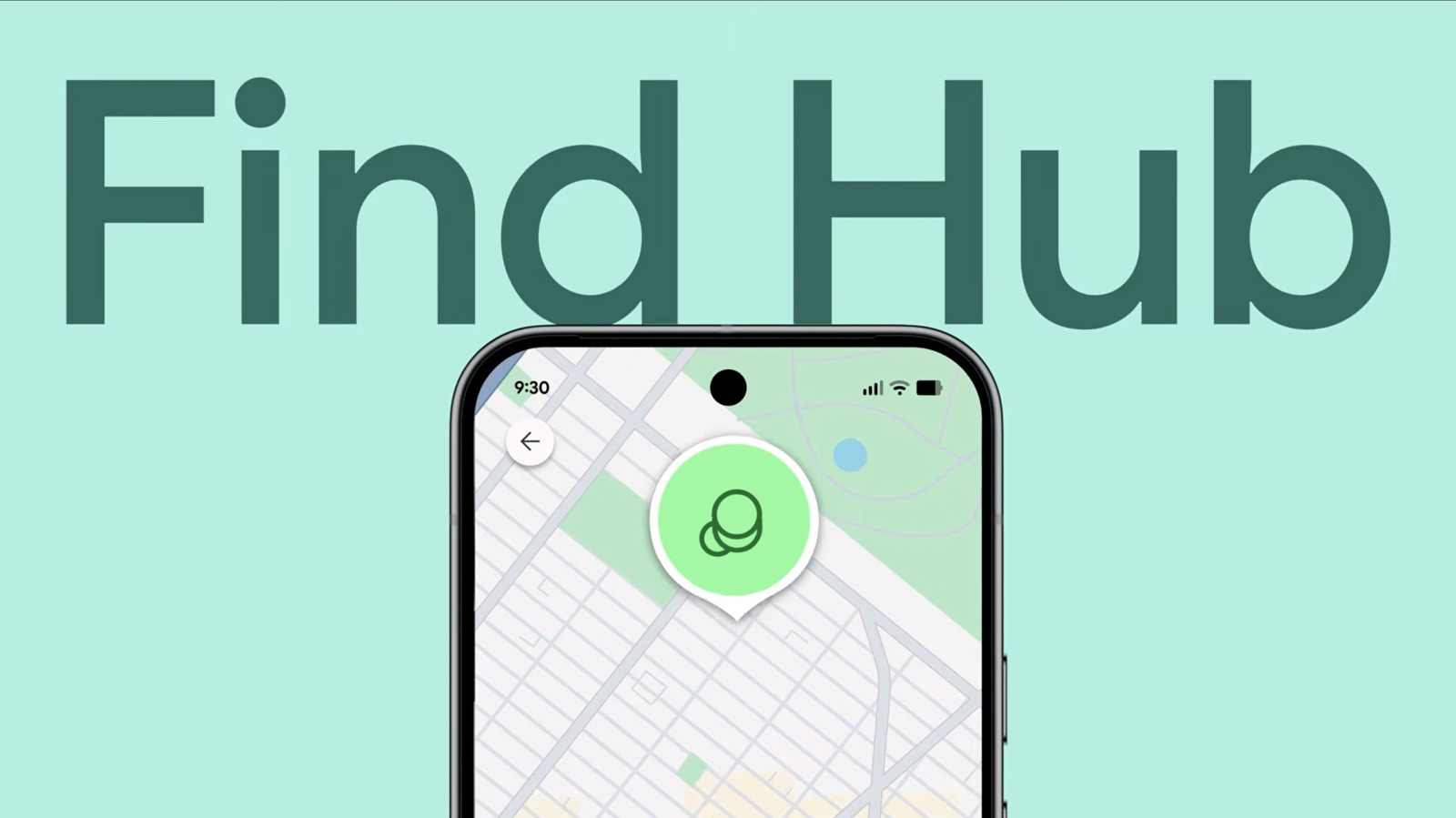
    Google, just like Apple, has a tracking network that can help you locate missing Android phones, tablets and accessories. It’s called the Find Hub, and it’s the first thing you should check if your Android device goes missing. You don’t even need another Android device to access it — you can just as easily load the Find Hub on a browser on your computer or a smartphone. For this piece, we’re going to focus on how to use the Find Hub to find a missing Android phone and what to do when you locate it. 

    Make sure your phone can be located

    The first thing you should do is ensure your phone can be located in case it does go missing. To start with, always keep your phone updated with the latest software. If you’re good on that front, check that you’re logged into a Google account you still have access to by going to Settings on your phone then tapping your name and then your profile info. You can find the Google account you’re using with your phone there. Make sure to verify your email address, as well.

    Again, from Settings, go to Location and make sure it’s switched on. After that, go back to the Settings page and go to Security or Security and Privacy. From there, go to Find Hub or to Lost Device Protection > Find My Mobile and make sure that Allow device to be located or Allow this phone to be found is ticked on. 

    You’ll also find an option that says Find your offline devices or Offline Finding. Switch that on so that you can still use Find Hub to see your device’s most recently recorded location even if it’s offline. Take note that you would have to set a PIN, pattern or password on your phone to be able to use the offline finding feature. If you have a supported model, like a newer Pixel phone, Find Hub can even locate your device several hours after it’s turned off. Just tick on With network in busy places only or With network everywhere under Find your offline devices, if either is available. Your Bluetooth and Location must also be on. 

    The options’ wording will depend on your device’s brand and its custom software interface, but they will mostly likely sound similar to the ones above. 

    How to use Find Hub

    If you do lose your phone, open the Find Hub app on another Android device or a Wear OS smartwatch, or go to the Find Hub website on a browser. Sign in with the Google account logged into your phone and then go to the Devices tab. From there, you can see where your missing device was last located. If it’s within 10 meters from where you are, you can launch Maps from the Find Hub interface to get directions to its last location. You can also remotely trigger your phone from the hub to Play a sound to make it easier to find, even if it’s set to silent.

    In case your phone was stolen or if you lost it far from your current location, you can take more drastic measures to protect your privacy and security. From the hub, you can tap Mark as lost to lock your device with your PIN, pattern or password. It can also secure your data with two-step verification, as long as the missing phone is running Android 17 and up and has fingerprint or Face Unlock. When you choose to mark your device as lost, you’ll be able to enter your contact info and a message to display on the lock screen of your phone. However, take note that thieves and scammers could use the information you display to trick you into unlocking the phone for them. 

    If you’ve lost hope of ever recovering your phone and would just like to protect your data, you can Factory Reset it remotely from Find Hub. You can think of it as your last resort and nuclear option, because it will permanently delete all the data on your device and will also remove it from the Find Hub, so you cannot use the feature to find your phone anymore. 


    Source link

    Android Find Googles hub locate Phone
    Share. Facebook Twitter Pinterest LinkedIn Tumblr Email
    Previous ArticleDer beste Kantenschnitt, den ich je gesehen habe
    Next Article Google’s new Googlebook OS is basically Android for laptops
    Republisher
    • Website

    Related Posts

    Gadgets

    Aniimo: Pokemon’s Rival Game Debuts On Android And iOS Bringin An Open World RPG

    September 23, 2026
    Gadgets

    ShinyHunters Hackers Claim To Have 2-3TB Of Sensitive Information About FBI Employees

    September 23, 2026
    Gadgets

    Disney Plus and Hulu Prices Go Up, With Ad-Free Plans Hit the Hardest

    September 23, 2026
    Add A Comment
    Leave A Reply Cancel Reply

    Top Posts

    Aniimo: Pokemon’s Rival Game Debuts On Android And iOS Bringin An Open World RPG

    September 23, 2026

    AMD is apparently gearing up to raise GPU prices right after Nvidia’s steep hike

    August 1, 2026

    LanceDB Vector Database Guide: Features anndPython Demo

    August 1, 2026
    Stay In Touch
    • Facebook
    • YouTube
    • TikTok
    • WhatsApp
    • Twitter
    • Instagram
    Latest Reviews

    Subscribe to Updates

    Get the latest tech news from FooBar about tech, design and biz.

    Latest Post

    Aniimo: Pokemon’s Rival Game Debuts On Android And iOS Bringin An Open World RPG

    September 23, 2026

    AMD is apparently gearing up to raise GPU prices right after Nvidia’s steep hike

    August 1, 2026

    LanceDB Vector Database Guide: Features anndPython Demo

    August 1, 2026
    Recent Posts
    • Aniimo: Pokemon’s Rival Game Debuts On Android And iOS Bringin An Open World RPG
    • One UI 9 global rollout delayed by one week
    • ChatGPT Voice can now check your email, manage your calendar, search Slack, and use GPT-6
    • Discord launches controversial age-verification system “using the most privacy-preserving approach we could build” months after first delay
    • Konami Heading to CatCon With Metal Gear Solid Cardboard Box

    Subscribe to Updates

    Get the latest creative news from FooBar about art, design and business.

    Facebook X (Twitter) Instagram Pinterest YouTube LinkedIn TikTok
    • About Us
    • Contact Us
    • Privacy Policy
    • Terms & Conditions
    • Disclaimer
    © 2026 techy101. Designed by Pro.

    Type above and press Enter to search. Press Esc to cancel.