


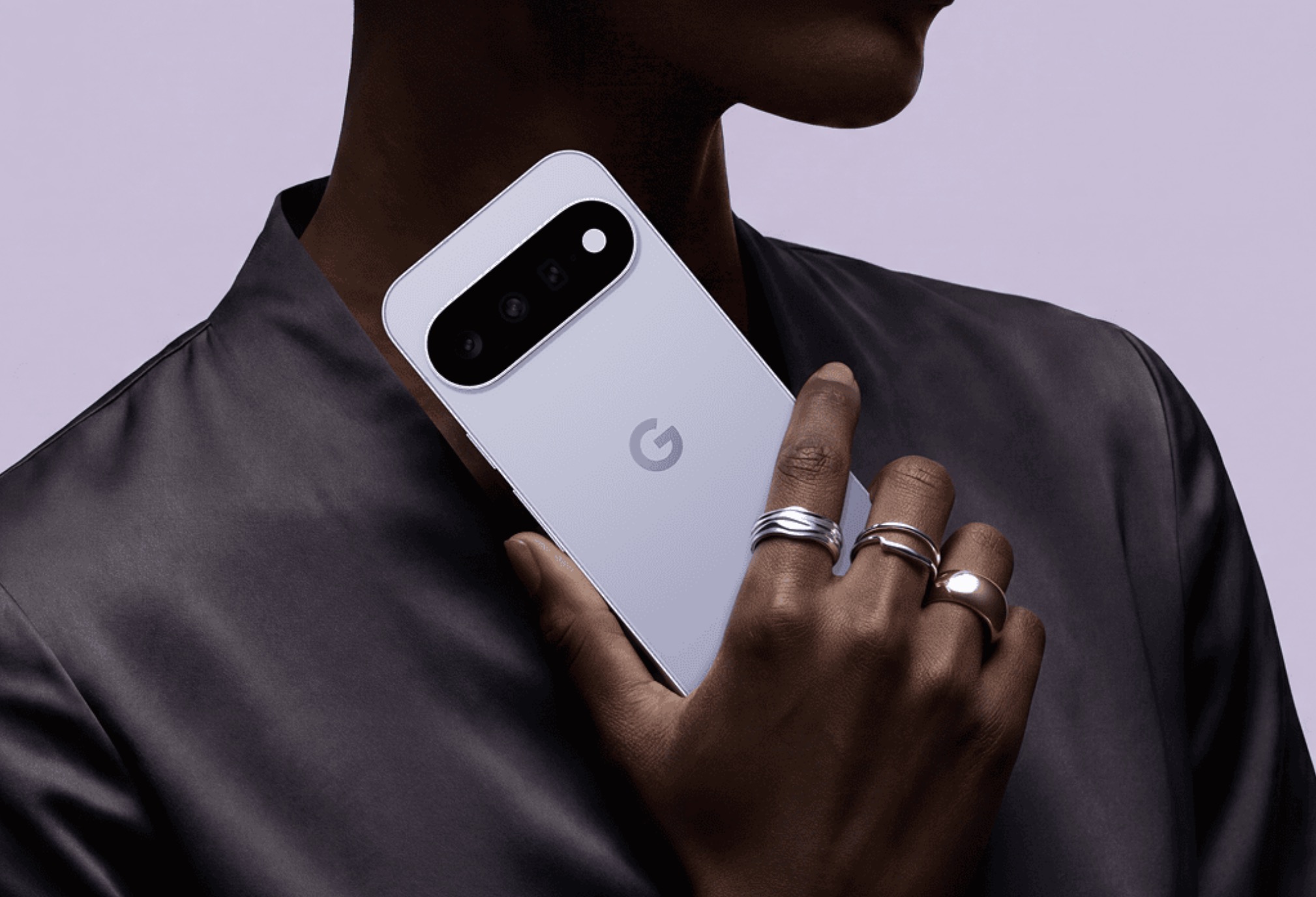
If you own a Pixel 11, Google wants to take those dreaded calls to businesses off your plate. Starting today, Google’s Gemini assistant can call a store, restaurant, or salon for you and handle the conversation itself.
Most of us have lost chunks of our day to hold music and phone menus that never seem to end. Google put a number on it back in 2020. When it launched its Hold for Me feature, it said Americans had spent over 10 million hours on hold with businesses in a single week.
How Gemini handles the call for you
It starts with a simple request in the Gemini app on your Pixel. Google’s examples include checking whether a hardware store has a part in stock or moving your haircut to next Thursday.
From there, Gemini dials the business and introduces itself. It can get through automated phone menus, wait on hold, and talk with whoever picks up. Pixel phones could already wait on hold or read out phone menus for you. This goes a step further by handling the actual conversation.
You aren’t shut out of the call, though. A live transcript shows you what’s being said, and you can jump in and take over at any point. Google says it’s starting small because real phone conversations can get messy. The company also wants to respect the time of the shop owners and front desk staff on the other end. After all, these calls still come from real customers booking appointments or holding items.
Google has tried this before
Honestly, this idea isn’t new for Google. Back in 2018, the company showed off an assistant called Duplex that could call restaurants and salons to book tables and haircuts. Its eerily human voice raised plenty of eyebrows, and Google promised it would tell people up front that they were talking to a computer.
Gemini has also been picking up other errands lately. In March, Pixel 10 owners could start having Gemini order food and book rides inside apps like DoorDash and Uber.
For now, the new calling feature is only an early preview with a short guest list. You’ll need a Pixel 11 in the US and a paid Gemini subscription. You also have to join the public test version of Google’s Phone app. If that sounds like you, head on over to Google’s Help Center to find out how to sign up.