

Close Menu
Techy101 –

    Subscribe to Updates

    Get the latest creative news from FooBar about art, design and business.

    What's Hot

    Samsung Galaxy Buds On launch date, price, and global availability

    October 26, 2026

    “Forward Now, Into Oblivion’s Inky Embrace” – Darkest Dungeon II Now Has A Switch 2 Edition

    October 26, 2026

    Might Sony abandon the 4K format it helped create?

    October 26, 2026
    Facebook X (Twitter) Instagram
    Trending
    • Samsung Galaxy Buds On launch date, price, and global availability
    • “Forward Now, Into Oblivion’s Inky Embrace” – Darkest Dungeon II Now Has A Switch 2 Edition
    • Might Sony abandon the 4K format it helped create?
    • Phantom Blade Zero review – superbly flowing swordplay with rough edges
    • Apple wants touchscreens on Macs, but its MacBook lineup could get weird
    • iFixit tears down iPhone Duo, finds possible causes of early screen failures
    • AI Now Delivers 10.5% of Infosys Q2 Revenue, Up 29% Sequentially – Unite.AI
    • Paralives’ first major update slips to next year, but when it comes you can expect some pretty meaty improvements for all of its main features
    Facebook X (Twitter) Instagram Pinterest YouTube LinkedIn TikTok
    Techy101 –Techy101 –
    • Home
    • Laptops
    • Mobiles
    • Gaming
    • Gadgets
    • Apps
    • AI
    • How To
    • Reviews
    Techy101 –
    Home»Laptops»Your Windows touchpad is about to make scrolling long pages way less tiring
    Laptops

    Your Windows touchpad is about to make scrolling long pages way less tiring

    By RepublisherOctober 25, 2026No Comments2 Mins Read
    Share Facebook Twitter Pinterest LinkedIn Tumblr Reddit Telegram Email
    Your Windows touchpad is about to make scrolling long pages way less tiring
    Share
    Facebook Twitter LinkedIn Pinterest Email


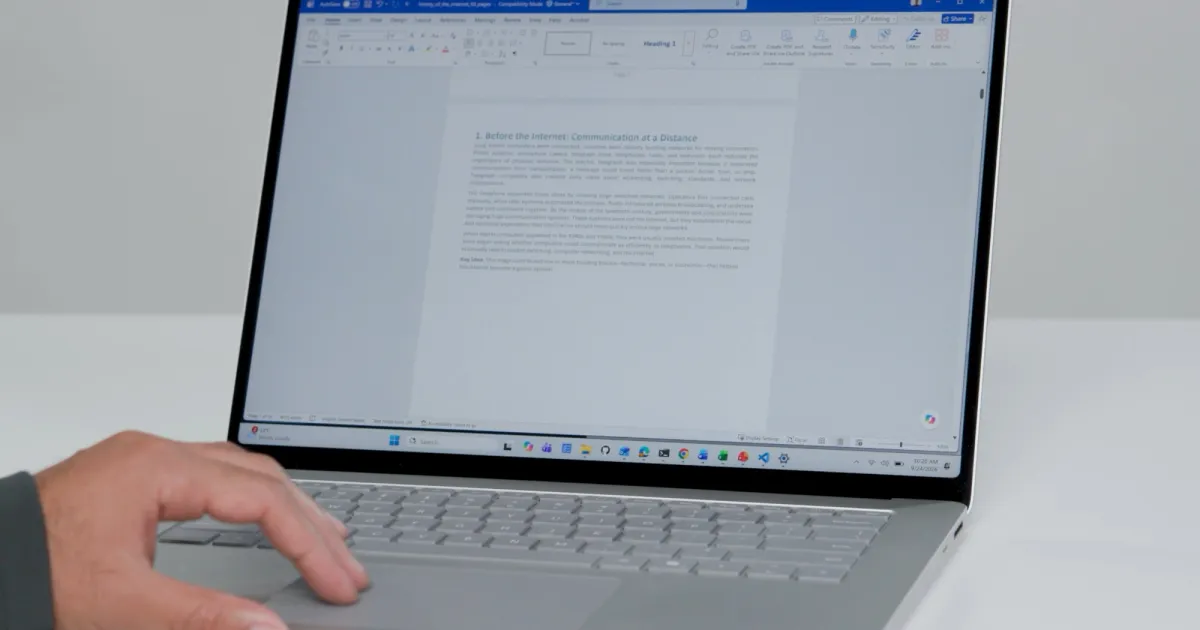
    Today I learned about a touchpad tip that I think every Windows laptop user should know. Microsoft shared it as its Friday Windows tip of the day, and it’s all about scrolling.

    If you read long documents, browse webpages, or write code on a Windows laptop, you know the drill. You swipe, lift your fingers, and swipe again until you reach the part you need. Microsoft has three touchpad features that cut down on all that swiping.

    So, what changes when you scroll?

    The first one is accelerated scrolling. You can quickly swipe on a page to activate it, and it will scroll through the page faster than your normal scroll. macOS has had this feature for a long time, and I am happy that Windows users will finally get to enjoy it too. This one is already live.

    Friday’s Windows tip of the day!

    If you use a Windows PC with a touchpad and spend a lot of time scrolling through long documents, webpages, or code, this one’s for you.

    Three touchpad improvements we’ve been working on: accelerated scrolling, edge scrolling, and single-finger… pic.twitter.com/X83DaUQVjq

    — Marcus Ash (@marcusash) October 23, 2026

    Next is edge scrolling, and it’s the one I’m most excited about. Once your fingers reach the edge of the touchpad, the page keeps moving, so you don’t have to keep repositioning them. It’s similar to what happens when you keep holding the scrollbar on a web page or PDF. But now you can directly do it from the trackpad.

    The last one is single-finger scrolling, which lets you scroll with one finger instead of two. Microsoft says it’s there for anyone who finds that more comfortable.

    Can you use all three right now?

    Only accelerated scrolling is available right now. Edge scrolling and single-finger scrolling are coming to Windows Insiders next week. Microsoft also says its human factors research went into fine-tuning all three, which gives me hope they will feel natural from day one.


    RELATED COVERAGE:


    Source link

    Long Pages Scrolling tiring touchpad Windows
    Share. Facebook Twitter Pinterest LinkedIn Tumblr Email
    Previous ArticleThese JBL earbuds have great sound, a screen on the case, and they’re now 42% off
    Next Article Abelina is a strange, platforming romp through a natural afterlife from a former League of Legends animator and the composer of Zach Cregger’s Resident Evil
    Republisher
    • Website

    Related Posts

    Laptops

    Might Sony abandon the 4K format it helped create?

    October 26, 2026
    Laptops

    Apple wants touchscreens on Macs, but its MacBook lineup could get weird

    October 26, 2026
    Laptops

    The Oppo Find X10 Pro Max has me worried about 2027 flagships

    October 25, 2026
    Add A Comment
    Leave A Reply Cancel Reply

    Top Posts

    Samsung Galaxy Buds On launch date, price, and global availability

    October 26, 2026

    AMD is apparently gearing up to raise GPU prices right after Nvidia’s steep hike

    August 1, 2026

    LanceDB Vector Database Guide: Features anndPython Demo

    August 1, 2026
    Stay In Touch
    • Facebook
    • YouTube
    • TikTok
    • WhatsApp
    • Twitter
    • Instagram
    Latest Reviews

    Subscribe to Updates

    Get the latest tech news from FooBar about tech, design and biz.

    Latest Post

    Samsung Galaxy Buds On launch date, price, and global availability

    October 26, 2026

    AMD is apparently gearing up to raise GPU prices right after Nvidia’s steep hike

    August 1, 2026

    LanceDB Vector Database Guide: Features anndPython Demo

    August 1, 2026
    Recent Posts
    • Samsung Galaxy Buds On launch date, price, and global availability
    • “Forward Now, Into Oblivion’s Inky Embrace” – Darkest Dungeon II Now Has A Switch 2 Edition
    • Might Sony abandon the 4K format it helped create?
    • Phantom Blade Zero review – superbly flowing swordplay with rough edges
    • Apple wants touchscreens on Macs, but its MacBook lineup could get weird

    Subscribe to Updates

    Get the latest creative news from FooBar about art, design and business.

    Facebook X (Twitter) Instagram Pinterest YouTube LinkedIn TikTok
    • About Us
    • Contact Us
    • Privacy Policy
    • Terms & Conditions
    • Disclaimer
    © 2026 techy101. Designed by Pro.

    Type above and press Enter to search. Press Esc to cancel.