


I have had a love-hate relationship with the Google Pixel Camera app for some time now. The hardware and processing have been the best across most Pixel generations, so the photos themselves were never the problem.
I didn’t like the work it took to get them. My Samsung phones gave me shots I was happy with straight out of the camera, while my Pixels kept pushing me into settings menus.
The two brands are close on image quality now, and a Galaxy S26 ultra and a Pixel 10 Pro XL camera test found the winner hard to call. So, I stayed on Samsung’s S series for a while.
After I got a Google Pixel 10 Pro for its Gemini features, I decided to go through the camera settings. One toggle, Quick access controls, fixed the part of the app I disliked most.
Related
I spent weeks thinking my Pixel’s camera lens was smeared before discovering the real culprit
I can finally take good pictures again!
Quick access controls brings back sliders Google removed
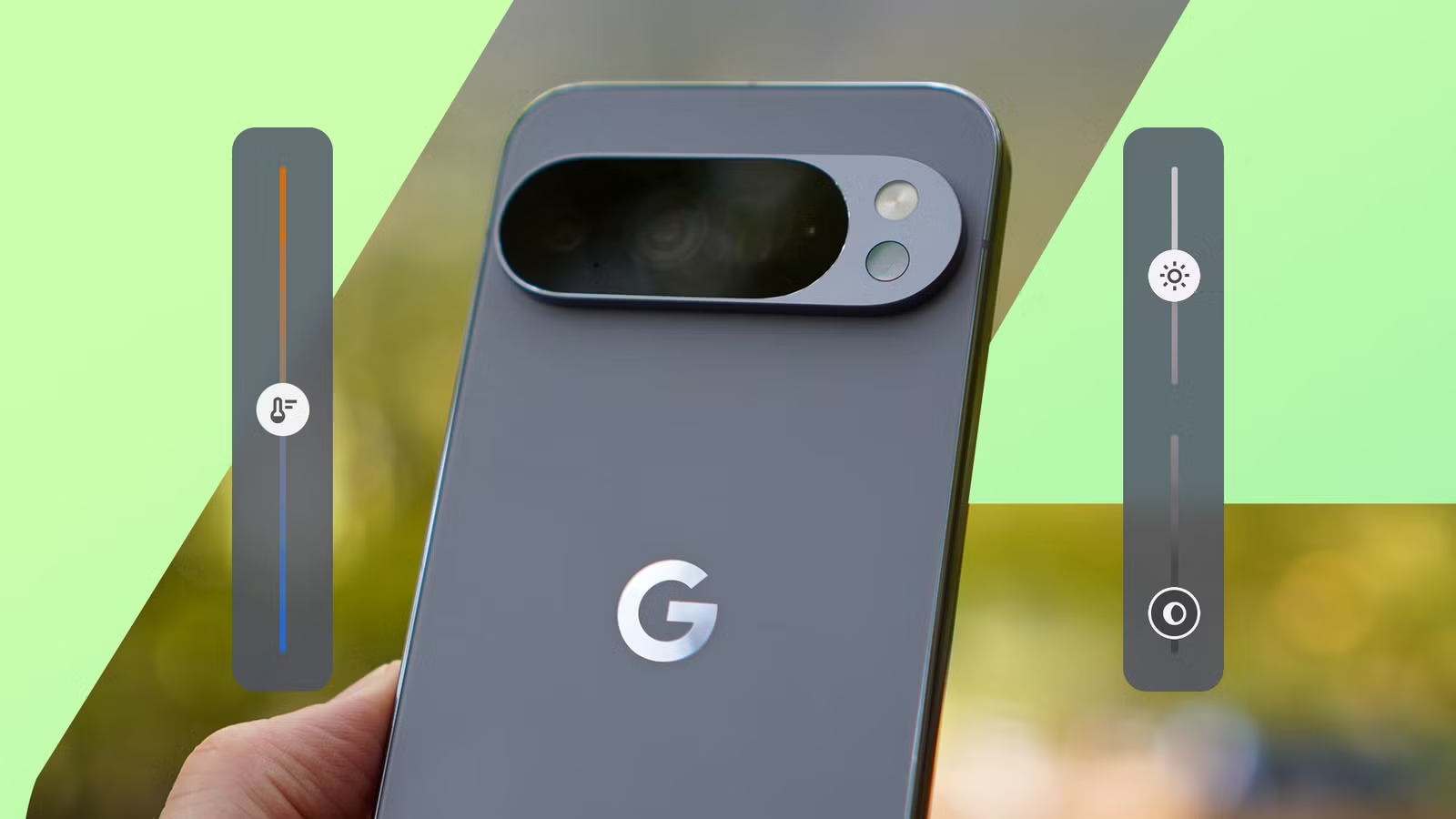
White balance on the left, brightness and shadows on the right
I don’t mind adjusting a photo before I take it. But I don’t want to have to dig through a menu for each change and then go back to check the shot.
Older Pixels handled this rather well. Starting with the Pixel 4 in 2019, tapping the viewfinder brought up exposure and shadow sliders, and the Pixel 6 added a white balance slider.
The Pixel 8’s redesigned camera app moved those controls behind an icon in the corner of the viewfinder. Each change meant opening a list, picking a setting, and then adjusting it.
Google brought the sliders back as an optional setting in Pixel Camera 9.7, but by then I’d moved to Samsung, so I didn’t think much of it.
On my Pixel 10 Pro, the feature works the same way the old sliders did. When I tap the viewfinder, white balance appears on the left while brightness and shadows show up on the right.
I can adjust all three while looking at the scene, so I see the result before I press the shutter. For someone who likes photography but doesn’t want to learn manual settings, this offers plenty of control.
How I set it up on my Pixel 10 Pro
One toggle, and it covers lighting and color
Quick access controls are in the Pixel Camera settings, and it was off on my phone.
To turn it on, tap the Photo Settings button in the lower-left corner, then tap the three-dot menu. Under Fast access, turn on Quick access controls.
It’s one of several Pixel camera features most owners are probably not using, but it’s the one I’d turn on first on any new Pixel phone.
The three sliders split into two jobs. Brightness and shadows handle lighting: brightness sets the overall exposure, and shadows lift or darken the dark parts of the frame.
The third slider, White balance, handles color. I slide it toward warm under indoor lighting and the opposite way if a scene looks too yellow.
The sliders reset when I leave the camera app, so each session starts from Google’s default processing.
The Pixel 10 Pro also has Pro controls for focus, shutter speed, and ISO. I open them from the controls icon in the lower-right corner when I need them, which is not often.
My Samsung phone puts shadows and color temperature inside Pro mode, so I have to switch modes before I can touch either one. The Pixel keeps both in Photo mode, which is one tap away.
A few reservations about this feature
The setting is hidden, and the Pixel 11 got a better version
Quick access controls is off by default, and the Pixel setup process doesn’t say anything about it, which means most owners don’t even know it exists.
Rich color in photos, the Display P3 option, has the same problem. That hidden setting for richer Pixel photos is also off by default, and it made a visible difference in my shots.
There’s also no sign on the viewfinder that the feature is on. For my first few weeks, I kept forgetting about it and went back to the settings page to check a toggle that was already on.
The sliders are also large for a 6.3-inch screen. On my Pixel 10 Pro, they cover part of the frame near the edges while I adjust them.
The Pixel 11 series shipped with a redesigned version in Pixel Camera 11. It replaces the three sliders with four smaller dials, and owners pick from focus, exposure, shadows, white balance, shutter speed, ISO, and Camera Looks.
On my Pixel 10 Pro, the three sliders are fixed, so I can’t swap one out for ISO or shutter speed.
Quick access controls should be on by default
Quick access controls brings my Pixel 10 Pro closer to the easy results I got from Samsung, while keeping the adjustments I want one tap away.
It’s one of the Pixel camera settings that make photos look professionally edited, but it is the one I use on almost every shot.
Google does not need to switch it on for everyone, but a single prompt during setup would put it in front of the owners who would use it most.