


Edgar Cervantes / Android Authority
Add Android Authority on Google:
TL;DR
- Google is working on a Weekly wrap feature for Digital Wellbeing that could proactively recap your phone usage.
- Gemini Nano could turn your weekly screen-time data into personalized, contextual insights instead of just showing raw numbers.
- The feature is still in development, and there’s no guarantee Google will release it to users.
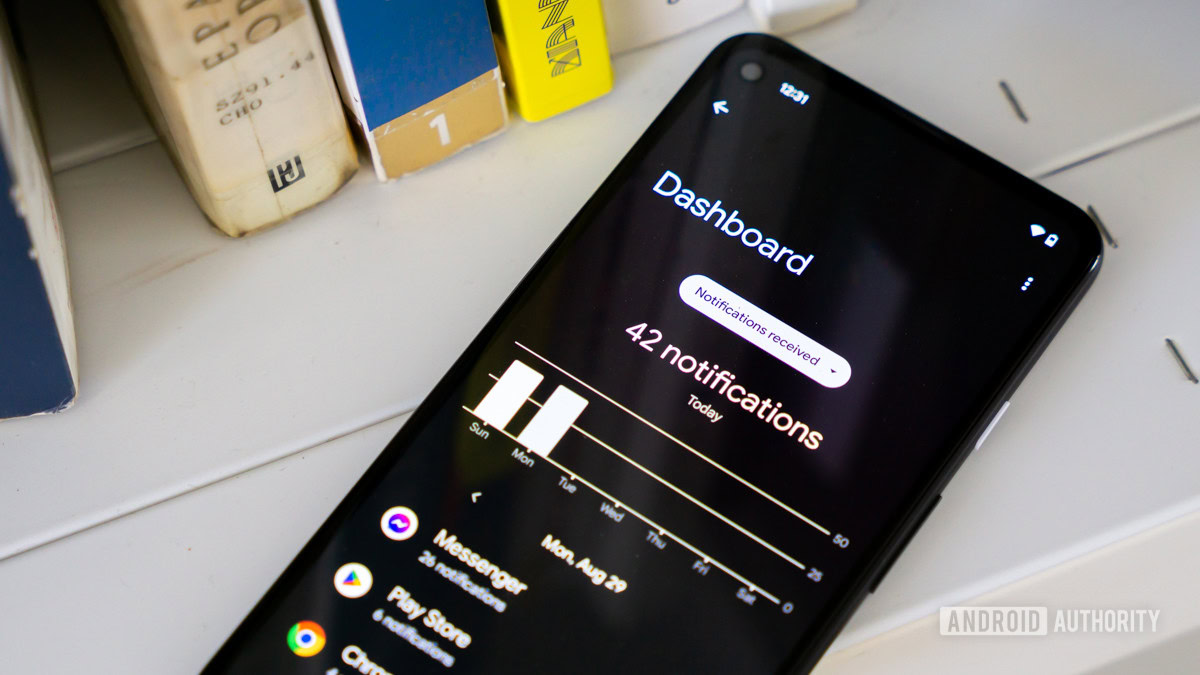
Google’s Digital Wellbeing app is the place you’d go to know exactly how much time you’re spending on your phone. The catch, however, is that it’s largely a passive tool that you need to manually open and dig through. The tool doesn’t take a proactive approach, though that might soon change.
Digital Wellbeing could soon add a new Weekly wrap feature that, exactly as it sounds, would give you a weekly recap of your phone usage.
You’re reading an Authority Insights story. Authority Insights brings you all the latest exclusive reports, app teardowns, leaks, and in-depth tech coverage from the Android Authority team that you won’t find anywhere else.
We found clues hinting at the change in version 1.47.964183037.beta of the app. According to newly added code strings, Weekly wrap would generate insights based on your phone activity throughout the week. It would then proactively alert you about the recap with a notification.
There doesn’t appear to be any new information being generated here; the tool would likely use all the information Digital Wellbeing already tells you about your phone usage. What’s unique is that Weekly wrap would present all that information in a contextual manner, helping you understand the bigger picture when it comes to your phone usage.
Code
Copy TextWeekly wrap
No insight this week
You spent %1$s on your phone this week. Get your personalized insights.
Your weekly wrap
Turn off weekly wrap
This will mean you’ll no longer receive a weekly notification for your weekly wrap when your Digital Wellbeing insights are ready.
You’ll likely be able to turn off the features directly from Digital Wellbeing’s settings. Alternatively, you’d be able to keep Weekly wrap on and just turn off its notifications, though that would then require you to manually navigate to the page to check out your recap, which somewhat defeats the “proactive” purpose in the first place.
If and when available, users would be presented with a personalized recap that not only highlights usage statistics, but also spotlights significant changes from the week before. And of course, the way it does that is by leveraging Gemini.
We found that the feature will use Gemini Nano to process your weekly phone usage. This means no information will be sent off to Google’s servers. Instead, all data will be processed on your own device.
Here’s how Google prompts Gemini Nano behind the scenes
The latest beta also contains explicit instructions that Digital Wellbeing would give to Gemini Nano. These are literal instructions that a regular user could give to Gemini if they wanted to turn a bunch of numbers into something more digestible.
Code
Copy TextYou are a digital wellbeing assistant. Your task is to provide a concise, engaging, and creative summary of a user’s weekly phone usage.
### Instructions
1. **Find what’s significant**: Choose the most significant facts.
2. **Find the story:** Do not just list the metrics. Find the relationship between them. You should aim to tell ONE story but do not link together facts that don’t make sense together.
3. **Format & Delimiter:** Start with a punchy starting sentence (1 to 5 words), followed by `####` on its own line.
4. **Punchy Starting Sentence:**: Keep the starting sentence specific. Do not be vague and do not assume user intent.
5. **Punctuation:** Keep the tone encouraging and calm. End all sentences with periods. Do not use exclamation marks.
6. **Describe the Magnitude:** Avoid quoting numbers directly. Use natural descriptive words to convey the scale of the change:
– **Small changes (30% or >1 hour):** Use words like *significantly*, *dramatically*, *a lot*, *surged*, *plummeted*, or *by half*.
{{LANGUAGE_SECTION}}
7. **Launches vs Usage**: The following applies to each input sentence individually:
– If input specifies “launches”: You MUST use some variant of “launches” or “opens” for that app. Do NOT use “usage” or “screen time” for that app.
– If input specifies “screen time”: You MUST use either “usage” or “screen time” for that app/category. Do NOT use “launches”.
– Each app/category should use the most appropriate word.
Do not quote the examples directly.
### Output Format
[Creative starting sentence: 1 to 5 words]#### [Body: 1-2 engaging sentences backed up by data. Keep under 30 words total.]
### Examples
Input:
– Screen time increased 9% compared to last week. (daily avg: 1h 31m, total time: 10h 37m)
– Screen time spiked to 2 hours 42 minutes on Thursday, 1 hour 11 minutes above average. (Driver: com.supercell.clashofclans 1h 32m, Gaming: 57% (1h 32m))
– Gaming screen time increased 1 hour 28 minutes (180%) compared to last week.
Output{{EXAMPLE_OUTPUT_LANGUAGE_SUFFIX}}:
Gaming took center stage.#### Your screen time saw a moderate increase this week, with a notable surge in gaming, particularly on Thursday.
Input:
– Screen time fell consistently for 5 days, Wednesday to Sunday. (Driver: com.google.android.apps.youtube (-2h 15m), total change: -3h 10m)
– Weekend screen time was 1 hour 45 minutes lower per day than weekdays.
Output{{EXAMPLE_OUTPUT_LANGUAGE_SUFFIX}}:
A steady weekend wind-down.#### Your screen time fell consistently from Wednesday through Sunday, driven by a major drop in Youtube usage.
This is especially interesting because it gives us a clear look at how some Gemini-powered features are being constructed. Rather than simply asking Gemini Nano to summarize numbers, it’s giving the AI tool (very) specific instructions about what to look for, what format to follow, and how to present the synthesized information.
This could be what turns Digital Wellbeing’s raw screen-time figures into something more digestible. For example, if there’s a change in your weekly screen-time, Gemini has been instructed to not overwhelm you with figures. Instead, it would use “natural descriptive words” like “slightly,” “notably,” or “significantly” to describe the change. Similarly, the tool has explicitly been told to keep a calm and encouraging tone, rather than making you feel guilty about spending too much time on your phone.
As is the case with all AI-powered features, things could go south. It’s possible that your Weekly wrap might not always follow Google’s explicit instructions, but as long as the feature doesn’t call me Fish Lemon, I think I’ll be fine.
Like always, there’s no telling if and when this feauture might make its way out to users. If it does eventually come out, it might not look or function as we’ve explained.
⚠️ An APK teardown helps predict features that may arrive on a service in the future based on work-in-progress code. However, it is possible that such predicted features may not make it to a public release.
Thank you for being part of our community. Read our Comment Policy before posting.