


Summary
- Jellyfin 12 moves the backend to .NET 10, skipping 10.12 to signal a major architecture change; breaks some legacy plugins.
- Upgrade requirements: must be on 10.10.8 or 10.11.x; rename usernames with case duplicates to avoid migration failure.
- The Modern UI is now the default; built-in books/comics, a better DB, and FFmpeg 8.1 add Dolby Vision, AV1, and subtitle improvements.
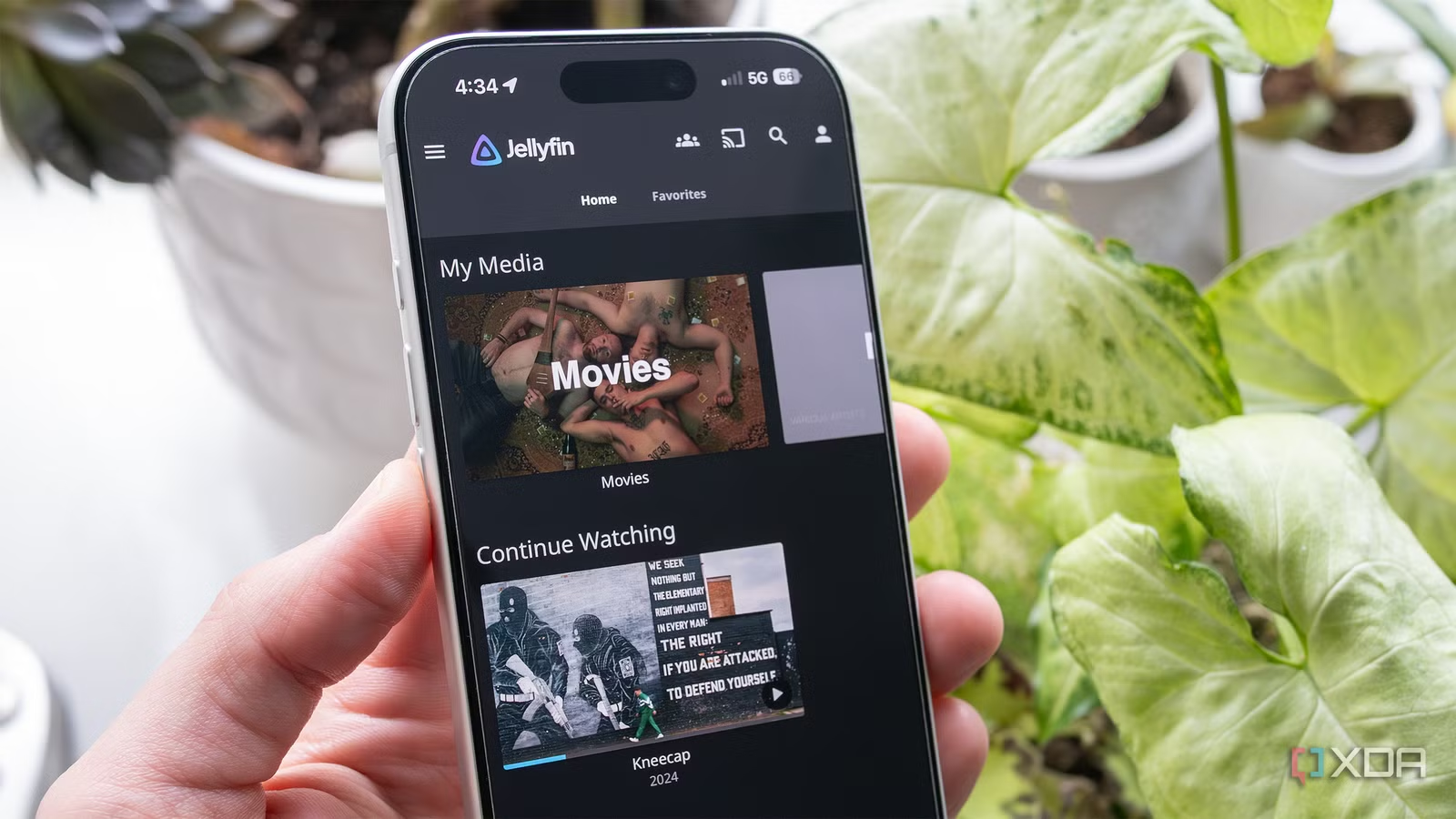
The team behind the self-hosted app Jellyfin has launched the long-awaited version 10 of the open-source platform, skipping the 10.12 update entirely to indicate a major architectural change as the backend schema moves to .NET 10. While Jellyfin 12 features better performance and an improved database, it also breaks compatibility with legacy 10.11 plugins and older third-party clients.
With this in mind, if you’re planning to upgrade to Jellyfin 12, double-check that your go-to plugins still work with the app. Jellyfin also says users should uninstall all plugins before downloading the new version of the app. To upgrade directly to version 12, you also need to be running at least version 10.10.7 or 10.11.x. Lastly, if you have multiple usernames that are the same with different capitalization, you’ll need to change them to prevent migration failure.
In a recent post on its website, Jellyfin said the following about the change:
“The reason is the feedback we got after 10.11.0, which we first raised in January and confirmed in May. A release like 10.11.0 was, by any reasonable measure, a major release — it rewrote the library database — but the version number presented it as a minor update, and people upgraded with expectations to match. The leading 10. never changed and never told anyone anything, so all it did was push the number that actually mattered into the middle position and make “major” releases look minor. Dropping it means the first number moves when the release is big.”
Make sure your server is ready before upgrading to Jellyfin 12
The platform’s previously optional Modern UI is now the default option
Jellyfin has a useful tl;dr page available to help users prepare for the upgrade to Jellyfin 12. Notable additions include grouping different resolution editions of the same episode, built-in books and comics features (many of which were offered by the Bookshelf plugin), and plugins that can now contribute to search, among other features.
Additionally, the platform’s Modern layout is now the default on desktop and mobile, though you can still switch it back to the Legacy option. The update also includes several security fixes. Lastly, Jellyfin says that media handling has been moved to FFmpeg 8.1, which includes features like Dolby Vision compatibility, subtitles, and AV1 direct streaming on TV clients.
You can find Jellyfin’s post about the update here.
Related
Jellyfin’s desktop app was always the weak link, and version 12 rewrite is finally fixing it
The issues with the new Jellyfin server are being addressed afterall.