


Android keeps a running list of every Wi-Fi network you’ve ever joined, and it never expires on its own. Most people are carrying dozens of entries they’ve long forgotten. That list is more revealing — and more useful to strangers — than it first appears.
Why is it a problem?
A stale list of network names says a lot
Your phone doesn’t only remember the network you’re on right now. Every access point you’ve authenticated to stays in the saved networks list indefinitely: the airport lounge, a hotel in a city you visited once, a friend’s router named after their dog. Android does nothing to prune it, and nothing in the interface nudges you to.
That list has value to people you’d rather not hand it to. When a device scans for networks, it can send probe requests, and those frames have historically carried the names of remembered networks, even though only hidden SSIDs actually require it. Probe frames are unencrypted, so anyone in range with an inexpensive adapter can collect them. Modern Android is more careful as it leans more heavily on passive scanning and doesn’t probe by name for every saved entry, but it still probes directly for hidden networks, and the association handshake exposes the name regardless of how the scan was performed.
The names themselves are the weak point. SSIDs are routinely tied to a place: a business, a hotel chain, or a surname. Wardriving databases like WiGLE map network names to coordinates, so a handful of remembered SSIDs can be resolved into a rough picture of where you live, work, and travel. Researchers have also shown that a device’s preferred network list can help fingerprint it even when MAC address randomization is switched on, because the combination of remembered names is close to unique.
Then there are the credentials. Android stores the passphrase for every saved network, and on Android 10 and later, anyone who can unlock the phone can display a network’s password as a QR code. Google’s backup service syncs saved networks and their passwords to your account — a point the EFF raised publicly in 2013 and one that has never really gone away. Finally, auto-join works on names, not hardware, which is exactly what evil twin and KARMA-style attacks exploit.
What can you do to fix it?
Prune the list and stop automatic reconnection
Credit: Adam Davidson / How-To Geek
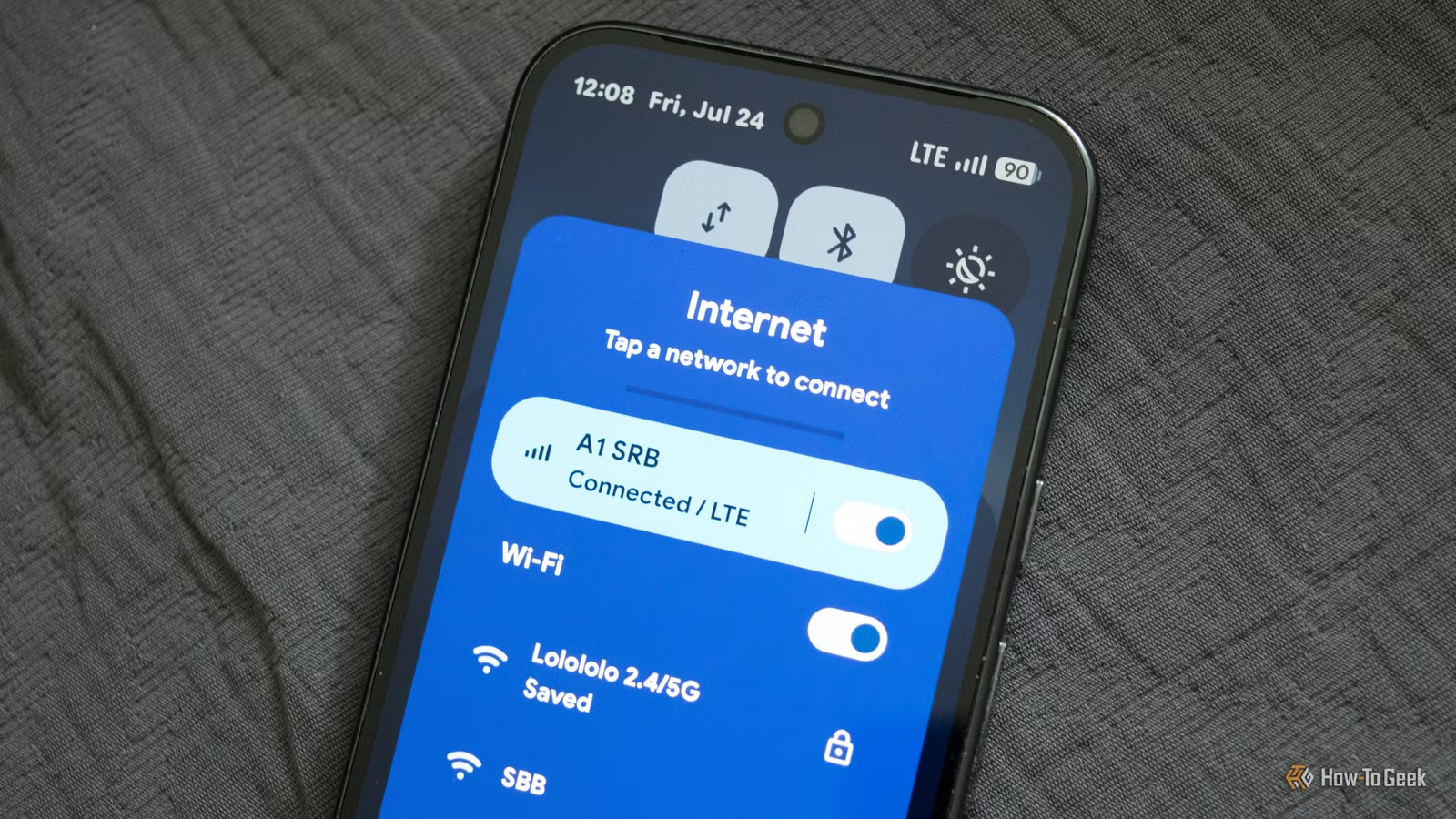
The fix is, for what it’s worth, rather unglamorous: open the list and delete things. On a Pixel, go to Settings, then Network and internet, then Internet, tap the gear icon beside Wi-Fi, and open Saved networks. On Samsung devices, the path runs through Connections, then Wi-Fi, then the three-dot menu and Manage networks. Other manufacturers bury it in similar places, but every Android build exposes the list somewhere.
Work through it and forget anything you won’t realistically use again. Prioritize two categories. First, uniquely named networks — anything with a surname, a house number, a small business name — because those are the entries that resolve cleanly to a physical address in a wardriving database. Second, open networks at chains and transport hubs, because those are the SSIDs an attacker is most likely to impersonate, and your phone will happily rejoin a network called “Airport_Free_WiFi” anywhere on earth.
For networks you want to keep but don’t want to join automatically, open the network’s details and turn off auto-connect rather than deleting it. That preserves the stored password for when you’re deliberately connecting, while stopping the phone from reaching for it unprompted.
Two system-level toggles are worth changing at the same time. “Turn on Wi-Fi automatically”, found under Wi-Fi preferences, re-enables the radio when the phone recognizes a saved network nearby, which quietly undoes any decision you made to switch Wi-Fi off. And Wi-Fi scanning, under Settings, Location, then Location services, allows scanning to continue even when Wi-Fi is off.
What other measures can you take?
Randomization, naming, and sensible habits
Credit: Adam Davidson / How-To Geek
Other than this, MAC address randomization is the main defense Android already gives you. Since Android 10, it has been enabled by default for new networks, generating a persistent randomized address derived from each network profile. That stops a passive observer from following one hardware identifier across venues, but it doesn’t stop a single operator recognizing you on their own network, because the address stays the same there until a factory reset.
Android 12 and later can rotate the address for the same network, but the setting is not on by default and lives in Developer Options as non-persistent MAC randomization. Enable it, and a coffee shop sees a different device each visit. Expect friction: networks using MAC filtering, device registration portals, or parental controls will treat you as a new client each time, and some will simply refuse the connection.
Naming matters in the other direction too. If you control a router, give it something generic rather than a surname or address, and append the suffix “_nomap” to the SSID to opt out of Google’s location database. It won’t remove the network from every third-party wardriving dataset, but it addresses the largest one.
Resist the temptation to hide your SSID as a privacy measure. A hidden network forces client devices to probe for it by name, which makes leakage worse rather than better, and the name is trivially recovered from association traffic, anyway.
The rest is habit. Switch Wi-Fi off when you’re moving through unfamiliar places, treat open networks as hostile by default, and route traffic through a VPN when you use them, though a VPN encrypts what you send, not the fact that your phone is calling out for networks it remembers. Set a reminder to clear the saved list once or twice a year.
Delete the networks your phone won’t forget
Android’s saved networks list is a convenience feature that doubles as a location history and a credential store. Clearing it out costs a few minutes, breaks almost nothing, and removes the single easiest way for a stranger with a laptop to reconstruct your movements.